Server Version#: 1.21.1.3830
Player Version#: xbox latest
My poor little HP micro Gen 8 can’t transcode Harry Potter 4k versions to our 1080p tv via Xbox and i read recently to simply have both versions stored in the same folder, named accordingly , and Plex will let you choose the version you wish to play. That part works well on PS4, Android phone and tablet, Web app and Windows App but for some reason on my Xbox app, there is something wrong.
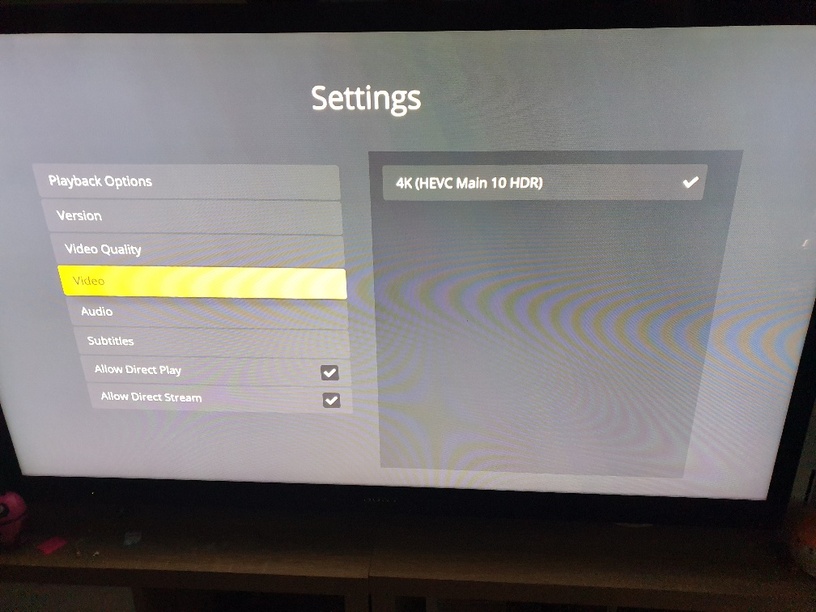
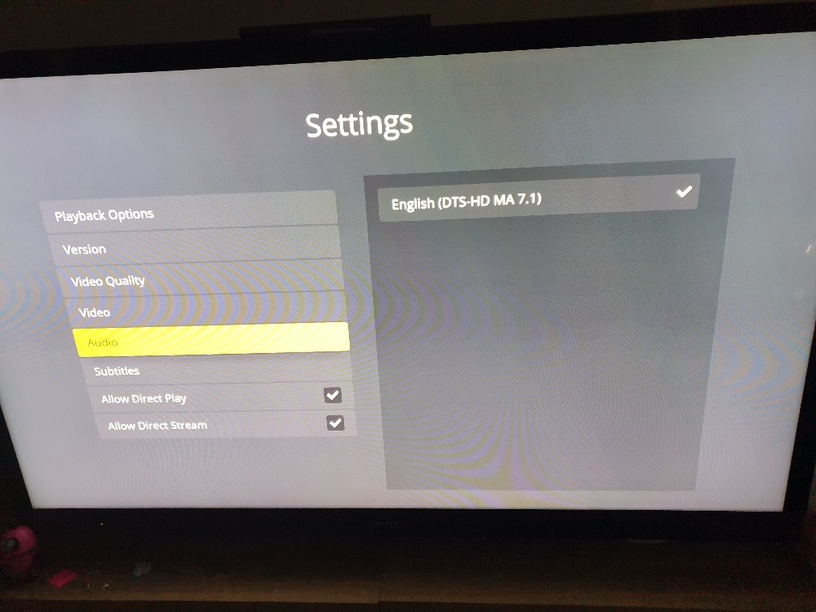
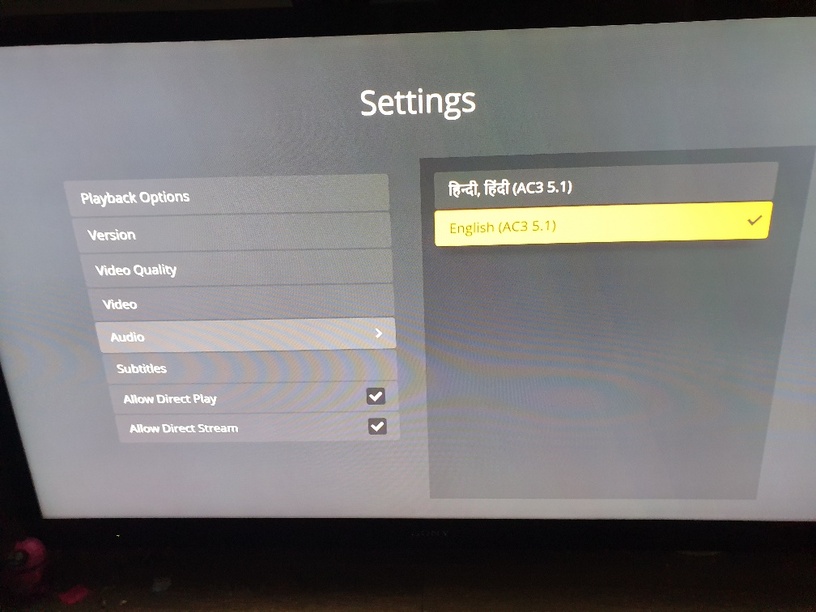
After selecting the 1080p version, it attempts to play the 1080p version with the 4k - 7.1 audio, and when i pause it, and manually attempt to change the audio - there is no 1080p option. When i select the video, i see that the 4k version is selected, so i then choose the 1080p version and swap back to the audio tab. Here i can see a Japanese 2.0 and English 5.1. (Weird because it was a dual audio file Hindi/Eng) and the Japanese one is selected, so i select the English 5.1 version. The thinking wheel pops up and the video resumes but the audio is still Japanese. Now when i go the Audio select tab, English is selected but the Japanese audio still plays.
When i disable Direct play, it transcodes with the correct audio version but i would like to stay away from any transcoding as i have multiple clients on the network and a limited server capability.
Any tips or tricks? Or is this bug being addressed?
PS. I noticed on the LG app update that, direct play audio selection had been fixed so maybe this is a thing?
Thanks for reading
That’s not possible. If the 1080p version was chosen, only the audio tracks in that version should be available. Instead of hitting play, you chose to “play version” and chose the 1080 one?
Can you provide me the XML from PMS for that video?
Is notepad ok?
Yes, i chose ‘play version’ and selected 1080p.
While the video must be 1080p (my tv cant display 4k and there is no transcoding) the audio selection is the 7.1, until i rechoose 1080p.
Harry Potter 4k and 1080p.txt (98.1 KB)
Your XML has the 2 versions separated properly. Can you enable logging in the XBox app, replay that video, let it play for 1 minute, then change the audio, let it play for another minute, then stop and grab the PMS logs.
Plex Media Server Logs_2021-01-24_12-41-51.zip (1022.1 KB)
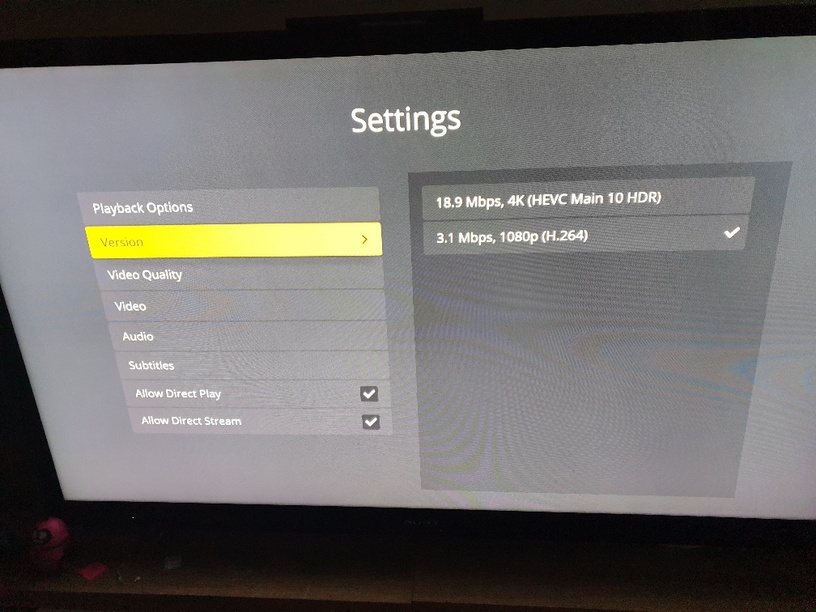
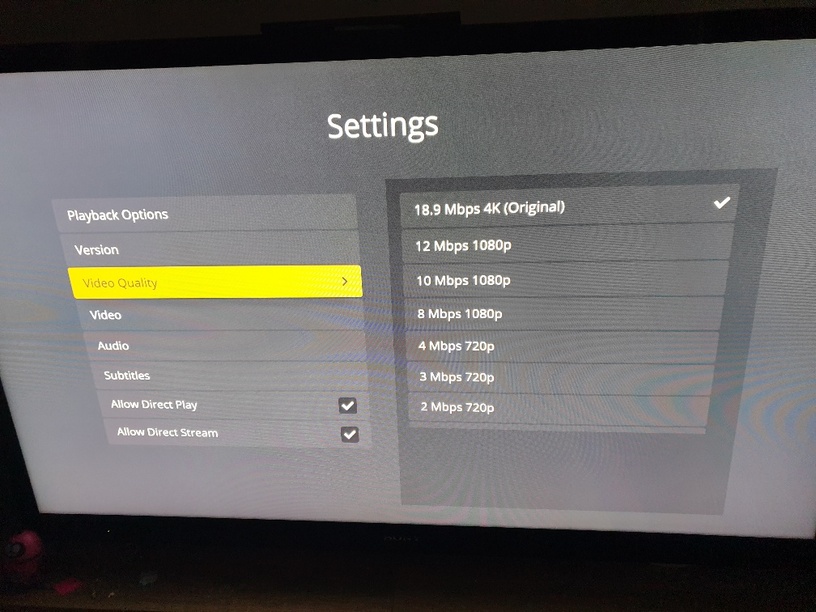
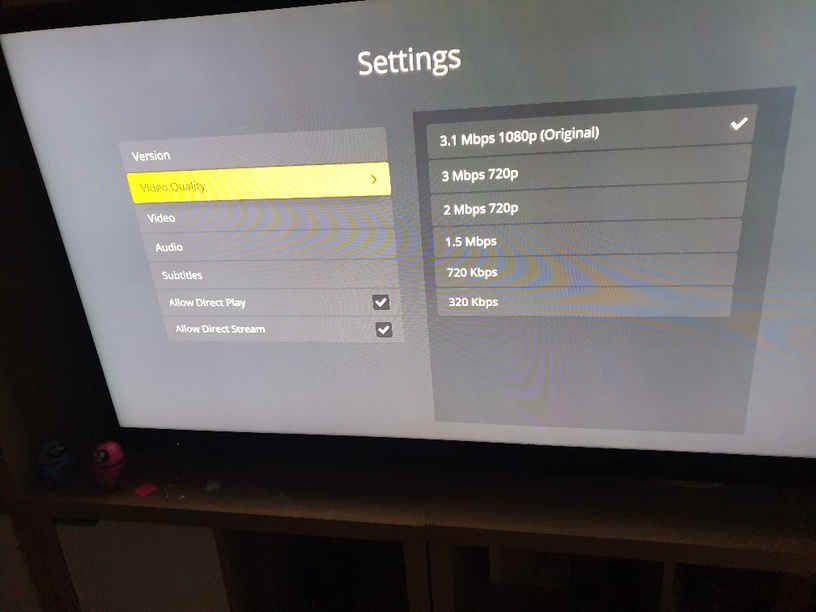
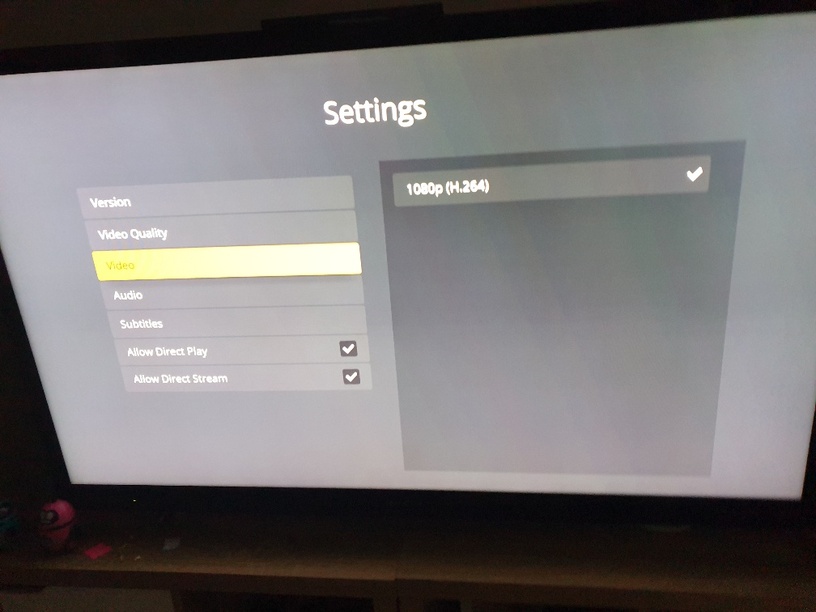
I noticed that when i select version, and choose the 1080p 5.1 version, i still get the 4k and 7.1. Below are the photos
My understanding from reading other threads, and trial and error, is that the xbox app will play the 4K video part directly but only if there is a compatible audio track, i.e. not dts, etc. The xbox plex app will not play audio of DTS, Atmos, True-HD (7.1), etc. Plex blame Microsoft blocking it. And I expect if MS were to be asked, they’d blame Plex.
Plex: please can you comment on this based on 2021 dates??
Further info
When there is an audio track (not playable directly in xbox) it is transcoded to AAC.
Also the video is also transcoded to X.264 (1080P). As you can imagine @thedeftones this will cane the CPU of your HPE Micro server!
For example, I have a movie as an MKV file with a HEVC (x.265) HDR 10 video and 2 sound tracks of Dolby TrueHD with Atmos or DD AC3. If I select the Atmos audio it does not play in 4k but 1080P and the audio is AAC - both transcoded. When I select the DD AC3 audio, it plays the 4K and AC3 audio. Not ideal.
For my setup I was hoping to be able to configure a PMS profile for the Xbox so it at least transcodes to AC3 rather than AAC. This is because my receiver does DD.
Does anyone know how to do this profile?
You need to turn on debug logging on your PMS settings. Please enable that and try again. You’ll need to re-enable logging again in the XBox app.
Plex Media Server Logs_2021-01-25_22-56-35.zip (1.2 MB)
It seems as if it doesnt matter which audio is chosen, Hindi plays automatically
Is it ok in the zip format?
Can you explain the exact steps you are performing? I think you may be misunderstanding what those settings are for.
They do not permanently set the desired track for each version. They allow you to pick the tracks just before playing. If you pick a different version or don’t play and go to another movie, those settings go away. The proper way is to pick the version you want, then select the audio and subtitles tracks, then go back and hit play.
I’ll video it so i can be accurate - but i am doing the same thing on 2 x PC app, 2 x PC Web (firefox), PS4, 2x LG TV’s, Apple iPhone app, S9 samsung, S7 Samsung Tab and it works, just not on xBox. I can’t get English channel to play at all.
I’ll update later
I have attached a video of the steps that i am doing for the playback. As i said, this works on all other devices, just not the Xbox. I reset the Xbox, reinstalled the software, re-downloaded Plex, rolled back to the old version (same problem) deleted and reinstalled the new version. This happens every time.
Video of error
I’ll have to double check what those setting do, but the regular way to change the audio track is to use the selector on the bottom left.
I can’t choose a different option, other than 7.1. I recorded another video. I hope you don’t mind. You might be able to watch all of harry potter by the end of our journey hehe
Audio selection problem
Ok, can you get me a new PMS log with using this button. Don’t forget to enable logging in the XBox app too.
I noticed yesterday that there was a new plex version for Freenas 11.3 u5 1.21.2.3918 which i installed via plugins on GUI and then rebooted the NAS. These logs are from this environment.
Plex Media Server Logs_2021-01-27_17-17-21.zip (4.8 MB)
Attached is the video of the process
Audio selection error
Thanks. I think I see what is going on. I’ll let the devs know.