Server Version#: 1.21.1.3830
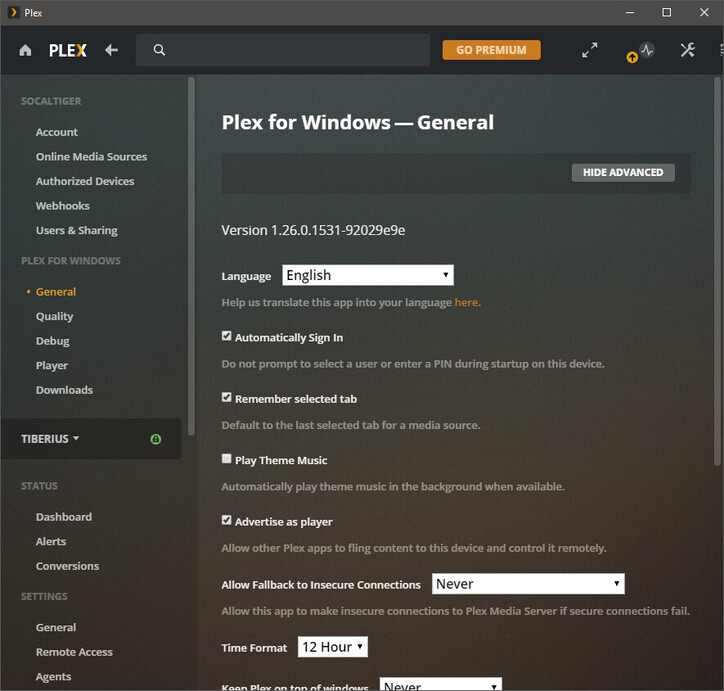
Player Version#: 1.26.0.1531-92029e9e (Plex for Windows)
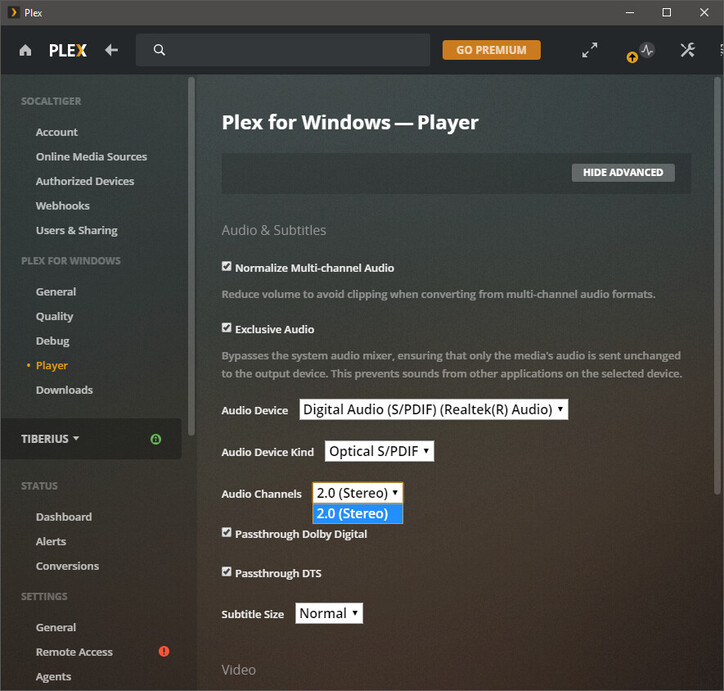
In the Plex for Windows app, under Player settings, I’m only given the option of “2.0 (Stereo)” for my optical output when though I’m connecting to a 5.1 receiver via optical.
My receiver does light up indicating that it appears to be receiving a 5.1 signal when I play 5.1 content but I’m not sure if this setting within the player will result in the player downmixing the audio to 2.0?