Plex Local Download Settings not Saving

Server Version#: 1.32.8.7639
Player Version#: 1.86.1.4076-a3ab948d

As of the last Flatpack update, when selecting a series to download locally, if you select Download “Next 3 unplayed episodes” followed by save. It will download all the episodes, not what we selected prior.

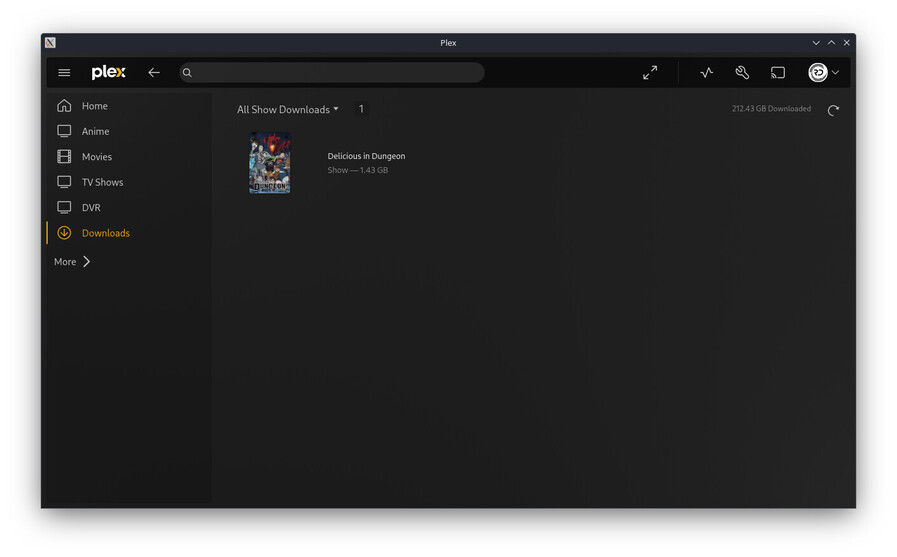
Also on the Downloads page, if you attempt to edit, it will say “All Episodes”. This indicates that our prior selection was not saved.

Hello! I was able to replicate the issue where the downloads view says “all episodes” but when digging in (at least on my end) the expected amount of episodes were queued / downloaded, so that part seems to only be a display bug (at least for me). I passed that along to the engineering team for further triage / investigation.

Regarding selecting the setting of “next 3 unplayed” and all episodes being downloaded, I’m not able to replicate that. If you can grab client and server logs next time you queue up we can try to investigate. Any more specifics here might help too, there might be something obvious I’m missing.

Find the Server logs attached:
Plex Media Server Logs_2024-02-01_02-40-14.zip (555.3 KB)

A couple of the scenarios I touched on:

Scenario 1

  1. Select Download on the show with 3 unplayed episodes.
    Note that I have selected “Next 3 unplayed episodes” and “On Next Refresh”.

  2. Show is Downloaded.

  3. I select the edit button. “All episodes” and “Never” are selected now? Seems that my selection was not saved.

Furthermore, if I change it back to what I selected in Step 1, save it, open again, it appears as it did in Step 3.

Scenario 2

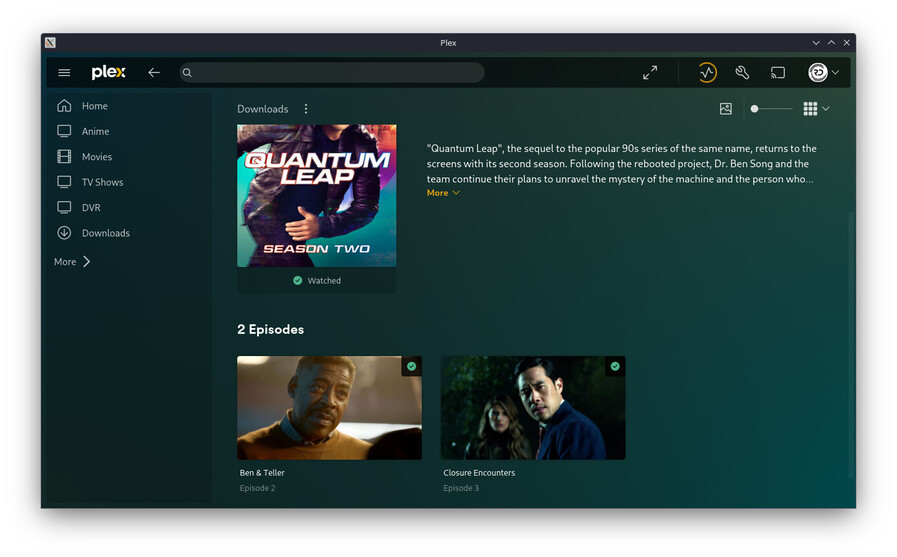
  1. Select a show’s specific season. Note that only 1 episode is unwatched.

  2. Select Download on the show with 5 unplayed episodes.
    Note that I have selected “Next 5 unplayed episodes” and “On Next Refresh”.

  3. I go to my downloads page to observe it downloading 5 episodes.

  4. I open the show after 2 episodes have been downloaded to find they are already played.

  5. However, if I continue to wait, each episode from that season will be downloaded from the server and shortly after will be deleted. Until the episode which is unplayed remains. This leads me to believe there is a process flow bug for downloads…

1 Like

I am also able to replicate this issue on Plex for Windows - Version 1.86.1.4076-a3ab948d
My key indicator is the total storage on the download page NEVER goes down.
image

Replicated issues

  1. Download Options - settings DO not persist
  2. Only way to remove locally stored files is to completely remove the selected show / movie. Then resync.

This has been broken for a while at least several months. The increase in space consumed is my motivation to complain.

Suggestions

  1. When clicking the download option in main ui - ask for download configuration.
  2. On download page - show download options without having to click the Edit pencil.

This topic was automatically closed 90 days after the last reply. New replies are no longer allowed.