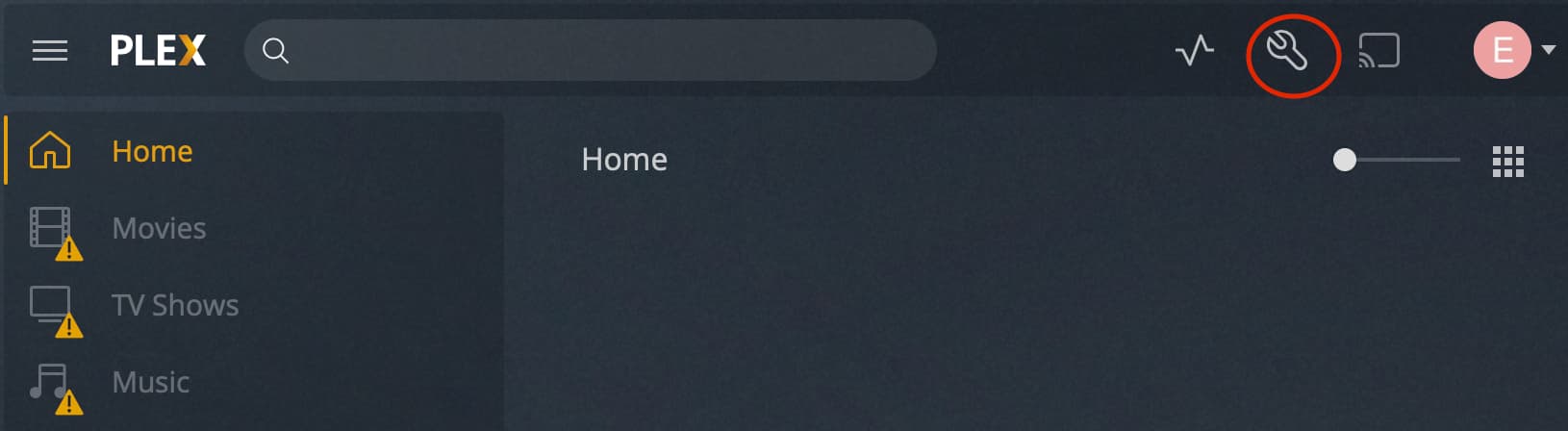
Server Version#: 1.23.5.4862-0f739d462 (use Docker Image)
Player Version#: Web Player
Hello, All.
Suddenly, I can’t access the Plex via web browser. Plex for iOS and iPadOS works fine, but web version doesn’t.
I access the Plex using web browser and click the Preferences button, and click the Server. Plex tells me “You can try to navigate directly to Plex Media Server.” so, I clicked it and found out the URL is private IP (172.x.x.x). But the server is in the outside. (on AWS exactly.)
I’m confused… you cannot access your server through the browser but you’re able to change the server settings through your browser?!
Do you have a screenshot from that ominous message
Looks like the server itself is up but fails to connect in a secure way – therefore Plex Web is offering you this option. I’m not sure if the IP you get is part of Plex’ relay servers to establish a remote connection if the remote setup itself is having issues.
Can you connect to your Plex Media Server through its local IP address (while inside your home network) and verify the network settings?
In particular: Settings > [Server Name] > Network > Secure connections
Can you verify the docker container network configuration if that private IP is originating from there? Plex seems to thinks this is its own IP address.