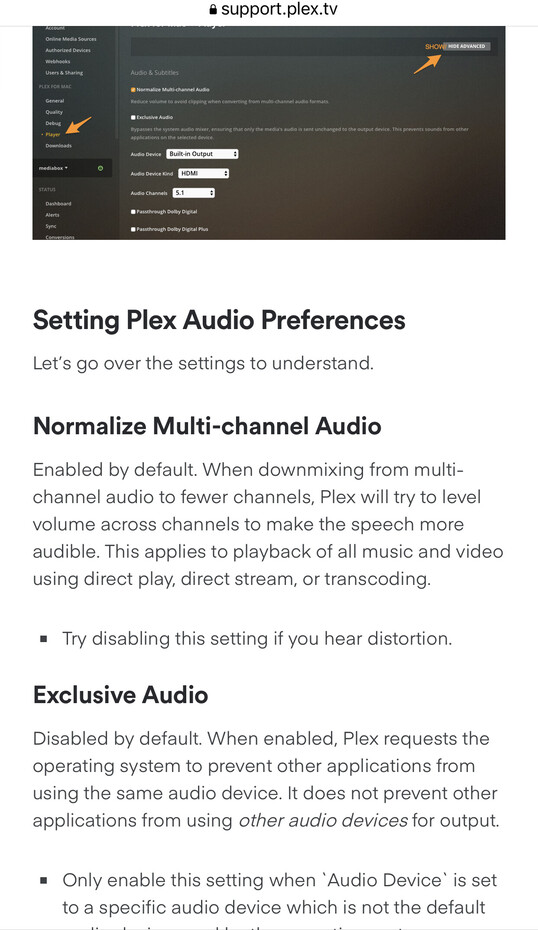
The options for selecting an audio device is not available on my installation of the Plex Media Server. I’m attempting to configure the server to allow my home audio receiver to decode the audio. Did the latest version of Plex Media Server for Windows change? Or, did I not install it correctly? Any help is most appreciated.
The server streams to the clients. It has no audio output nor ability to specify which output is used by a client.
Plex clients have the options to select audio output port, which codecs to passthrough, etc. The options vary by client.
Check the settings on the Plex client app you are using - Smart TV, Android TV, etc. If using a PC, then use the Plex Desktop or Plex HTPC apps instead of Plex Web, the browser interface.
Thank you so much for your reply. Most appreciated! So I was reviewing this and trying to find it in my media server app but it looks like be Plex may have discontinued the ability to configure this.