So glad to hear that. I’m pressing “Place Order” on an M1, 16GB, 2TB SSD and a 10GBe adapter right now. Can’t wait to lower my power consumption and finally drop my last Windows machine I own!
My M1 Mac mini responds to W-o-L triggers, both via native 1 GbE and with a TB3 to 10 GbE adaptor.
Thanks. Do you find that Plex clients properly wake-on-lan a sleeping Mac mini?
For example, your Mac mini is sleeping, and you turn on Plex on your smart TV, does that trigger Mac mini to wake up and connect Plex server to the client?
No worries if you can’t test it or anything.
Plex doesn’t generate WoL packets.
When a Plex Server is offline, it doesn’t respond to discovery requests or stay registered with the Plex cloud.
Apple uses something called the Bonjour (mDNS) Sleep Proxy to help other Apple devices wake each other up. Plex doesn’t specifically support this, but I wonder if it would work with a manually configured Plex connection. I’ll test this.
The M1 Mini is dead silent when it’s not ridiculously busy. Better to leave it online and let it analyze & process your media, anyway.
With the macOS Wake for network access setting enabled, I can barely convince either an Intel Mac Mini or Macbook - when plugged in - to even sleep very hard at all. They continue to respond almost immediately to network requests.
If it never really goes to sleep, WoL might not matter.
I’m not sure how PMS behaves when in this half-asleep state - if discovery works, if cloud registration works. Will watch that overnight.
My experience with my brand new Mini M1: Installed the latest Plex and as soon as I brought my previous library over I’m getting errors with all of the .dylib files in the Plex Codecs folder. As soon as I try to play music the errors show up.
Each file ends up showing the error " can’t be opened because Apple cannot check it for malicious software."
I assumed this was because I copied over my setup folder (per the instructions) and I was seeing the same kind of message as when I download an app from somewhere other than the App Store. So I went to the codec folder and right-clicked each of the files in turn and Opened them, giving the OS the permission to run those files.
Seems to have worked. NOW my media plays without error.
1 Like
Yes, works perfectly well but not something I do normally.
Using Plex to trigger a WoL generator and wake my Mac minis (originally a 2012 mini, now an M1 Mini) adds some lag that does impact on the overall experience.
One of the reasons that I moved over to using a Mac mini as my server was the very low power consumption when idle, making 24/7 running a no-brainer. The M1 Mac mini pulls hardly any power at all, making it a perfect always-on server.
My M1 Mac mini is now the device I use for for Plex to generate WoL packets, as it is the 24/7 anchor for the rest of the home network. So for me it it Plex -> Webhook -> MiniWOL -> Client device.
I’m currently utilizing an aging Windows 10 box which I’ve thrown an NVidia GTX 1660 in for hardware transcoding as my Plex server/general purpose PC. I’ve never owned a Mac and was thinking this might be the time to experiment. Curious for those who have tried out transcoding 4K HDR media how tone mapping is working out. The only review I found showed the colors working but playback was choppy, which is my experience on my current machine. While several posts in this thread indicate it is working, is playback actually smooth or is it choppy (i.e. pausing/skipping briefly every few seconds)?
Thanks for any input.
If you’re more comfortable with Windows, I just saw this:
SimplyNUC & Plex just made servers EASY and OVERPOWERED
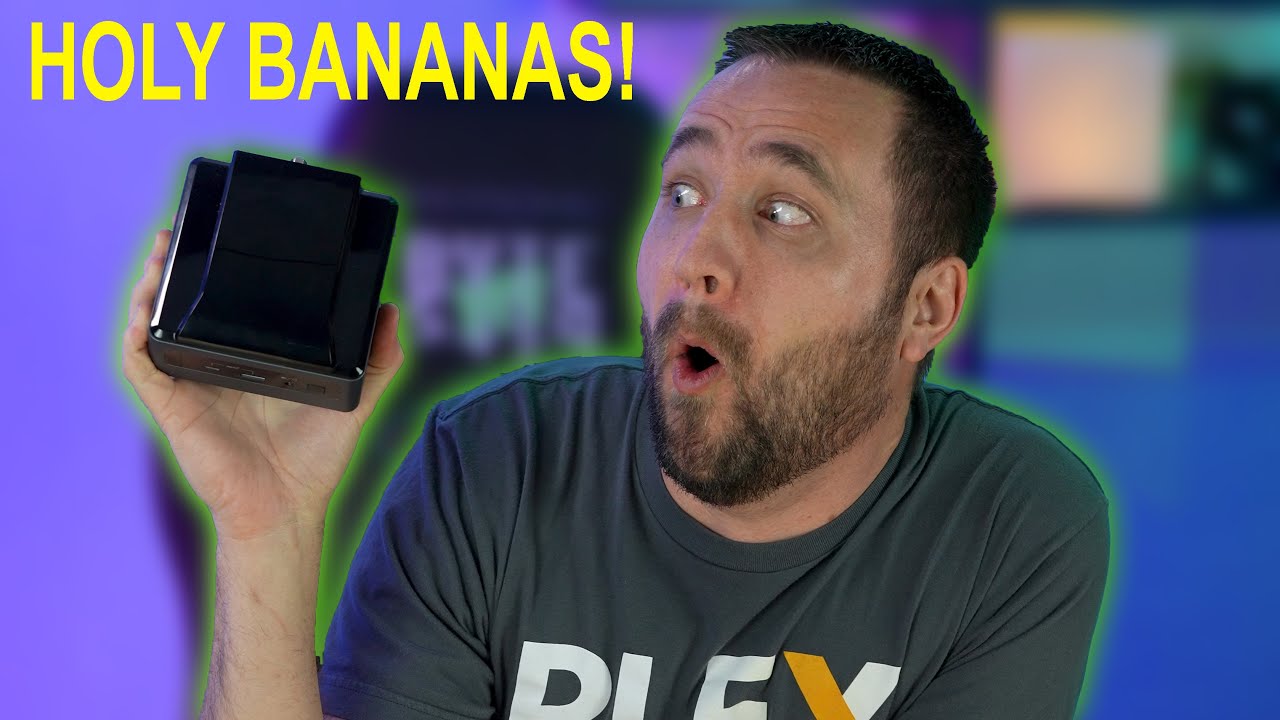
Worth investigating.
Thanks for the find!
That particular one is more than I need but there are many configurations with that processor.
I am having the same issue - that is, I downloaded the PLEX Server and it won’t launch.
What did you do to delete the Plex Database? or better yet, how did you did you delete db?
Is anyone else not able to launch the Plex Media Server in their M1 Mac-Mini?
I deleted PMS and its associated files from the M1 mini, downloaded a fresh version of PMS and then pointed the media libraries at the relevant media location and just let it get on with rebuilding everything. It turned out to be no drama at all.
Good luck. 
To anyone that is using a M1 Mac mini for the Plex server…is anyone able to see how the temperatures are when transcoding occurs…would be helpful if there was about 3 or 4 streams going at once to see the temps.
I currently have the 2018 i5 Mac mini as my Plex server and it works great for my needs, but it gets hot when a couple of transcodes happen…as in the 90°C and up region.
This thread has cemented my thoughts - I’m looking forward to getting the M1 mini. How many transcodes are you able to do if your library is 100% 1080P? I’m slowly going to move to 4K, but that’ll be a local/direct play library for now over GigE.
So, what is Plex’s official line ?
How have they communicated their plans to their paying customers ?
I await with baited breath while the conjecture rolls on.
My new Mini will be here on Tuesday (M1, 16GB, 2TB SSD + Sonnet Thunderbolt 10GBe). This will be the first time I’ve run Plex on a Mac (though every other device I own is Apple so I’m very comfortable with the OS). Any tips/tricks on migrating my library, and overall running PMS on a Mac (will be running Plex, the 'arr’s, Tautulli, NZB, Torrents, etc)?
The M1 runs Big Sur, which is a little more locked down than previous macOS versions. This means some of those things in that list you may want to check for compatibility. Maybe even run them on a separate machine and transfer them to your PMS, keeping that separate and clean.
Recently purchased an M1 Mac Mini to replace my old one. Used the Migration Assistant to move everything on the main drive over to the new one, including the apps. Then named the new data drive attached to the new Mac Mini (MM) the same name as the internal data drive in the old MM. Next, copied all the media files on the old MM data drive to my NAS and then to the new MM data drive. Started up Plex and everything worked just as if it was still on the old MM.
For some reason my Plex Server doesn’t work on my MacMini M1. I have tried to uninstall and reinstall and nothing. I just downloaded the latest version, and it still doesn’t work.
When I am it doesn’t work, I mean that server doesn’t even open. Everything was working fine in m previous MacMini but not now. Can someone please help me?
This will be my strategy as well. Migration Assistant, identical user name so it should “hopefully” just transition over smoothly.
