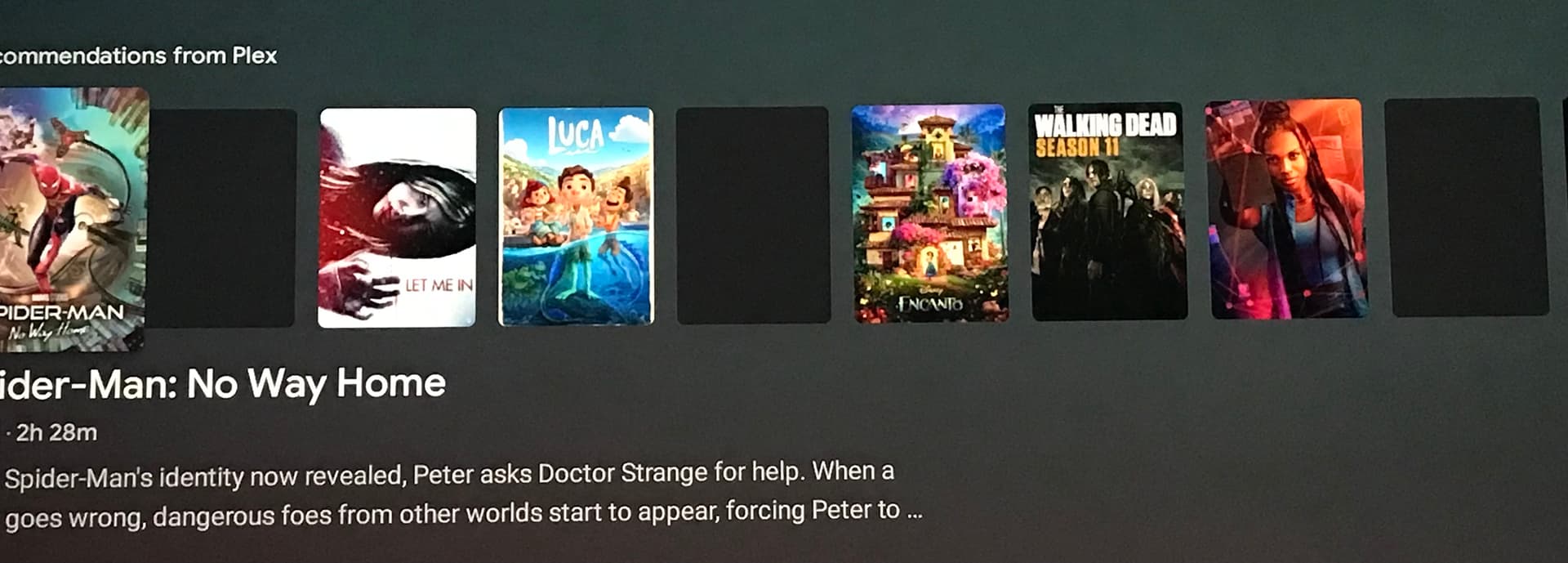
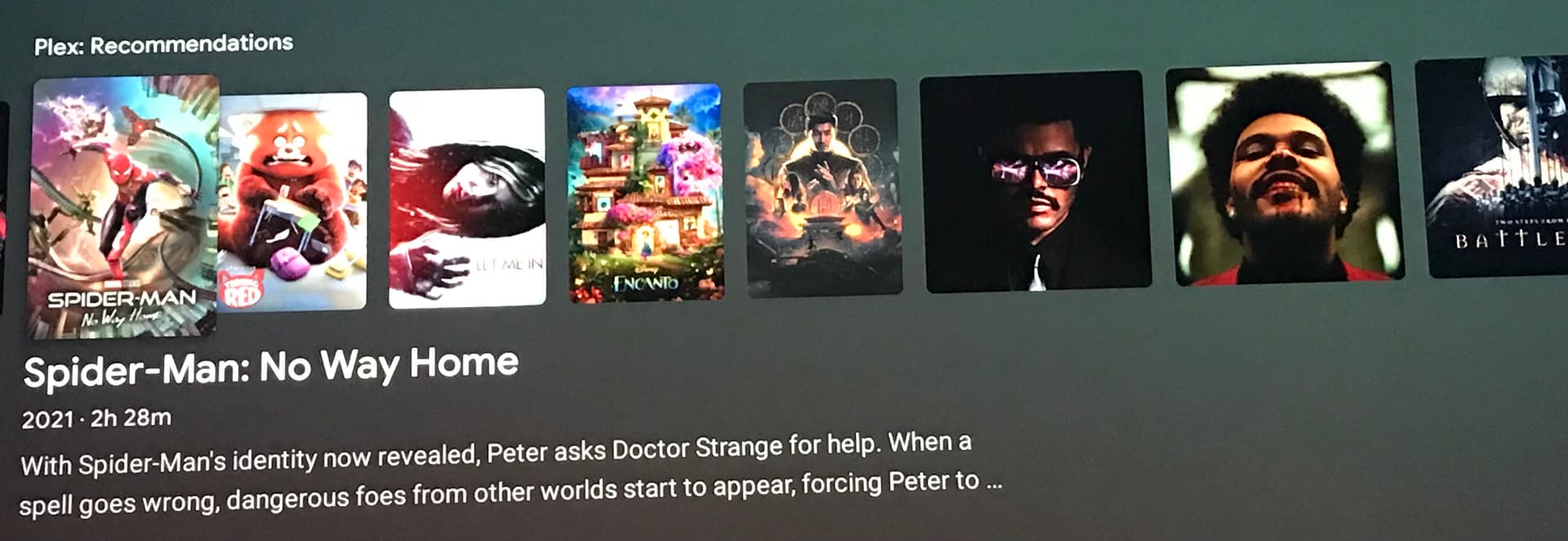
I have the Nvidia Shield Pro (the latest version), on my home screen under the “Plex Recommendations” channel, some of the thumbnails are black. Why is that? It’s been happening for a while at this point, it’s been at least 3 months.
The only way that I’ve found to correct this issue since it’s only happening on the Shield is to:
go into my hard drive on my server
remove the files that have the black thumbnail
open plex & scan the library to verify the removal
empty trash
put files back on the server
open plex & scan library again
verify that files have been added
turn on Shield, remove the plex recommendation channel, then re-add it & then the thumbnails are there like they should be
If I add any new files in the future, the Shield has the black thumbnails all over again whereas the Sony Bravia shows them just fine after adding the new files without having to go through that nonsense.
Is there any permanent fix for this? Or, will I just have to deal with it?
I have the same issue on my Mi Box.
And Recommendation are not updating when I’m adding new stuff but only if I open Plex and watch something. I’m new with the Mi Box but I have an Apple TV too and recommendations are updating right away.
Good to know that I’m not the only one with the issue. Seems like it should be a quick fix since it’s not updating on certain platforms but works just fine on others, then again, maybe it’s something that’s more challenging and they are working on it.
This is a cache which the server stores for clients to load artwork. It might be worth doing the following …
Stop plex.
Deleting the contents of the PhotoTranscoder folder (not the folder itself).
Start plex again.
Plex should prune and update this cache but it can grow unbounded. When its deleted plex will create the cache again so its perfectly safe to delete. I actually delete this weekly on my server.