Non of the 1.18 versions work for me so are these all betas then because if i turn off plex pass downloads it offers me 1.18.0.1944-f2cae8d6b. yes i posted what logs I thought may help but I and a few others are still waiting for guidance. Server Unreachable
Right, i never noticed that because mine is set to Public and ive never changed it, you do however get different versions at least via the website if you have Plex Pass enabled. Maybe having the plex pass also over rides that setting?
Ok, it’s odd that Windows Servers are having most of the issues. My Mac server with Catalina is working well, a very recent OS. Anyway rolling back is a good idea.
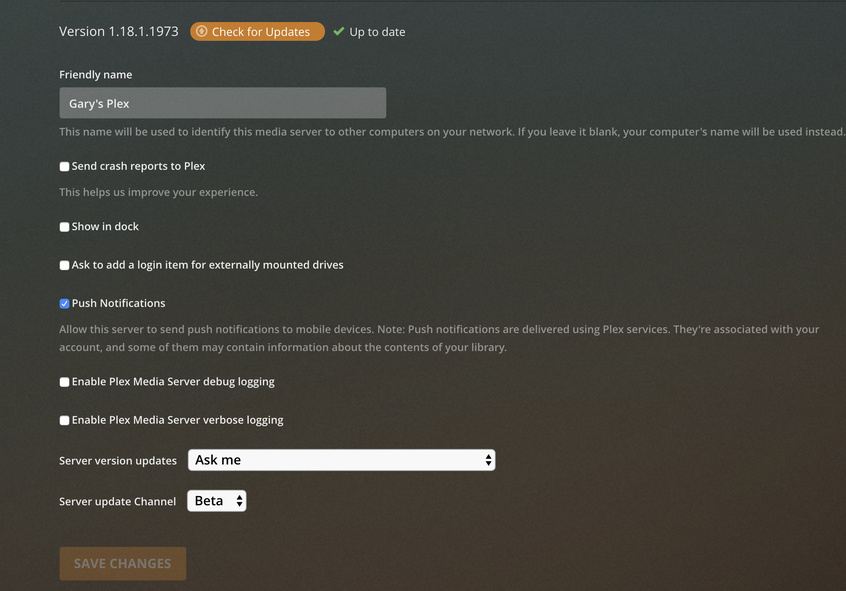
As others have stated, rolling back to the 1944 version solved my issue and I can use hardware acceleration once again as well. The issue seems to be with the 1966 and 1973 patches.
I just came across this thread as my transcoding stopped working after upgrading to 1.18.1.1973 from 1.18.0.1944. After rolling back the version, it works again.
It seems the Plex Elves wanted to add a more robust transcoding capability. The number of h/w permutations between platforms and graphics GPUS has obviously been causing problems. I agree that I am waiting until I read they are fixing this condition.
This is exactly what I’m doing now, I’m still on 1.16.5.1554 and have no intention of updating unless I have too, or all the complaints about bugs and issues start to slow considerably with the next batch of incremental updates. I just don’t want the extra bugs and problems. Plex really needs to squash the bugs and become more professional with their testing and releases.
So, I did a db backup, full uninstall, directory rename, full reinstall w/ v.1973 and db restore, and then media (thumbnails) restore. After doing that, and letting the server settle down, everything seems to be working as expected. What a hassle it was! Not sure what is going on w/ their upgrade process, but something surely was broken in the last few upgrades.
Also, based on my experience, you may wish to do the same if you are having issues. It seems that there is little to no actual Plex provided support outside of this user forum. If you are waiting for them to help you, don’t hold your breath. I hate to say that, as I love the product overall. But that has been my experience over the last 6 or 7 years w/ this product.
If you read it all before you start, it allows you to essentially install fresh, and copy over the data necessary to get back up and running on latest version in a relatively short amount of time, without having to re-index & re-download all of the media info!
thanks for the info! i was able to create a backup and restore with this method after totally uninstalling/removing plex from the registry and everything, i made a new db, with one video file, and the second i tried to transcode it the server crashed. so reverted back to 1.17.1.1709 and the transcode started working again, so something is definitely ■■■■■ with windows. I was thinking about redoing my server and just going ubuntu or something but thats gonna be a lot of work
Please be aware that we have two distinct crashes to do with hardware acceleration - one has just been isolated to being an intel driver issue. The other is still to be identified and fixed