Server Version#: 1.40.1.8227
Player Version#:7.16 build 5
Roku Model: Express 4K+
Roku OS Version: 12.5.5 build 4174
Hi all, it’s been a while since I’ve had to post here, and a while since I’ve had any real issues with Plex on ANY platform that I use. However, I went to watch a movie last night that’s from my ripped Blu-ray library and they are created with MakeMKV and are an exact copy of the .m2ts on the disc. Anyway, after doing some troubleshooting of my own. Whenever I hit the pause button when a file (MKV) with any kind of DTS track is playing the playback will not pause, instead it buffers again with the loading circle and resumes. If I hit back on the remote, of course I can back out of the player, just can’t pause playback. I found that any other audio format such as Dolby, or AAC, does not produce this problem and, if I uncheck allow DTS-HD under audio settings and the DTS gets transcoded to Dolby, the problem is also not present. This seems to happen ONLY with DTS audio played as DTS.
Per the instructions I read before posting here I did test the same media through the Apple TV Plex app (2022 Apple TV 4K) TVOS 17.4, and the latest Plex player available, and have been able to confirm this is strictly a Roku related issue as the content played / paused fine on Apple TV without needing to change anything.

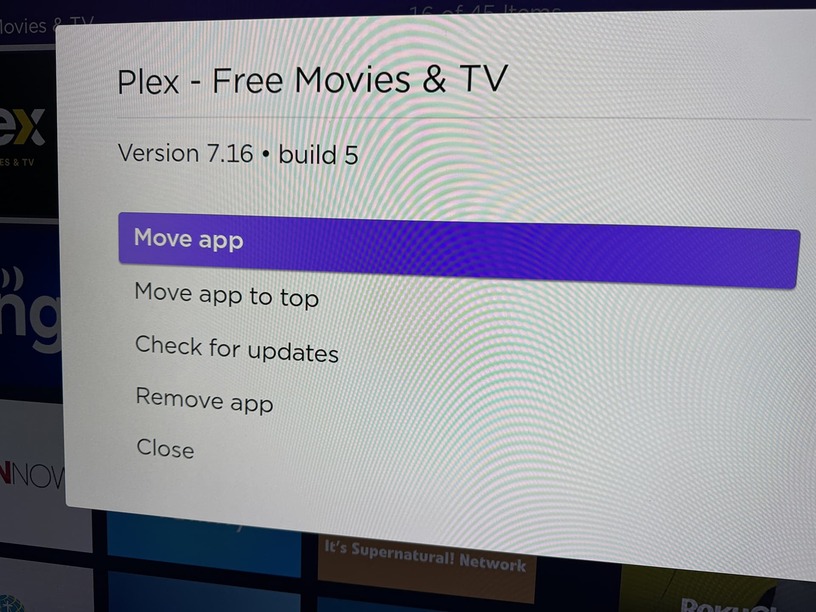
Here are a couple screenshots of mentioned setting, and Plex channel info
