PlexEmail - Email Recently Added Media

##Messages
msg_notice = ''
msg_email_teaser = 'Check out this week\'s releases from Plex: {website} - {past_day} - {current_day}'
msg_web_title = 'New Plex Releases'
msg_email_subject = 'New Plex Releases - {past_day} - {current_day}'
msg_header_image = 'Address to Website for Hosted Image'
msg_header_bgcolor = '000000'
msg_header1 = 'Header 1'
msg_header1_color = 'F9AA03'
msg_header2 = '{past_day} - {current_day}'
msg_header2_color = '9A9A9A'
msg_top_link = 'What\'s New in Plex'
msg_movies_link = 'Movies'
msg_shows_link = 'TV Shows'
msg_seasons_link = 'TV Seasons'
msg_episodes_link = 'TV Episodes'
msg_new_movies_header = 'New Movies'
msg_new_shows_header = 'New TV Shows'
msg_new_seasons_header = 'New TV Seasons'
msg_new_episodes_header = 'New TV Episodes'
msg_footer = 'Copyright © Jake Waldron 2015'
msg_no_new_content = 'There have been no new additions to Plex from {past_day} through {current_day}.'


""" + config['msg_email_teaser'] + """

""" + config['msg_header1'] + """

""" + config['msg_header2'] + """


"""
    emailMovies = """

""" + config['msg_new_movies_header'] + """


 """

I am still working on the graphics and will be changing with some different color options and for easily editing for the end user. I have removed the Header 3 as I don't need it but i can send the example with it added as well.

It is nothing fancy really just some editing to my liking but will be making a lot more changes soon to make a whole design on it.

Pretty cool. Yes, please advise about the header3. I use that to link to my PlexRequest link.

You would do the same as for header 1 and header 2 with the config file as well for the Table in the plexemail.py you would just make it the same as the other 2 and your link would work correctly. I have the plex image on cloudinary if you want to use it as well i just did it with a grey background and think i like it more. I have added table background code in there as well so the text background will be the same color and matching.

##Messages
msg_notice = ''
msg_email_teaser = 'Check out this week\'s releases from Plex: {website} - {past_day} - {current_day}'
msg_web_title = 'New Plex Releases'
msg_email_subject = 'New Plex Releases - {past_day} - {current_day}'
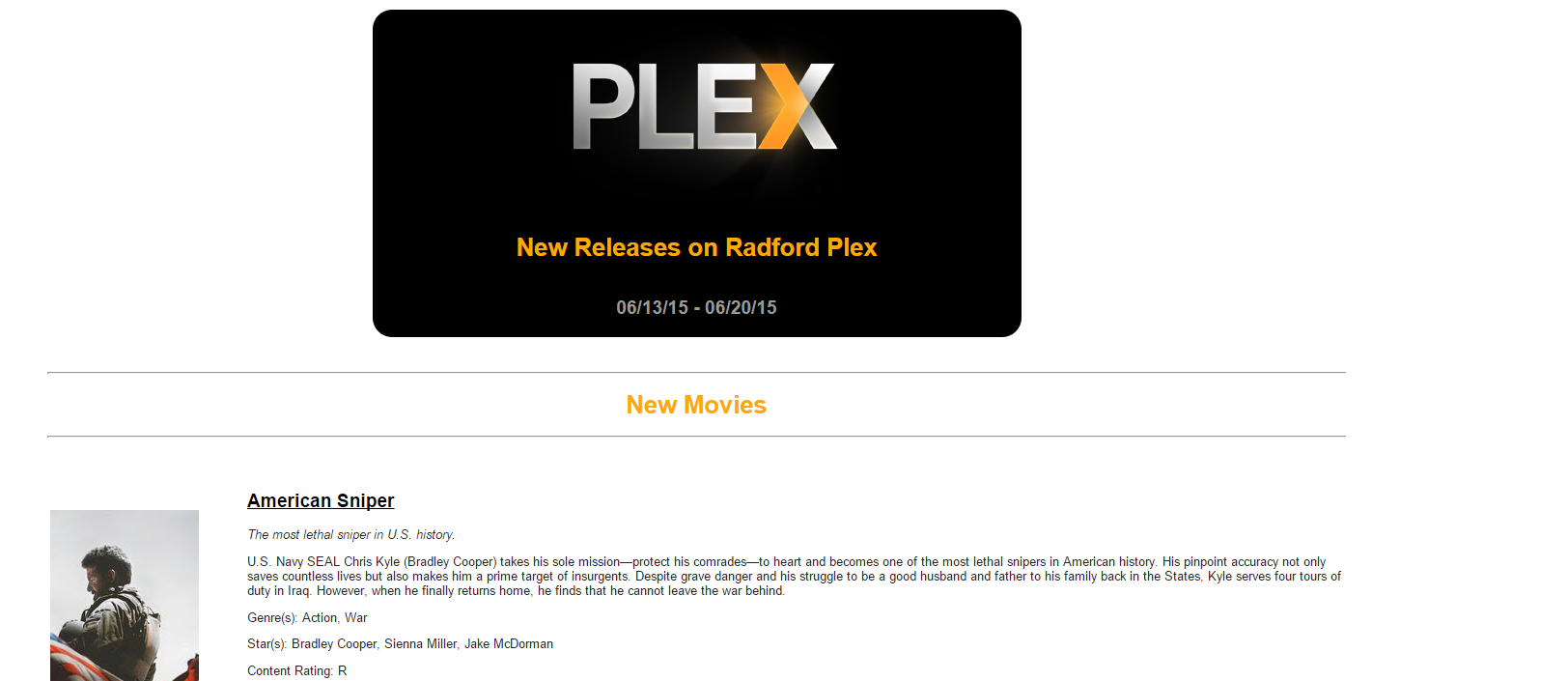
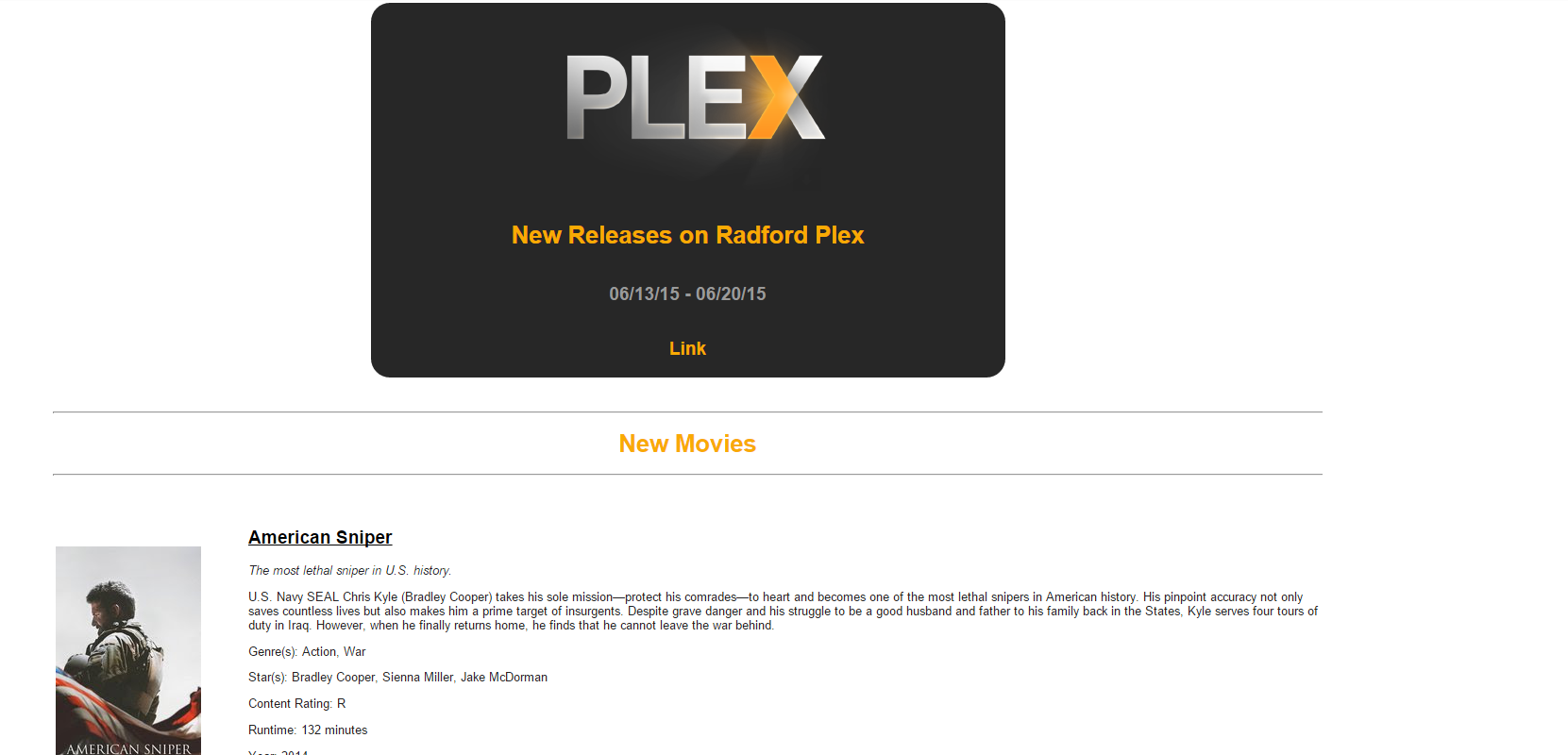
msg_header_image = 'http://res.cloudinary.com/radford/image/upload/c_scale,w_300/v1434772417/Plex-logo2_r49leo.png'
msg_header_bgcolor = '272727'
msg_header1 = 'New Releases on Radford Plex'
msg_header1_color = 'F9AA03'
msg_header2 = '{past_day} - {current_day}'
msg_header2_color = '9A9A9A'
msg_header3 = 'Link'
msg_header3_color = 'F9AA03'
        
        <p style="display:none;font-size:0;">""" + config['msg_email_teaser'] + """</p>
        <!-- Full Width Image Header -->
                <table align="center" width="50%" style="background: #""" + config['msg_header_bgcolor'] + """;border-radius:20px;-moz-border-radius:20px;-webkit-border-radius:20px;">
					<tr><td align="center"><img src=""" + config['msg_header_image'] + """></td></tr>
                    <tr><td><h1 style="width: 100%; text-align: center; background: #""" + config['msg_header_bgcolor'] + """ !important;"><font style="color: #""" + config['msg_header1_color'] + """;">""" + config['msg_header1'] + """</font></h1></td></tr>
                    <tr><td><h2 style="width: 100%; text-align: center; background: #""" + config['msg_header_bgcolor'] + """ !important;"><font style="color: #""" + config['msg_header2_color'] + """;">""" + config['msg_header2'] + """</font></h2></td></tr>
					<tr><td><h2 style="width: 100%; text-align: center; background: #""" + config['msg_header_bgcolor'] + """ !important;"><font style="color: #""" + config['msg_header3_color'] + """;">""" + config['msg_header3'] + """</font></h2></td></tr>
                </table><br><br>

        <!-- Page Content -->

Pretty cool. I previously made some minor changes of my own but I like the boxing you have and I can add my own logo now. The only thing I can seem to find is the hex value for the color of the different category fonts.

New Movies

New TV Seasons

Pretty cool. I previously made some minor changes of my own but I like the boxing you have and I can add my own logo now. The only thing I can seem to find is the hex value for the color of the different category fonts.

New Movies

New TV Seasons

When you say the hex colors in the config or in the plexemail.py?

The headings you are looking for are in this sections from line 698 to 727

    if (config['msg_notice']):
      emailNotice = """
 
""" + config['msg_notice'] + """

 """ htmlNotice = """

""" + config['msg_notice'] + """
""" emailMovies = """

""" + config['msg_new_movies_header'] + """


 """ htmlMovies = """

""" + config['msg_new_movies_header'] + """

""" emailTVShows = """

""" + config['msg_new_shows_header'] + """


 """ htmlTVShows = """

""" + config['msg_new_shows_header'] + """

""" emailTVSeasons = """

""" + config['msg_new_seasons_header'] + """


 """ htmlTVSeasons = """

""" + config['msg_new_seasons_header'] + """

""" emailTVEpisodes = """

""" + config['msg_new_episodes_header'] + """


 """ htmlTVEpisodes = """

""" + config['msg_new_episodes_header'] + """

An addition that would be great is the notice but for sending out maintenance announcements that does not include any movie content. Simply have the header image and a maintenence message show in the header and what content you add to the Maintenance. I don't know how hard that would be to code in though.

Thanks,

Dereck

The headings you are looking for are in this sections from line 698 to 727

Perfect, that was what I was looking for. I was looking in the wrong spot. My stuff was 50 lines earlier than yours but it got me looking in the right place. Thanks.

Perfect, that was what I was looking for. I was looking in the wrong spot. My stuff was 50 lines earlier than yours but it got me looking in the right place. Thanks.

No problem I am gonna continue adding more stuff to it over next few weeks and will share progress as it comes along.

Could not find anything in earlier posts, I have this problem when the mail is supposed to be sendt:) I'm not using GMAIL

Web page created successfully
Traceback (most recent call last):
  File "C:\PlexEmail-master\PlexEmail-master\scripts\plexEmail.py", line 1043, i
n
    sendMail([config['email_from']])
  File "C:\PlexEmail-master\PlexEmail-master\scripts\plexEmail.py", line 365, in
 sendMail
    server.login(gmail_user, gmail_pwd)
  File "c:\Python27\lib\smtplib.py", line 585, in login
    raise SMTPException("SMTP AUTH extension not supported by server.")
smtplib.SMTPException: SMTP AUTH extension not supported by server.

Could not find anything in earlier posts, I have this problem when the mail is supposed to be sendt:) I'm not using GMAIL

Web page created successfully
Traceback (most recent call last):
  File "C:\PlexEmail-master\PlexEmail-master\scripts\plexEmail.py", line 1043, i
n
    sendMail([config['email_from']])
  File "C:\PlexEmail-master\PlexEmail-master\scripts\plexEmail.py", line 365, in
 sendMail
    server.login(gmail_user, gmail_pwd)
  File "c:\Python27\lib\smtplib.py", line 585, in login
    raise SMTPException("SMTP AUTH extension not supported by server.")
smtplib.SMTPException: SMTP AUTH extension not supported by server.

What email service are you using? I was reading that one of his bug fixes was the SSL not being turned off correctly in the config file. I will see if I can find that. I am using SSL.

Can you provide your Email portion of config minus your username and password for security purposes?

No problem I am gonna continue adding more stuff to it over next few weeks and will share progress as it comes along.

Im also looking to make this email look a bit more professional but i cant figure it out. I have a banner i would like to use..here is the mockup

L8za1.jpg

Right now i have a PNG without the date or "Website"

Im also looking to make this email look a bit more professional but i cant figure it out. I have a banner i would like to use..here is the mockup

L8za1.jpg

Right now i have a PNG without the date or "Website"

I can help you with this if need be. Let me know and if you want to send me the picture or link i can whip up the code for you and show you what I changed to make it work for you.

Im also looking to make this email look a bit more professional but i cant figure it out. I have a banner i would like to use..here is the mockup

L8za1.jpg

Right now i have a PNG without the date or "Website"

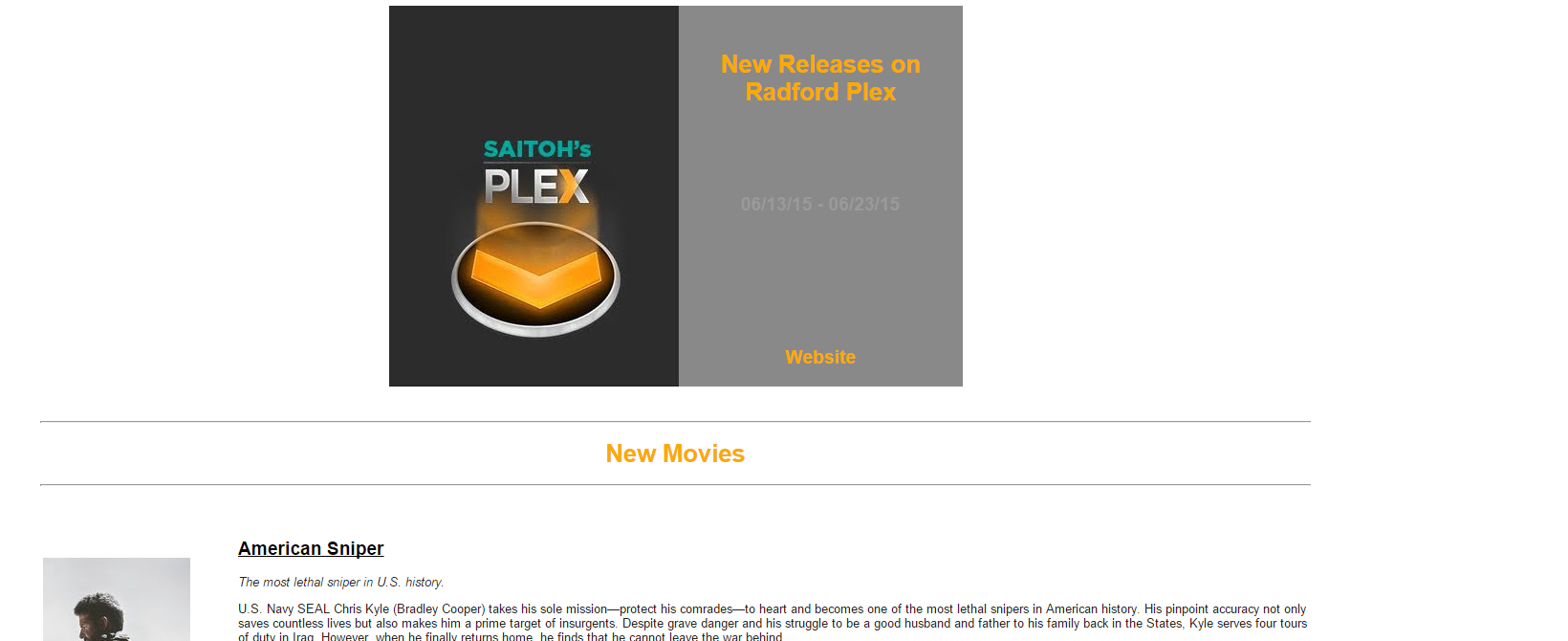
I have coded it for your Saitoh's if you send me the image you want to use and if you want the backgrounds to be editable or the image to just over lay 2 backgrounds so you can change colors at anytime. Let me know and will work on this some more for you and will share the code with you.

Here is what i have it now. The 3 text area's are configured from Header 1, 2, and 3. The background's are set as transparent instead of a number but the backgrounds can be done by setting a background and using the plex image as a overlay on the background.

saitohstest_eyxpba.png

Updates to snippet posted about the image. Please see the revisions this will make it where you can include a hex color #000000 or you can just type a color example blue, green, red etc..

config.conf - Changes

##Messages
msg_notice = ''
msg_email_teaser = 'Check out this week\'s releases from Plex: {website} - {past_day} - {current_day}'
msg_web_title = 'New Plex Releases'
msg_email_subject = 'New Plex Releases - {past_day} - {current_day}'
msg_header_image = 'http://website.com/image.png'
msg_header_bgcolor = '#272727'
msg_header1 = 'New Releases on Radford Plex'
msg_header1_color = '#F9AA03'
msg_header2 = '{past_day} - {current_day}'
msg_header2_color = '#9A9A9A'
msg_header3 = 'View as Website'
msg_header3_color = '#F9AA03'
msg_top_link = 'What\'s New in Plex'
msg_movies_link = 'Movies'
msg_shows_link = 'TV Shows'
msg_seasons_link = 'TV Seasons'
msg_episodes_link = 'TV Episodes'
msg_new_movies_header = 'New Movies'
msg_new_shows_header = 'New TV Shows'
msg_new_seasons_header = 'New TV Seasons'
msg_new_episodes_header = 'New TV Episodes'
msg_footer = 'Copyright © Jake Waldron 2015'
msg_no_new_content = 'There have been no new additions to Plex from {past_day} through {current_day}.'

PlexEmail.py - Changes

        
        <p style="display:none;font-size:0;">""" + config['msg_email_teaser'] + """</p>
        <!-- Full Width Image Header -->
                <table align="center" width="50%" style="background: """ + config['msg_header_bgcolor'] + """;border-radius:20px;-moz-border-radius:20px;-webkit-border-radius:20px;">
					<tr><td align="center"><img src=""" + config['msg_header_image'] + """></td></tr>
                    <tr><td><h1 style="width: 100%; text-align: center; background: """ + config['msg_header_bgcolor'] + """ !important;"><font style="color: """ + config['msg_header1_color'] + """;">""" + config['msg_header1'] + """</font></h1></td></tr>
                    <tr><td><h2 style="width: 100%; text-align: center; background: """ + config['msg_header_bgcolor'] + """ !important;"><font style="color: """ + config['msg_header2_color'] + """;">""" + config['msg_header2'] + """</font></h2></td></tr>
					<tr><td><h2 style="width: 100%; text-align: center; background: """ + config['msg_header_bgcolor'] + """ !important;"><font style="color: """ + config['msg_header3_color'] + """;">""" + config['msg_header3'] + """</font></h2></td></tr>
                </table><br><br>

        <!-- Page Content -->

If you guys like these please let me know and I am open to suggestions and the owner of plexEmail if you want to implement this into your code and would like some contributions let me know and will help in any way i can.

Dude this is awesome! Thanks. 

My feature request would be maybe looking into a easier formatting for creating email templates so people less knowledgeable can make there own customization and your not stuck doing all the heavy lifting :)

Maybe making a separate file that is just for customization that would override the default template. This way your current default stays untouched and if people have problems in the custom file, they can just post it and it would be easier to troubleshoot. It would also make it easier to share templates between users.

Saitoh,

That would be my assumption that the developer did not get to far into making the HTML as complicated as I have. The customization is not terribly hard if you HTML and where to edit. I am going to make a template from your's and a template from my original. I can make it where it is pretty simple to customize. As far as using a separate file to pull in I could make this happen pretty sure.

If you want to message me the graphic that you have the raw format if you have it made in photoshop or what not so i can remove letter i can make it more customized how you like. I have updated the code above the Header 3 did not include website link.

Saitoh,

That would be my assumption that the developer did not get to far into making the HTML as complicated as I have. The customization is not terribly hard if you HTML and where to edit. I am going to make a template from your's and a template from my original. I can make it where it is pretty simple to customize. As far as using a separate file to pull in I could make this happen pretty sure.

If you want to message me the graphic that you have the raw format if you have it made in photoshop or what not so i can remove letter i can make it more customized how you like. I have updated the code above the Header 3 did not include website link.

I know some html...but mixed in with python makes it hard to figure out. 

I sent you the image link via PM

Can you provide your Email portion of config minus your username and password for security purposes?

##Email
email_enabled = True
email_individually = False
# ['email1@gmail.com', 'email2@hotmail.com']
email_to = ['admin@mydomain.com']
#This requires plex_username and plex_password to be filled to get emails of shared users.
email_to_send_to_shared_users = False
email_from = 'myemail@domain.com'
email_from_name = 'Me'
email_smtp_address = 'smtp.altibox.no'
email_smtp_port = 25
email_use_ssl = False #Port must be an SSL port i.e. 465
email_username = ''
email_password = ''
# Only valid if web_enabled = True and upload_use_cloudinary = False
email_use_web_images = True
email_skip_if_no_additions = False
 
 
This is my ISP provider, ive used them for other stuff via wordpress newsletters etc etc, It dosent require auth at all (its allowed to relay cause of my IP)