Wanted to create a centralized place for communications around the status of this issue as it is popping up in a bunch of places. First - we have a solid understanding of what is causing this issue and will be working to validate a new build that addresses this over the next few days.
First - this is a bug that was introduced in the beta version 1.42.0 (we have successfully replicated this in this version) and is only related to the embedded web client and most are now seeing it in the 1.42.1 public release.
Next - see below for a workaround.
Finally, a few other details:
as this is a bug related to the web client around this workflow, it will replicate and show again if you close and re-open this page in your browser
this is only related to the fetching of information so that the web client can determine which screen to show next, that is the “core component” in this case
this was much easier to reproduce in new installs and in linux clients (this includes docker). While we can’t rule out it showing in existing install updates to version 1.42.1 or in other clients, the replication and reports are focused in these areas
Workaround:
when you see the error, simply click on the “Name” text on the screen. This bypasses this part of the workflow and invokes the Setup Wizard manually. That is pretty much it.
We will be working to minimize/close down the other threads and will post updates in this thread going forward. As this has been replicated and investigated we are currently working through both the fix and validation of that fix and expect to have a new release out in the coming days (week of Aug 11). Thank you for all of your reports and assistance in identifying the issue and your patience here! :plex_heart:
The workaround doesn’t appear to be working or me - After attempting to click past the error and onto the Name button, and then setting the server up as normal, the problem will persist after a refresh, which brings me back to the setup page.
Quick update here for everyone! We are pleased to report that the “core component” issue has been identified and addressed and will be included in a new release going out today. This release version is: 1.42.1.10060
Could you please provide a bit more context here? Things like what version did you update to, what does “doesn’t load” mean, how many servers and are you experiencing the same issue on all of them? As written I am not sure where to begin to try and help out here.
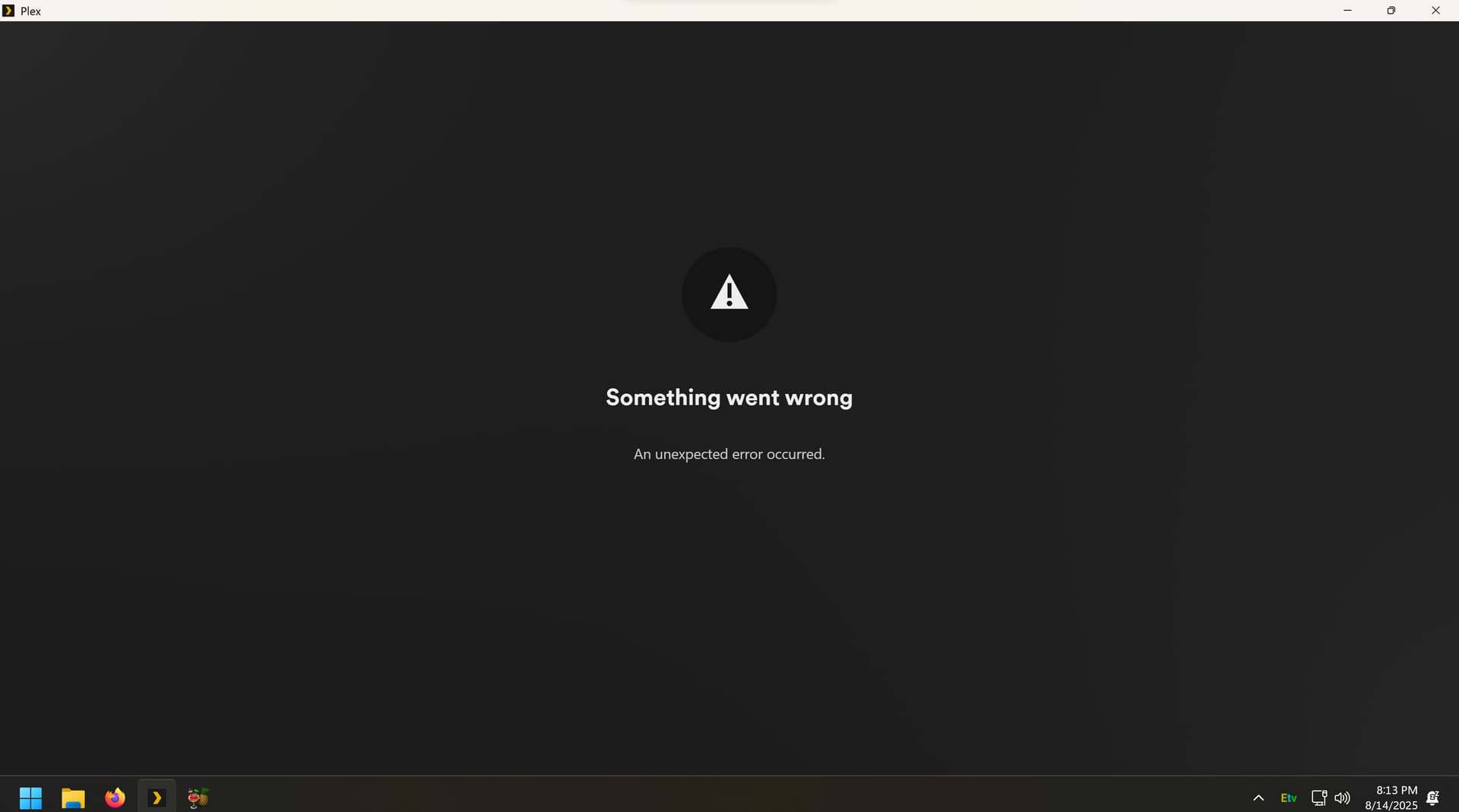
I don’t know how else to describe it than “doesn’t load.” This is what I experience when loading my server on Windows 11. I have one other server but it is totally unpopulated.
Thank you for the screenshot. The next step here would be to provide logs so that we can try and see what is going on under the hood. Is this something you could gather and provide here for analysis? See here for info on how to do this: https://support.plex.tv/articles/200250417-plex-media-server-log-files/