Not expected. Would need server logs to see what’s going on.
Plex Media Server Logs_2022-08-16_15-37-02.zip (3.9 MB)
Here you go mate.
What time did this happen?
I’d say around 11.45am til now (3.41pm).
Just been constantly ongoing since the install of this build.
Did you edit your logs in any way? Somethings don’t look right.
Wanted to thank the team for this version.
Has been faultless on our Win 10 Pro HTPC.
All clients say everything runs fine, local players all work well and no crashes or anything unusual with the PMS.
Literally went to Manage > Troubleshooting > Download Logs.
Ok. I’m not really seeing anything that looks like it would be taking up a lot of memory. You do have your scheduled tasks to come on during this time period so it’s possible PMS is doing something in the background. The only thing I saw was maybe an intro detection that was stuck.
The last file logged is
Aug 16, 2022 11:47:29.285 [255164] DEBUG - IntroDetector: Initializing for “Z:\Series\Running Man\Season 2019\Running Man - S2019E483 - Ggannes Film Festival - The Uninvited One (1) HDTV-720p.mp4” (30612)
I’m not sure how the intro detection works with a show that has 483 episodes in a season. Turn off the option to perform the intro detection and see if that stops the memory usage.
Left it alone for a while and it seems to have stopped.
Did you turn off intro detection? Since it ran last time, maybe it finished so you won’t see that spike again. Well, you may when you add the next episode.
Just updated server to 1.28.2.6103 and Clean Bundles causes server to crash every time. Logs attached
My setup did not crash upon cleaning bundles after updating to 6103. I’m running the server on WIN11 with a Chrome browser
I’m on Version 1.28.2.6103 and just did a Clean Bundles - all good.
Win 10 Pro.
I’m win 10 pro and it says Analyzing Metadata Bundles and crashes immediately. Hope the logs say something.
@EricD1973 Your logs do not contain any information that would indicate a crash. I’m also not able to reproduce, but I’m on Windows 11. If you can turn off the option to report crashes to Plex, that will leave the report on your computer. Please reproduce then grab me the crash report and a new PMS log.
Where is the crash report stored?
You already got the answer here:
Please continue in that thread only!
Just loaded Version 1.28.2.6106. I may have not been paying attention but I just noticed I have no backgrounds on the movies or television pages (series, season, or episodes). The setting is there and I can select a background but it does not display. There appears to be a color fade which matches the primary color of the displayed poster (i.e. a big red truck causes a background that is red fading to black or blue tinged scene having a blue fade). It’s a bit hard to see, but screen shots are below:

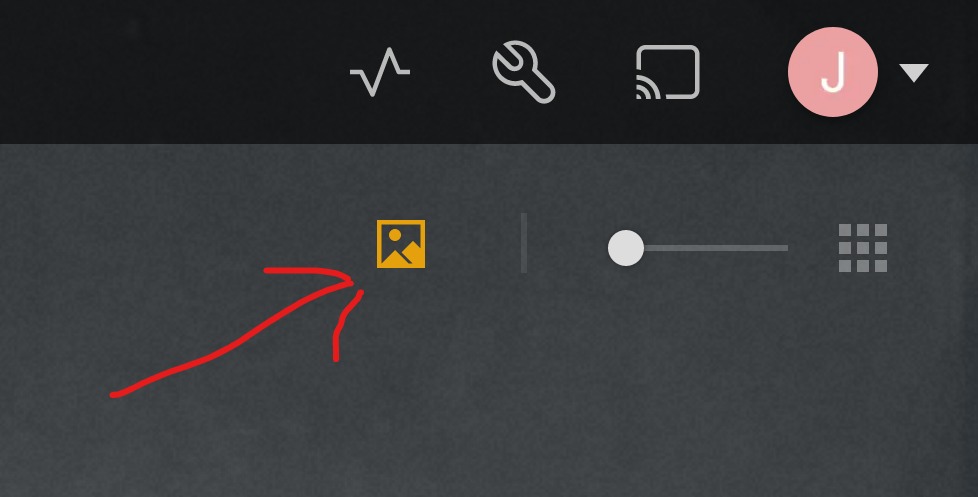
Yep, that did it. I don’t know how I missed it. Thanks
