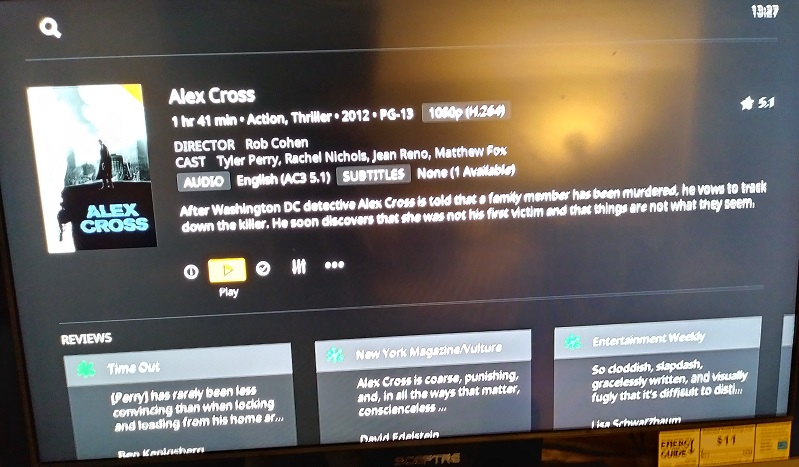
My PC Dashboard is nice and empty (the way I like it) and when I click ‘Movies’ or ‘TV Shows’ I get a nice list of everything I have.
However, when I am watching remotely (LG TV Plex App) and I click on ‘TV Shows’ I am taken to a page with ‘Recently Aired’ and a load of other stuff I don’t want to see. I would like it to just display all my shows without the unnecessary step of having to click ‘show all’. The dashboard is clear, it’s just displaying all this stuff I don’t want under the ‘TV Shows’ menu.
Is it possible to remove this? there doesn’t seem to be an option within the Plex LG TV app itself.
Wouldn’t that be nice? - but No.
Unfortunately Plex is so proud of the development of all that unnecessary/unwanted fluff they are going to make sure you are forced to endure it.
Once UNO gets to the LG WebOS platform, you can basically jump directly to the full library listing, because the app will remember which view mode you used last time. Independently for each library.
Pardon me, but UNO is engaged on my Roku and while it is possible to skip directly to the Library View once selected when drilling in one is presented with a dynamic “Forced Feature” field - dynamic in that it changes depending on the available content and there’s no way to turn it off.
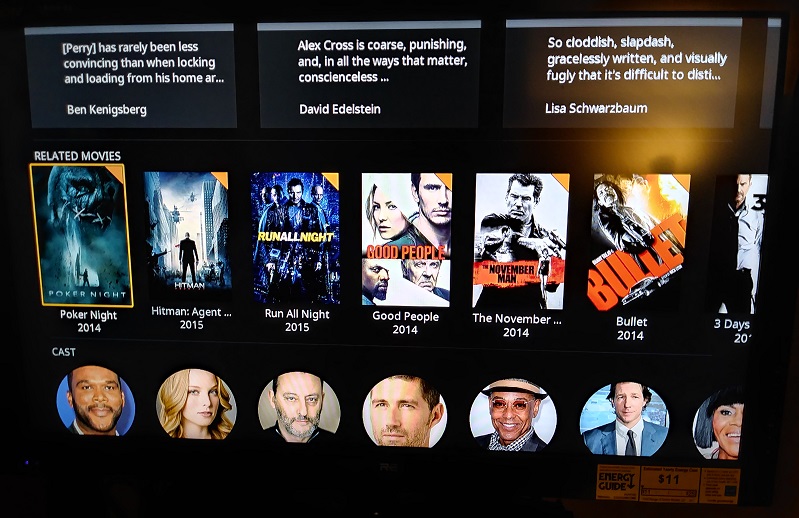
“Related Movies” could be joined with another HUB - depending on my viewing history I guess - all that between where I start and where I want to go - which is the Actor Images.