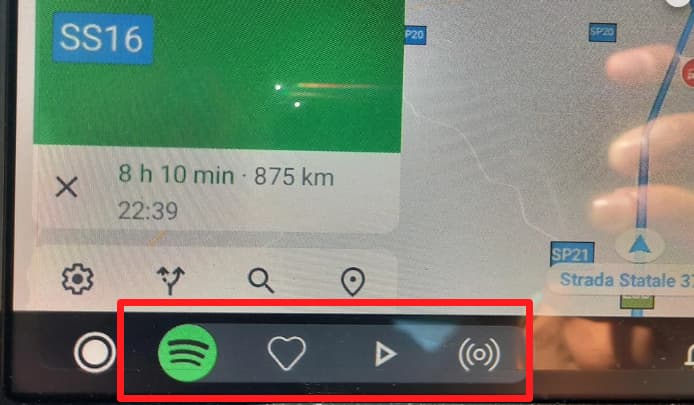
After a few months using the Plexamp app, which I must say I love it, I have a small suggestion to optimize it’s usage for Android auto :
As stated on the title, I think it would be a good idea to replace the notification back button with the star one.
This way, when we are on the “map view” of Android auto, we could be able to star the current song, without having to open the player view.
I have a Spotify free account, and as it doesn’t allow to go back, is the default option. And maybe for me, I use the star button a lot more than the back one…
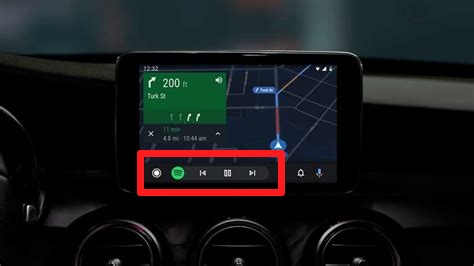
I’m not 100% sure, but for me the highlighted buttons mirror the phone’s notification buttons:
I don’t know exactly how to do it, but I think it is possible to choose which buttons you want to display on the Android Auto widget, because even Spotify changes it apparently:
Note that all these images came from Google, they may not correspond exactly in terms of buttons or songs
I can’t make a general statement, but for me the “like” button is more useful then the “back” one, at least for a quick access. So it would be awesome if you could figure it out and of course, agree with my point of view