Server Version#: 1.25.2.5319
Player Version#:no sure . i just downloaded the other day
I recently upgraded plex server to an I7-11700k with Asrock z590 phantom gaming 4 MB ,16gb 3600 ddr4 ram. I have been experiencing pauses with the circle turning. it not often but annoying when it happens, this has happened playing one movie on local a few times, the other time was one movie local and one was remote. I have tried to duplicate this and I am not able to! I have played the same movie back., even had 5 streams pulling off the server on the local network some of the streams were 4k videos. i have set cpu to hurt. when the movie is playing I have changed from converting automatically to the next lower quality setting. another time i set it to convert automatically and it stopped. I have switched from web browser to window client app. now the app is crashing. Downloaded plex dash app to check server load with seems ok , but i am no expert in this area!
UPDATE, I have updated intel graphic via web site on server pc, updated the dell pc to latest drivers also,
The movie i am having issue with in plex does play fine with VLC. i am at a loss why plex window client is crashing.
Plex Dash-Logs-2022-01-05-1.zip (29.4 KB)
Plex Media Server Databases_2022-01-07_13-24-53.zip (27.9 MB)
Plex Media Server Logs_2022-01-07_13-24-15.zip (4.0 MB)
Please provide the logs from the app, Windows/Mac app logs | Plex Support. When was the last crash?
last crash was last night , i am not sure which log you want there are 6. the file dates dont match last night
I did get this off plex dash if it helps,. IMG-6081 — ImgBB
lmk if you want all 6 log files
Zip the entire folder and send me all the logs. That error in your image is nothing. That’s just PMS looking for other devices on your network and running into things it could not recognize.
ok hopefully this works
Logs.zip (157.3 KB)
Yeah, there’s nothing from yesterday. Can you try reproducing the crash and getting me new logs.
will do! right now the pc i use in bedroom that i am having the issue with i decided to reinstalling windows. i will work on that right after .
I got it to happen again, but does not appear that the logs have updated to the proper time when it happened. how long does that take to update??
update . playing at original 1080p 2.7 mbps crashes, 720p crashes, been playing for 10 mins at 480p no issues. not sure if that help
I checked this morning looks like logs have change so i attached them
Logs.zip (142.4 KB)
Your logs only show you playing some music. I don’t see you playing any videos. Are you sure you are using Plex for Windows when you get the crash?
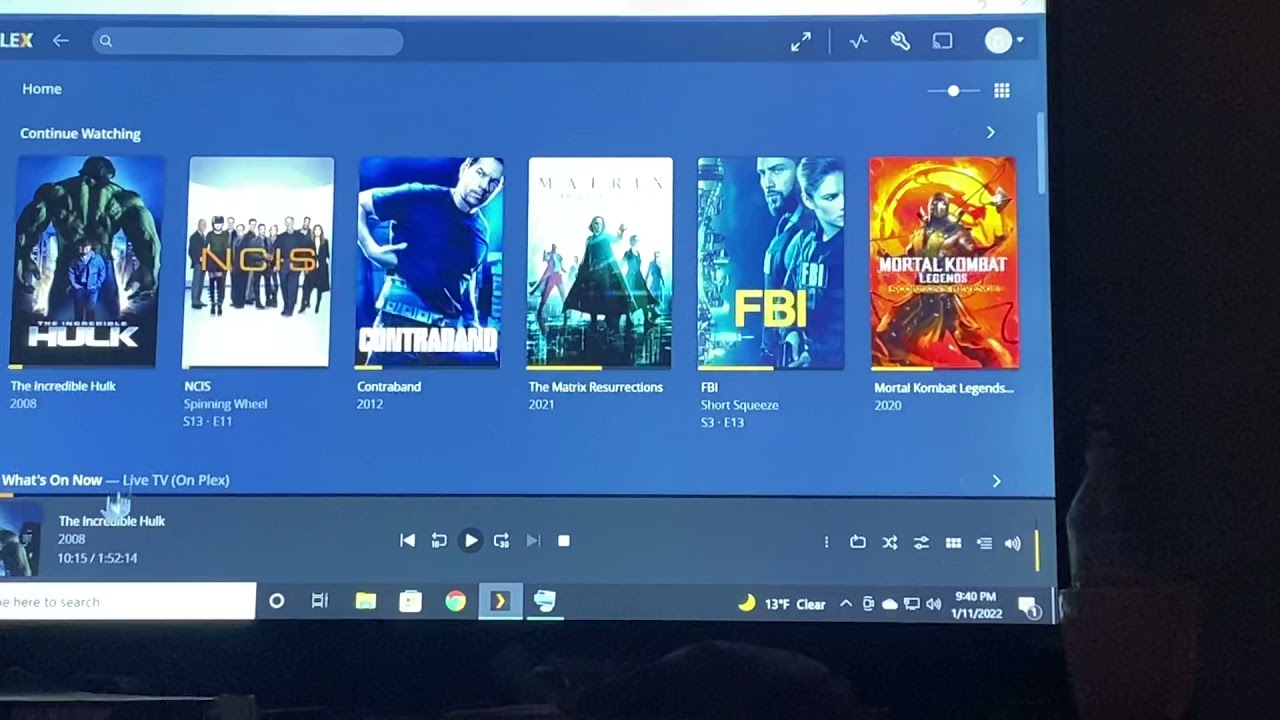
I have been trying to duplicate . here are a few more logs. Also added link to see what is happening
I see the crash and that is Plex for Windows. I don’t know why your log files don’t show any information related to playing a video. Can you grab logs and I’ll check again.
sorry for the late reply, been working late. i normally use plex at night and fall asleep to it. last night i was having trouble with same pc and plex for windows, the way it was acting last night I am starting to think its pc related and not the plex server. I zipped plex logs and plex media server log. not sure it will help.
Any trouble shooting for plex with windows?
i have reinstalled windows using removed all files on the pc in question. updated all i could find with dell updater
update. adding logs from window plex
Logs.zip (213.0 KB)
log from media server log file
Logs plex,ediaserver.zip (38.8 KB)
i have been using browser without an issue, i have found that when i open plex for window and try to max ,min window size, or close out last playing show . it freezes and shuts down, really think its the app. i have removed and reinstalled and it still does same thing. i can post logs of app would that help?
Still reviewing your logs. I see something odd but not sure yet.
Is that while something is playing or with nothing playing?
when I open up app it really does not matter what I click on it freezes now and either pops up with not responding message or just shuts down. To answer the question no movie is playing yet.
Thats why I am leaning toward app issues vs server at this point
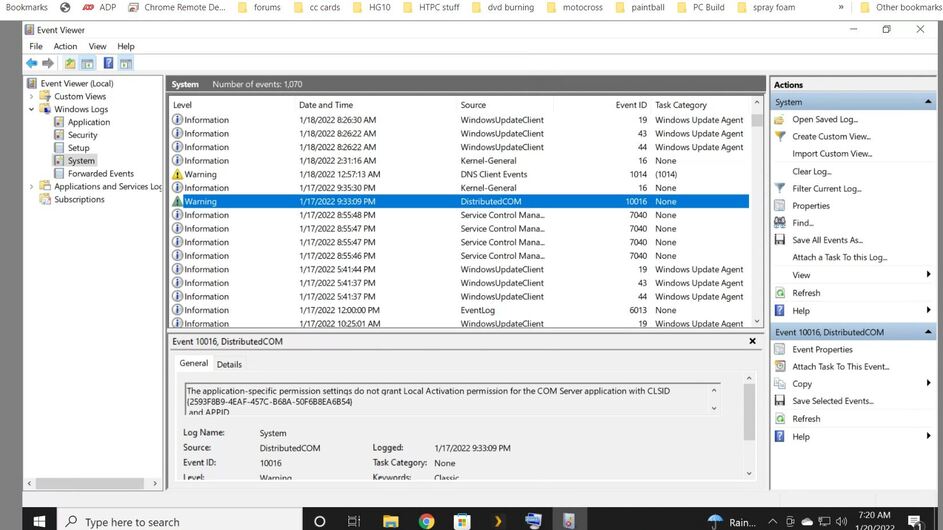
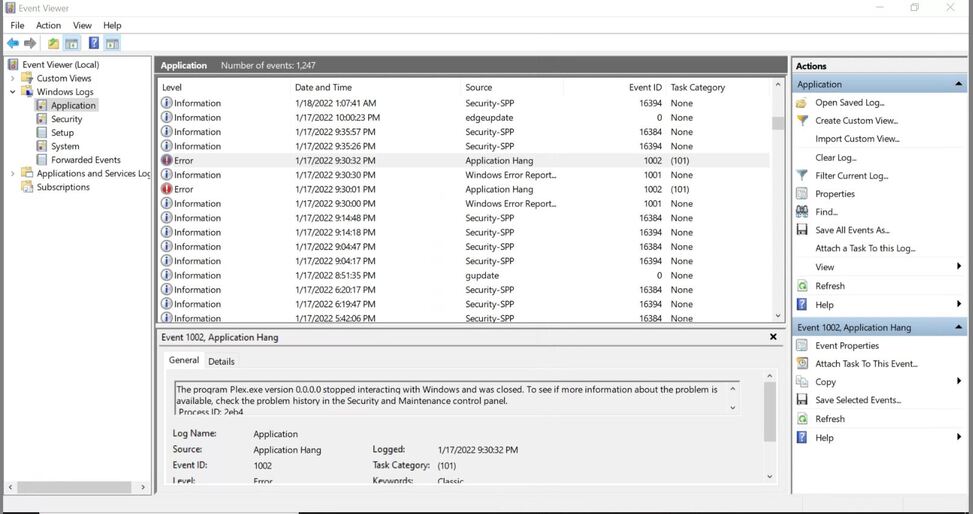
This sounds like a bigger issue then just playing videos. This is more like an incompatibility of the app and your hardware. Plex Logs are not going to pick that up. Can you cause a crash and then check Windows Event Viewer to see if the crash is picked up by that. Look under Windows Logs under Application and System.
Ok, that shows the app was closed by windows because it thought something was hanging the system.
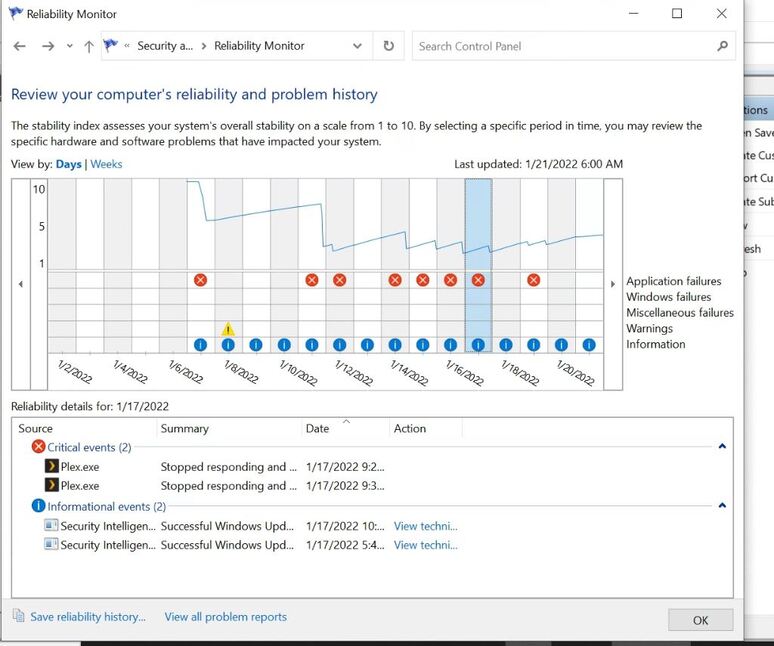
Can you check the “Security and Maintenance Control Panel” and see if anything is shown matching that time of 1/17/2022 9:30:32pm.
I assumed you wanted me to go in to control panel then, system and security, security and Maintenace, if not then lmk