Dear all
What is the reason that PLEX splits certained albums?
What is the solution?
Thanks.

How is the music organized on the drive? Maybe provide a screenshot.

Your embedded metadata are missing an Album Artist tag.
In this particular case, this tag needs the content “Various Artists”.
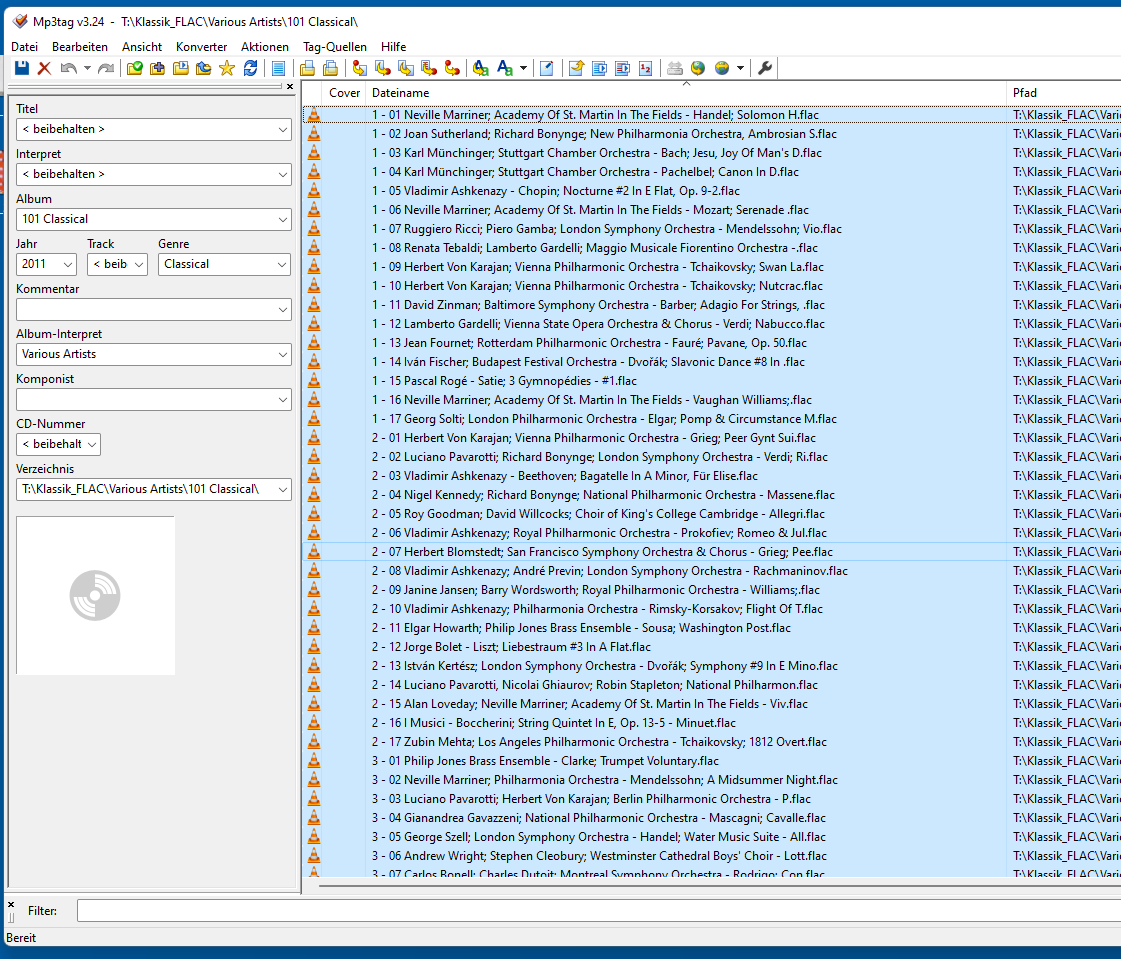
Go into the detail tag of a track and see which variation is actually embedded. There are several possible tag names in FLAC.
Which folder level has been added to the Plex music library? I hope it’s not just T:


Yes, that appears to be all as it’s supposed to be.
Last idea I have, is that the number 101 at the beginning of the album title is somehow interpreted as a disc or track number, and thus causes Plex to misinterpret the whole structure.
You could try this:
Create subfolders for each disc of that album (named like Disc x) in the place where the FLAC files are. Move the FLAC files of each disc into their subfolder.
Then perform the Plex dance with the album.

“files for the media item” refers in this case to this particular album. I hope that one album doesn’t have 90.000 files.


As you can see it’s showing 3 distinct album titles. So at least that one track must have a deviating album title in its meta tags.
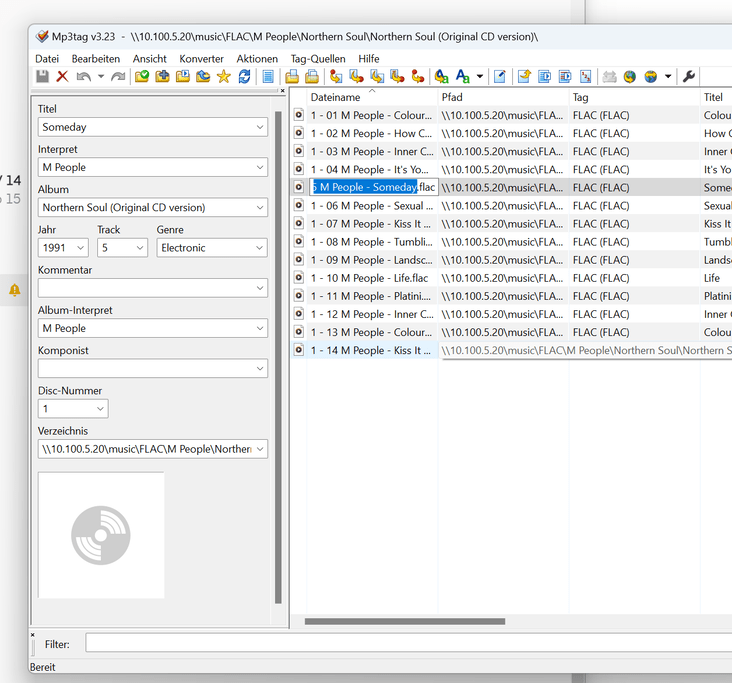

 most curious.
Do you have “prefer local metadata” enabled in the properties of the music library?

Could you plex dance that album again?
If that doesn’t work, merge the two albums. https://support.plex.tv/articles/201018248-merge-or-split-items/
(make sure to select the album cover with the complete album title first)
How many of the tracks on that album have more than one person named as composer in their tags?
