Remuxing
MKV and MP4 are containers. Think of them as envelopes.
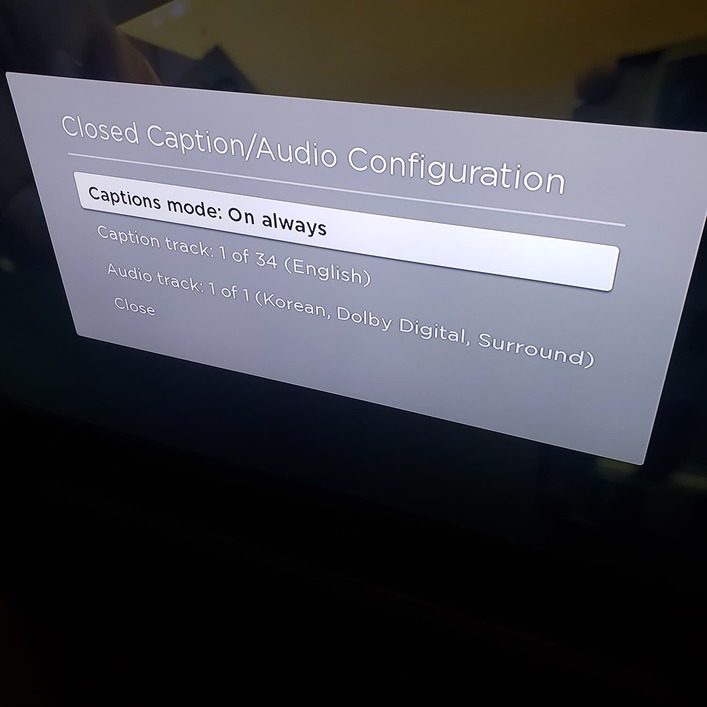
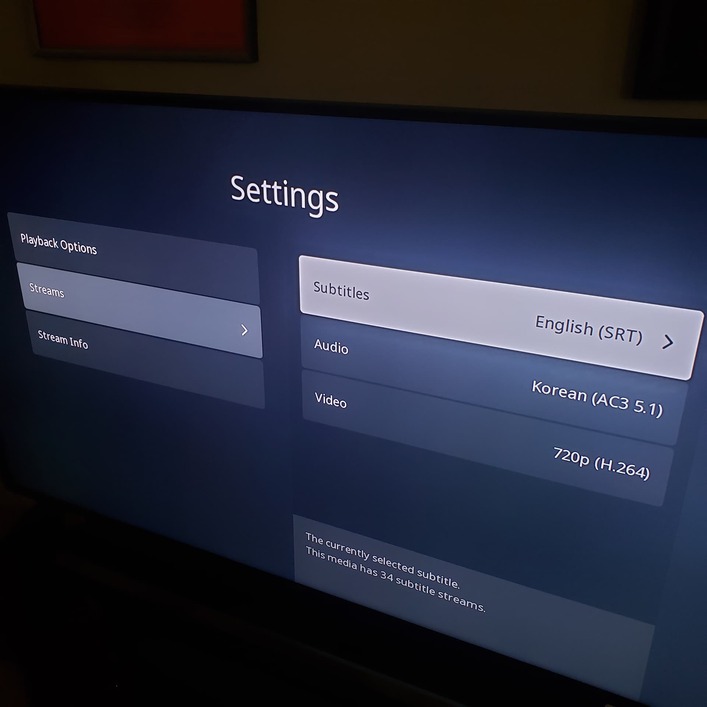
In a container you can have a video track, audio tracks, and subtitle tracks, in various formats.
It is possible for the container to be damaged, but the contents are still OK. It is also possible that the individual tracks are misaligned with each other, which can cause playback problems.
Remuxing copies the selected tracks to a new container and aligns them correctly.
The process is somewhat analogous to having a multi-page letter with a damaged envelope and the pages out of order. Remuxing puts the pages in order and places them in a new envelope.
Subtitles
The “forced” flag means the player should play the track even if subtitles are normally turned off. While any track can have the forced flag set, it is usually applied to subtitle tracks that translate when characters speak a foreign language. For example, in Avatar, when the characters speak Na’vi.
The default flag means that the flagged subtitle track should automatically be selected and played. The forced flag takes precedence over the default flag.
In general, for subtitles, Plex honors the forced flag, but not the default flag.
If a track is flagged as forced, Plex will automatically select it and play it.
Plex players do not automatically play subtitle tracks with the default flag.
Plex remembers your subtitle selections for a given movie/episode. If you select a certain subtitle track, Plex will remember the selection the next time you play the media.
FYI for TV shows: Plex remembers subtitle settings on an episode by episode basis. If you have subtitles enabled on a given episode, then auto play the next episode, you will have to re-enable them. Plex does not automatically carry the subtitle setting forward to the next episode.
Audio Tracks & Default Flag
Plex ignores the default flag for audio tracks. Plex picks the first audio track that matches your account language settings.
Plex will remember the chosen audio track the next time you play the media.