Hi
This is probably a very dumb question and no doubt easy to fix but I cant find the solution
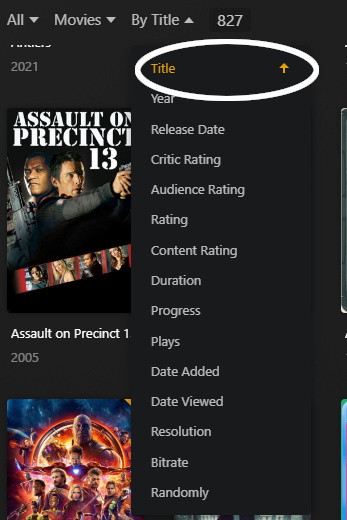
The A-Z and A-Z ordering that appears on a library on the very right hand side of the screen.
I have managed to reverse it so it shows Z-A
I have tried editing the library to change the sort order to all the options (Library Default, Oldest, newest, name) but its not doing anything different (other than rescan the whole library every time)
ANy help gratefully received
Thanks
PLease can someone point out what dumb thing I have done