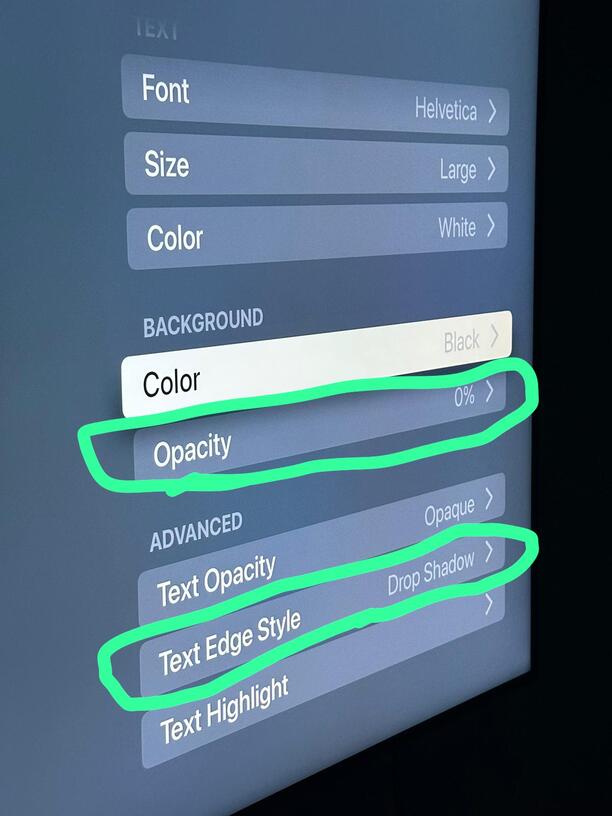
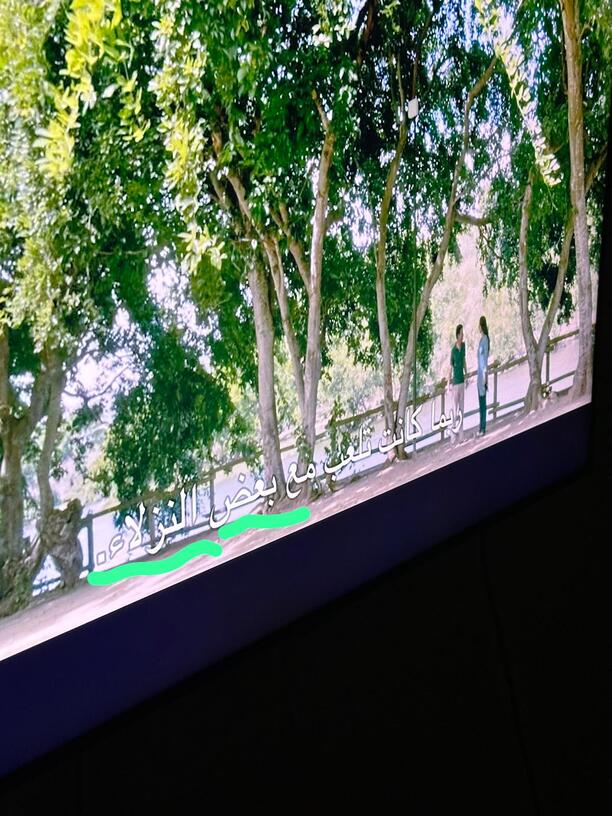
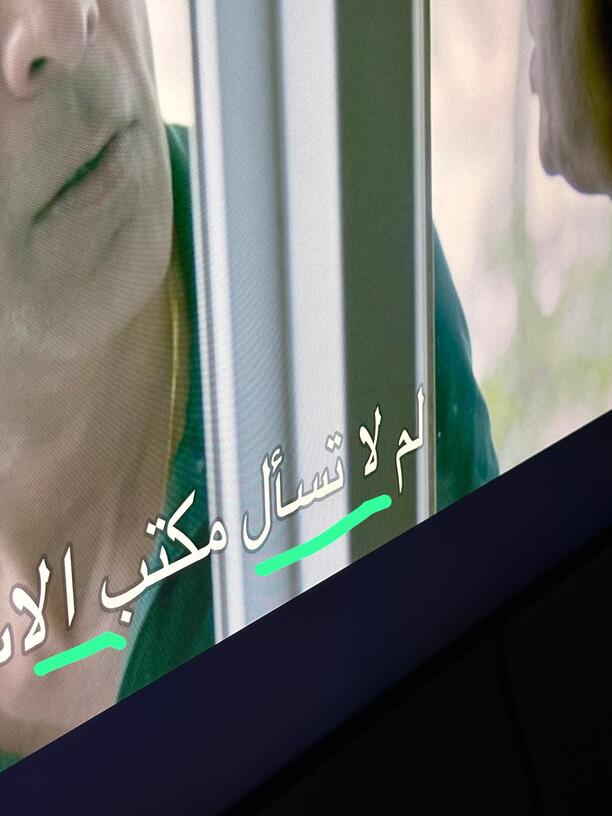
When choosing the font subtitles type from the Apple TV settings and canceling the background … and choosing a shadow or outline … the subtitles appear in the bright shots slightly transparent
Although the subtitle transparency has been turned off in the Apple TV settings
Honestly your screenshot just looks like they are white and only the drop shadow is transparent as it should be but maybe my computer screen is not showing color as you see it. Would you mind sharing your SRT file? I tried one of my own but it looks fine to me
The problem is not with the TV screen. . All applications are good … Blix just talk to him about this problem … Try to go to the subtitle settings on the Apple TV and make the settings as you did in the picture and try
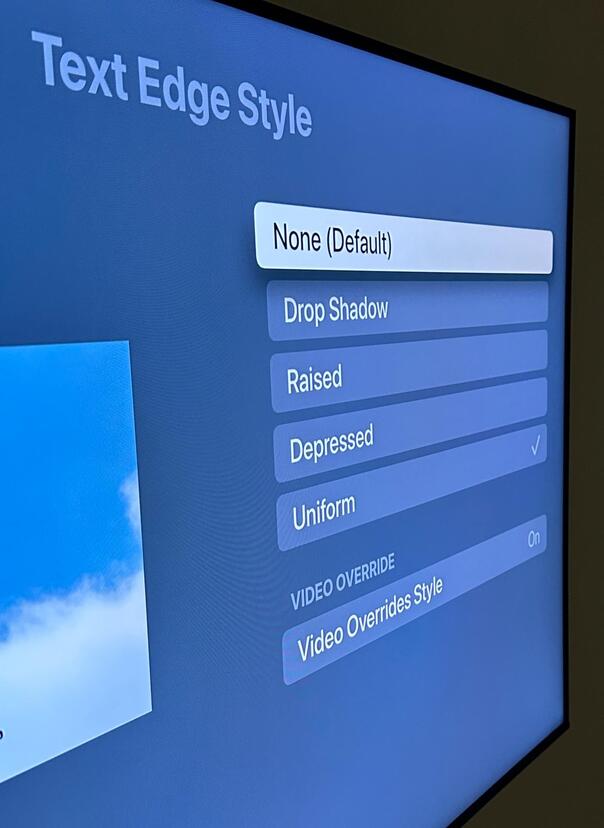
Try the most important option, I choose a drop shadow
I didn’t say it was. I said they do not look transparent in your screenshot. Only the drop shadow does which I would expect out of a drop shadow, else it would be just a black outline not a shadow. The drop shadow is not afaict controlled by the background opacity
I have no idea who “Blix” is or the “him” you refer to
I already did before my previous reply with my own files
I just tried with the arabic SRT file from your link and the white part of words is not transparent. Only the drop shadow which I expect to be transparent.
Can you take a screenshot of another application so I can understand what you are expecting with those same subtitle settings of your screenshot
Netflix - osn - shahid - infuse - vlc -all app
Any application I watch or download, the problem does not occur and it depends on my settings on the Apple TV
The problem only occurs with the plex app
The problem was tested not only in Arabic subtitle, but also in the English language, which becomes transparent
Note : When choosing to convert automatically, it comes with a subtitle font type other than the one you chose from the settings… Also, rendering and delay becomes slow… Also, the important thing is that rtl support from right to left becomes unsupported… For example - and . They collide, the point becomes. The first line is on the right and becomes - the first line on the left… Arabic is from right to left, not from left to right
But when choosing play original quality, everything is beautiful and wonderful … the type of subtitle font that you chose from the settings … also supports rtl successfully … but the only problem is that it is transparent
Also, the problem only applies to the drop shadow option… (it is the most beautiful😁)
They all become transparent… only the last option )
(Uniform) does not make the subtitles transparent… but I do not want it… because of the intensity of the black color at the edges.