Server Version#: 1.19.1.2630 (running on a Win 7 PC)
Player Version#: 1.8.0.1159-67c4a549 (running on macBook)
This issue is annoying the bjesus out of me because I can’t determine the pattern to even describe it well and, when it does fail, the error message changes. Short version, some of my TV shows aren’t playing on Plex Media Player. I posted in the desktop media player forum because the problem happens on my MacBook but I’m also having the same problem playing content on my iPad, iPhone and Roku.
The problem seems to be limited to episodes from season of Arrest Development in .mkv format and Amazing Stories in .mkv format.
To the best of my recollection, I download Arrested Development as a season so all episodes should be on the same format (1080p, 5.1 Dolby Digital Plus). Yet episodes 1-12 play just fine and problem didn’t surface till episode 13. Amazing Stories is also 1080p/5.1 audio
I looked at other series that are working and see at least two others that are 1080p/Dolby Digital Plus/5.1
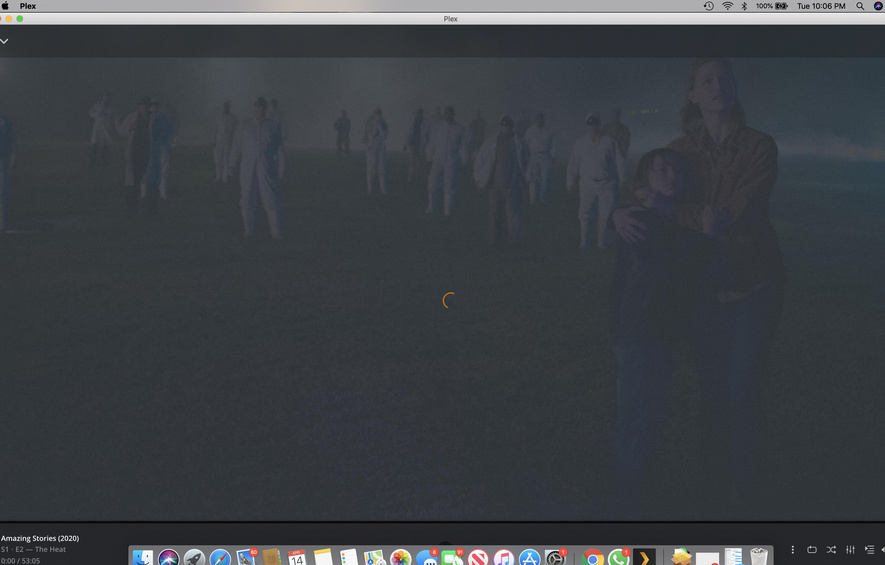
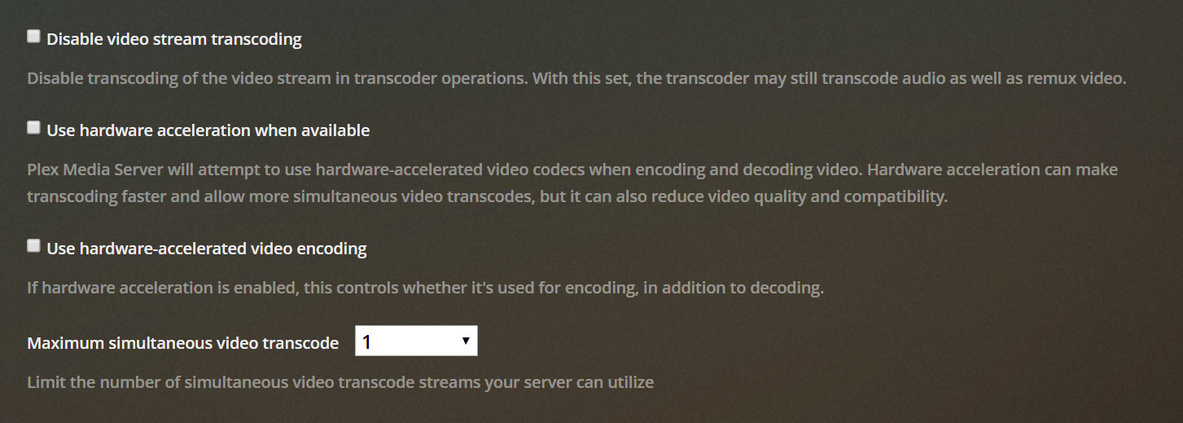
The error message varies by which player i’m using on which platform. When the episode fails to play on my macBook, the error message is “Not enough CPU for conversion of this item”. When it fails to play on the iPad, the error message is “Something went wrong playing your media. Please try again. Count not direct play because App cannot direct play this item. No direction play video profile exists for protocol http, with container mkv, and video codec h264. Could not transcode because not enough CPU for conversion of this item.”
When it fails on the iPhone it sometimes 1) give the same error message as above 2) once said “Indirect Playback: You are not connected directly to this server so streaming quality may be limited.” 3) usually just has the spinning circle that spins and spins but never plays.
When it fails to play on the Roku the error message is “We’re unable to play this video, make sure the server is running and has access to this video”.
I say WHEN it fails to play because last night the Roku gave that error message but the iPhone played the same episode just fine. Tonight the iPhone app refuses to play the same episode it played fine the other night.
Last thing to mention which I can’t imagine being a factor but, just to leave no stone unturned, until last week all my media was stored on my Synology (with PMS running on the PC). I just added a larger harder drive to the PC and transferred most of my media to the PC drive. Both of the series that are refusing to play are on the the PC drive. However, so are the working series of the same format I mentioned above.
PMS server logs attached.
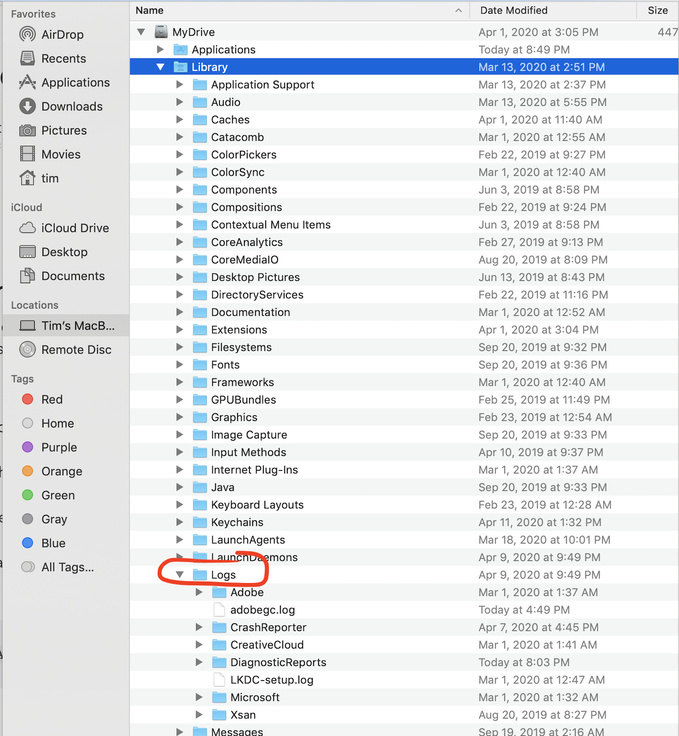
I tried to attach the Mac Player logs but there either were no logs or I’m looking in the wrong place.
What can rescue me from this techno hell? LOL
Plex Media Server Logs_2020-04-14_21-35-35.zip (4.6 MB)
**
**
ah ha! And just to show you what I mean when I say the error is not consistent, I tried playing the show again on MacBook Plex Player. Sure enough, last time it gave the error stated above “Not enough CPU for…” Now it is just the endless spinning circle with no error message. So, without changing any settings anywhere, at the same location with the same internet speed, I get different error message. The only consistent thing is the episode won’t play