Good, yesterday I updated my ubuntu 21.10 to 22.04, so far everything is correct, I had never had any problem, which was my surprise when I observed an error in beignet-opencl-icd when installing the latest version of plexmediaserver.
Note that version 22.04 removed this driver seems to be obsolete, is there a possible way to make it work again?
Until yesterday everything was working 100% on ubuntu 21.10, my plexmediaserver installation is the plex x64 .deb beta.
Did any of you have the same thing happen to you?
I have read several threads referring to this driver but since it was not exactly the same problem I decided to open this to see if it happened to anyone and warn those who want to update to wait just in case.
I could be wrong but is this now intel-opencl-icd on 22.04 ? I have a dedicated nvidia GPU myself so don’t have a intel integrated GPU but I’m pretty sure they just renamed it.
I observe this driver that comments what I am not clear about is if it is compatible with my 4th generation intel.
A 4th Gen Intel can’t do HEVC HW decoding so the Beignet package is moot because HDR is only present in HEVC files. You need at least -6xxx CPUs for HEVC SDR and -7xxx CPUs for HEVC HDR (where tone mapping becomes possible)
4th gen intel CPUs use the standard libraries already provided with PMS
So even without having that dependency I can continue to enjoy HW transcoding without worries since my processor, even if it’s 4th generation, has intel sync and can do HW transcoding.
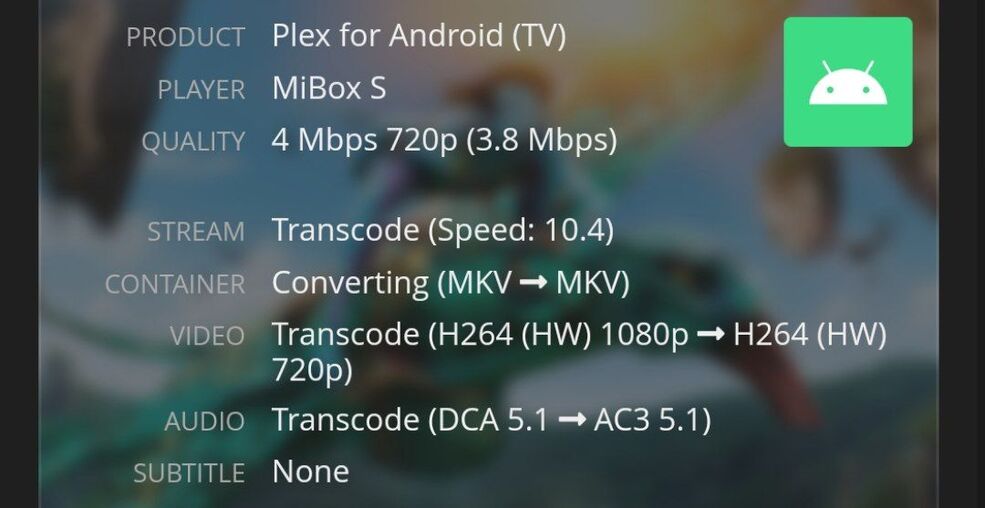
I have tried and forced a 1080p file and I observe that the plex has transcoded it by HW without problem.
Exactly the error that plexmediaserver gave me when updating was this:
PlexMediaServer install: PlexMediaServer-1.26.1.5772-872b93b91 - Installation starting.
PlexMediaServer install:
PlexMediaServer install: Now installing based on:
PlexMediaServer install: Installation Type: Update
PlexMediaServer install: Process Control: systemd
PlexMediaServer install: Plex User: plex
PlexMediaServer install: Plex Group: plex
PlexMediaServer install: Video Group: render
PlexMediaServer install: Metadata Dir: /var/lib/plexmediaserver/Library/Application Support
PlexMediaServer install: Temp Directory: /tmp
PlexMediaServer install: Lang Encoding: en_US.UTF-8
PlexMediaServer install: Intel i915 Hardware: Found
PlexMediaServer install: Nvidia GPU card: Not Found
PlexMediaServer install:
PlexMediaServer install: OpenCL: Installed
PlexMediaServer install: Beignet: Not Installed
PlexMediaServer install:
PlexMediaServer install: WARNING: The Beignet-OpenCL library, required for hardware transcoding of HDR content, is missing.
PlexMediaServer install: Please install package: ‘beignet-opencl-icd’
PlexMediaServer install:
PlexMediaServer install: INFO: dpkg will install package ‘beignet-opencl-icd’ automatically
PlexMediaServer install: if available for your host upon successful installation of Plex Media Server.
PlexMediaServer install:
PlexMediaServer install: Completing final configuration.
PlexMediaServer install: Starting Plex Media Server.
PlexMediaServer install: PlexMediaServer-1.26.1.5772-872b93b91 - Installation successful. Errors: 0, Warnings: 1
Procesando disparadores para mailcap (3.70+nmu1ubuntu1) …
Procesando disparadores para desktop-file-utils (0.26-1ubuntu3) …
It should continue like this if everything works correctly or it would be better to change the distribution as they should, which I observe supports the library or migrate to docker but I find it difficult to have to start from scratch, it would be best to avoid it.
@martigs
what does cat /proc/cpuinfo | grep 'model name' | head -1 return?
The logic for detecting CPUs should not misfire as it appears there.
It has been discovered that Intel/Ubuntu have done some silent promoting and renaming of the ICR support libraries (used on CometLake and above processors).
I wonder if this has also happened here.
I saw that in the latest version I uninstalled that package, I realized the error when updating plex, before I did not have that error, it is the first time I see it, executing the command it goes like this:
model name : Intel(R) Core™ i5-4440 CPU @ 3.10GHz
Say that from plex I observe that I am transcoding by HW.
I am upgrading my 21.04 VM to 22.04.
If you watch the upgrade, you will observe Ubuntu feels Beignet is no longer needed.
I am going to follow this through to completion and test (i7-8809G CPU)
That happened to me I uninstalled it I thought it was nothing but in the end it turned out to be useful for plex and the problem annoyed me
As can be seen in the plex force a file to be transcoded and it works by HW
@martigs
May I see those logs please ?
I’m trying to decipher here on my NUC8 and not having much success
To those following here:
We did more investigating and found an issue.
We have enough data and Engineering is addressing it.
Will keep you informed.
Yes, is there a command to see everything on the screen, so it gave you the corresponding log?
In all that I can I want to help because I am very happy with the good performance of plex.
@martigs
If you haven’t been using the server much since earlier, the transcoder session might still be in the logs (there are 5 rollover logs of limited size).
Settings - Server - Troubleshooting - Download Logs
will give you a ZIP file.
Please upload this ZIP so I may review it.
If you haven’t rebooted the host, /tmp/plexinstaller.log will tell me what the installer found.
I would like to see this file too.
Please paste the contents using “CODE” formatting button </> so the forum doesn’t try to stylize it
Perfect I’m going to prepare it and upload it, a query in this file there is no type of private information that could cause a problem if I upload it to the internet or is it?
Greetings.
I already checked it to see if we can find a possible solution, in the reproduction of the log that I sent you is a video that I am forcing to transcode in order to find the possible problem.
1I have fresh installed 22.04 Ubuntu and it seems like transcoding works via hardware UNLESS tone mapping is required.
Intel(R) Core™ i3-8100T CPU @ 3.10GHz
[8th Generation Intel® Core™ i3 Processors]
[Products formerly Coffee Lake]
Intel® UHD Graphics 630
Is this an issue that cannot be fixed at the moment as beignet-opencl-icd is depreciated from 22.04? I am fine to downgrade linux to 20.04 if it will mean everything works.
I also observe the server transcodes by HW without problem, they told me that HDR, since it is not possible with my GPU, is automatically done by the software plex, I don’t know if it will be like that, at first glance the only problem I saw right now is the warning to the update, the rest seems to be working fine for now.
@martigs
Your machine can do normal HW transcoding for all H.264 content.
Where it gets in trouble is with HEVC (H.265) content. Your 4th Gen cannot HW transcode this codec.
Additionally, you need a -7xxx CPU or higher to have HW tone mapping.
Knowing this, Beignet and OpenCL don’t matter for you with this processor.
All HEVC processing is software
All HDR → SDR tone mapping is sofware.
For all Intel CPUs, PMS is shipped with basic HW transcoding software libraries.
I understand the problem should not affect me, in any case if the x264 transcodes by HW and by software the x265 can go well, at least in my case I try to avoid transcoding, but it is always good to know how far you can go, thank you very much for the help.