Jun 28, 2024 23:52:57.266 [137964678032184] INFO - Plex Media Server v1.40.3.8555-fef15d30c - Docker Docker Container (LinuxServer.io) x86_64 - build: linux-x86_64 debian - GMT 01:00
Jun 28, 2024 23:52:57.267 [137964678032184] INFO - Linux version: 6.8.0-35-generic, language: en-US
Jun 28, 2024 23:52:57.267 [137964678032184] INFO - Processor: 6-core Intel(R) Core(TM) i5-8500T CPU @ 2.10GHz
Jun 28, 2024 23:52:57.267 [137964678032184] INFO - Compiler is - Clang 11.0.1 (https://plex.tv 9b997da8e5b47bdb4a9425b3a3b290be393b4b1f)
Jun 28, 2024 23:52:57.267 [137964678032184] INFO - /usr/lib/plexmediaserver/Plex Media Server
epir@homelab:~$ ls -la /dev/dri
total 0
drwxr-xr-x   3 root root        100 Jun 21 17:48 .
drwxr-xr-x  21 root root       4320 Jun 21 18:03 ..
drwxr-xr-x   2 root root         80 Jun 21 17:48 by-path
crw-rw----+  1 root video  226,   1 Jun 21 18:48 card1
crw-rw----+  1 root render 226, 128 Jun 21 17:48 renderD128
epir@homelab:~$ groups epir
epir : epir adm cdrom sudo dip plugdev lxd
so it looks like only the root user has access to this directory which i’m guessing is the issue. do i just need to add my user to the “video” and “render” groups? or do i need to change the PGID in the compose file?
this is how plex is set up in my compose, with “1000” being my user and group:
  plex:
    image: lscr.io/linuxserver/plex:latest
    container_name: plex
    network_mode: host
    environment:
      - PUID=1000
      - PGID=1000
      - TZ=Europe/London
      - VERSION=docker
    devices:
      - /dev/dri:/dev/dri
    volumes:
      - /docker/appdata/plex:/config
      - /mnt:/mnt
      - /mnt2:/mnt2
    restart: unless-stopped
what confuses me is that this all worked fine on my synology nas, i never had to mess with permissions or anything, maybe the synology somehow automatically gives plex access to /dev/dri? also if plex doesn’t have access to /dev/dri, how come it’s able to detect my iGPU in the transcoder settings?

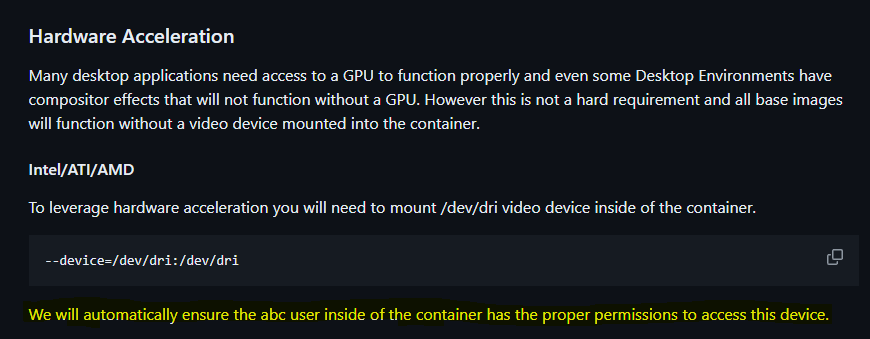
EDIT: also checked the docs of Linuxserver (whose image i am using) and it says that as long I’ve added the /dev/dri to the container, it will automatically assign permissions: