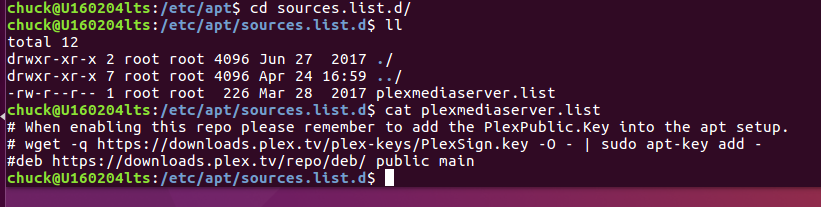
[chris@linux Downloads] echo deb https://downloads.plex.tv/repo/deb public main | sudo tee /etc/apt/sources.list.d/plexmediaserver.list
tee: /etc/apt/sources.list.d/plexmediaserver.list: No such file or directory
deb https://downloads.plex.tv/repo/deb public main
[chris@linux Downloads] sudo ls /etc/apt
ls: cannot access /etc/apt: No such file or directory
will respond with IPv6 first if you’re v6-based.
If it does, we will need see why you’re getting that. Plex doesn’t have IPv6-facing repos yet. (the cloud doesn’t have it)
I’ll wait to hear what the build team says about the wget syntax. I believe that is all I need to download the current Plex media server rpm.
As to the IPV4 vs IPV6 question, I’m still confused why that matters, and I further confused by the instructions to visit whatsmyip.org, which returned my IP address and some other information:
Hostname & User Agent
Your Hostname:
xxx.xx.xx.xxx
Your User Agent:
Mozilla/5.0 (X11; Linux x86_64) AppleWebKit/537.36 (KHTML, like Gecko) Chrome/74.0.3729.131 Safari/537.36
Nothing about V4 or V6, and nothing about running nslookup on plex.tv.