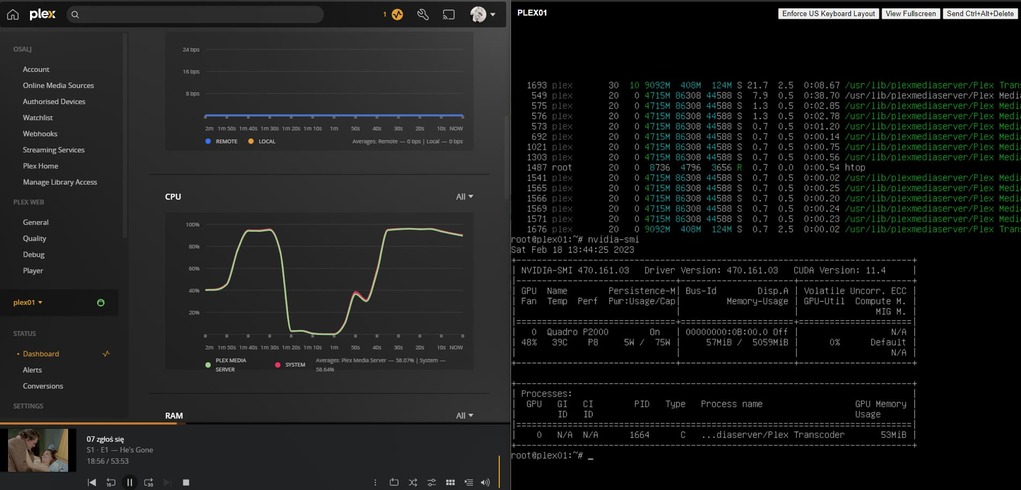
I have ESXi 7 on NUC8-i7-HVK boxes with several test VMs
To select which GPU to use
On bare metal
– the CPUs QSV ASIC will appear as /dev/dri/renderD128 (what Plex looks for)
– GPU card(s) will start being numbered at /dev/dri/renderD129
In ESXi, it gets fun
– Dual GPU CPUs (eg. i7-8809g) , which already have two ASICs, get swapped by ESXI
– The first Nvidia card shows up as /dev/dri/renderD130 (fun, right?)
To your question:
You set the GPU (Internal or PCIe) by specifying the hidden preference in Preferences.xml (PMS stopped of course)
HardwareDevicePath=“/dev/dri/renderDxxx”
If you’re using the NVidia GPU and experience other problems (due to CUDA 12.0 with PMS) you’re welcome to join the thread which is linked above.
I have a P2200 on Ubuntu 20.04.5 (Ubuntu Server base install) and do not experience the problem.