Version 1.3.1.916-1cb2c34d
Since this player is supposed to be specifically a desktop player, could you please implement volume control using the mouse wheel.
It is so much more convenient to use - in the VLC player - rather than the tiny fiddly slider in this player -
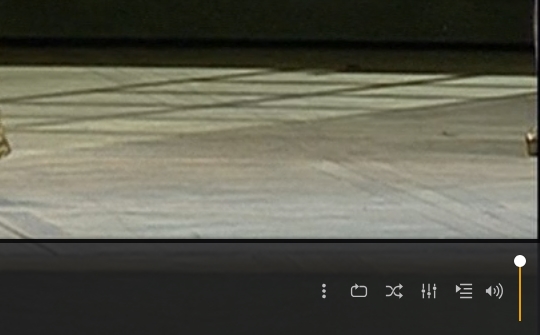
Mouse wheel is usable, but only if you hover your mouse pointer exactly over this volume slider.
Thanks Otto,
I did not think of it. It works - better than dragging the point - but still, it is awkward to use.
- one has to be careful not to hit the speaker icon, and has to take eyes off the movie.
- the on-screen panel obscures the subtitles, and stays on for too long.
The VLC method of volume change by mouse wheel does not bring the on-screen controls up, and is so quick and simple.
On some videos - operas for example - the volume dynamic range could be wide, and for older ears, the volume has to be adjusted quite often.
cheers
