On my windows plex server, I have over 1000 movies. I had categorized them accorinding to my personal genre designation and collection for the tags. I’m not going to search for something like Lethal Weapon under mystery or comedy. I think action so that is the only one I want it to show under. There are a few movies which come under two groups - superhero for genre and MCU for collection - that way I can sort them.
Somehow ALL of my movies got recategorized as the defaults. I don’t know if there is a way to go back? I also NEVER EVER EVER HEVER want this to happen again - is there a place I can lock it so it never has this problem again?
The only scenario I’m aware of where Plex can do such a reset is if a combination of events add to each other:
Server configured to do automatic/scheduled library scans
Server configured to automatically empty its trash after every scan
Some shaky connection to the drive containing your media (e.g. HDD taking rather long to spin up…)
This can result in Plex doing a scan, (temporarily) not finding your media and removing it from your library. At some later point, another scan might succeed and re-add the files to your library – though without all your manual edits (as those had been deleted when the file was gone / temporarily not accessible to the server).
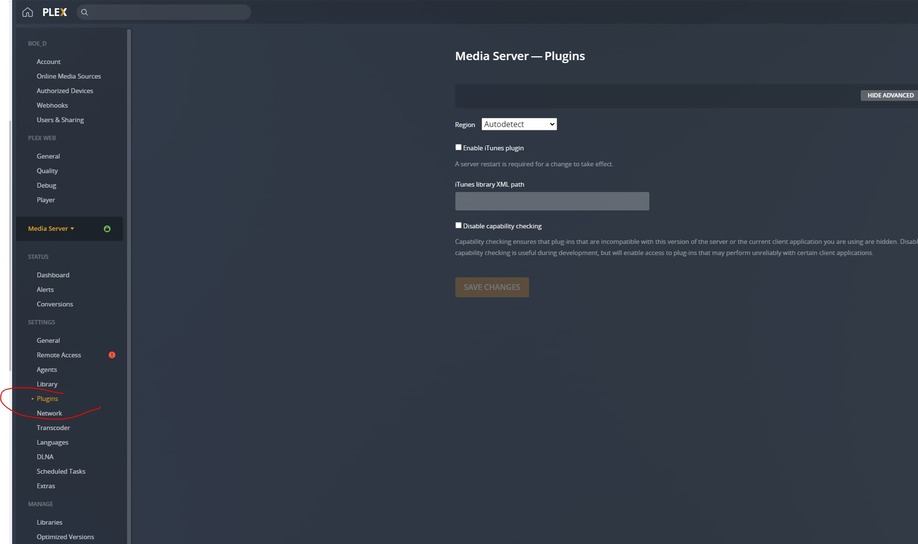
That’s why I prefer disabling the option for Plex to automatically empty its trash ( Settings > [Server Name] > Library).
If this only happened recently you could check if you can restore a database backup which Plex created as part of a scheduled task.
Thanks - I did restore it from 9 months ago (last time I backed up my appdata folder) C:\Users\boe_d\AppData\Local\Plex Media Server\Plug-in Support\Databases
Anyone have instructions on how to move that directory on a Windows media server within plex? (I know how to move files & folders in windows).
A screenshot of where to move it would be awesome.
I’m not gifted at programming but I think I could write a clunky task script to stop the plex program, copy the plex database to another folder and then restart the plex program.
Would it be possible for me to get plex working again should it lose its database if the only two files I restored were - com.plexapp.plugins.library.db and com.plexapp.plugins.library.db-wal? I’m using windows. I’m not sure if com.plexapp.plugins.library.blobs.db is essential or there are other folders I should worry about.
I just really want to protect myself should my drive be offline again and not automatically clearing the trash hasn’t been ideal for me.