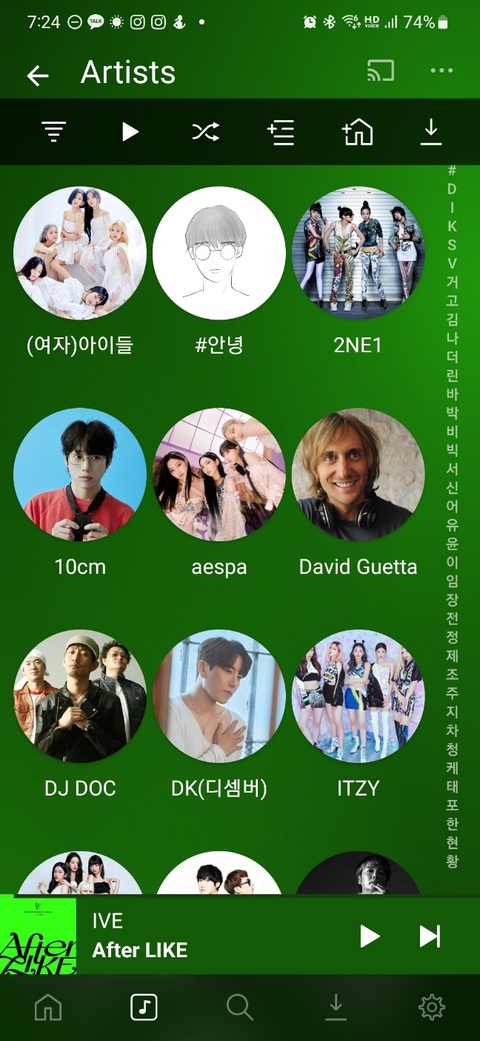
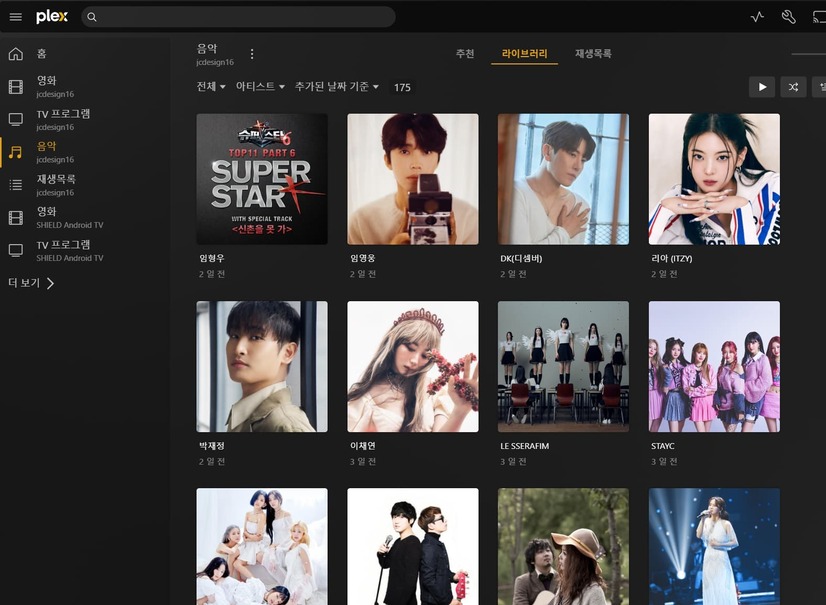
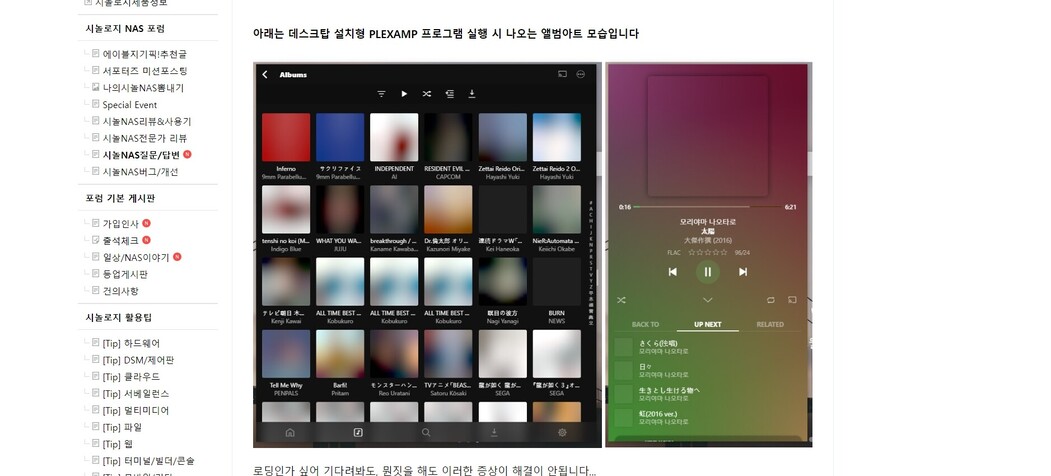
I can’t see the album art
How can I solve this?

Plex Media Server Logs_2023-05-31_15-47-58.zip (4.7 MB)
I can’t see the album art
How can I solve this?
Your artwork is probably missing. Check in the web app.
Nah, I’m seeing this too on Plexamp 4.7.4 on macOS.
Certain album art previews are just a blur of the colours used in the album art - like it’s applying the background tone to the art preview.
The same art is fine when viewed on the server web app and Plexamp on my iPhone is fine too.
Clicking on the album in Plexamp on macOS shows the art fine - the correct art is visible on playback, and in the teeny previews
Plexamp on macOS
Plex Server
Then you’ll need to post logs, there is no known issue. What you see depends heavily on the cache as well, so you might want to clear it in Plexamp settings and see if that helps.
No matter what you do, it won’t be solved
I am not the only one in Korea
Only Destop plexamp is the problem
Plex Media Server Logs_2023-06-03_07-34-07.zip (5.1 MB)
Thank you for the information, I think the issue is your windows home directory has Hangul characters in it. This makes the cache not work. If you change your home directory to not have Hangul it will make it work.
We will look into supporting non-latin directories on Windows in the future.