Hi
app seems to be working very nicely, however I have an issue with filters, once I added one, I cannot remove it after. Tried to empty the field and saved but filter reappear right away…seems like there is no way to remove all filters.
Anyone having the same issue ?
I would like to thank marmei for this utility. I have had no issues setting it up from following directions here and on the xTeVe site. The only issue I’m having is that it takes a long time for it to switch channels. I tried 3 different providers. The initial switch is like 3-5 seconds then it pauses for another 20-30 or so with the buffering circle before it starts playing. No matter what I try it shows transcoding h264 (hw) to h264 (hw) for video in the status of plex and direct play, direct stream, or AAC to AAC for audio depending on the channel. This is in the local access of the webapp in Firefox. The streams all play perfect and start almost instantly in VLC, Simple IPTV in Kodi, and MYIPTV Player windows 10 app. Am I missing something or is this the expected outcome. It works great after the 30 second startup, but makes it a pain to change channels say for instance between ball games.
I have disabled transcoding on the xteve tuner in plex, turned off buffer. Set maximum on local and internet streaming in webclient settings. Set original in server settings for all I can. Don’t know what else to try swtiching to get it sorted. Hoping someone can point me in a direction. Because other than the slow switching everything is perfect. Have the channel numbers all the way we want and removed the channels we never watch. Just haven’t tried the recording yet because it takes so long to switch channels I assume the recording will fail anyway.
So still have the slow channel changing, but decided to try to record anyway. Found that using xepg gave me the same game on all espn channels for all showings. Modified the channel list and ran it letting plex choose the epg data. That sorted the issue of all games showing as the same. Even though I have slow channel changing it recorded perfectly. I only didn’t set a before and after time so it cut the last 30 seconds or so off but it was fine for a test. Now to try to find a solution to the slow channel change and setup auto convert recordings from .ts to .mp4.
There is a conflict with your bind port. Port 1900 is used for UPnP / DLNA Plex or there is another UPnP / DLNA server on your computer. You need to disable DLNA in Plex or disable the other UPnP / DLNA Server or change the port your using for xTeVe. It’s in the second line of the log you posted.
@kuncc were you able to get this installed on your PR2100? I’m in the same boat now and can’t seem to get the xteve file to install/execute on my PR2100
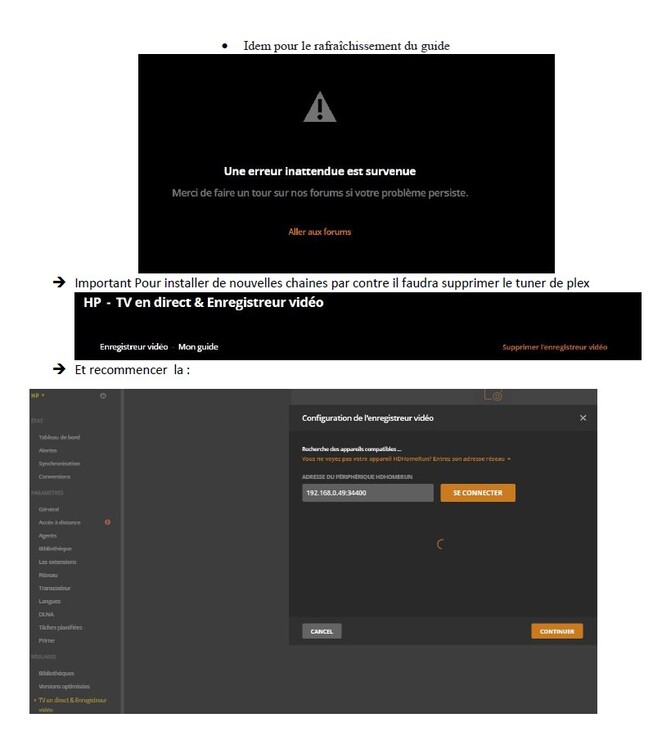
xTeVe works great - when plex cooperates. My only gripe is that after I modified the channel numbers, filters, etc. and reloaded I have had headaches with Plex getting it to refresh the guide - after multiple attempts. I dont know the secret combination but I had to cycle different combos of removing pvr, rebooting plex and xteve, and reloading it. This did not work a bunch of times - seems like when removing the PVR I needed to give plex some time to do some clean up, then shutdown plex on server, wait for browser to lose connection to plex, reboot plex, when i see the banner detecting the PVR its a good sign but that doesn’t consistently happen. So the issue Im having is reloading the PVR and having Plex update the guide with the changes to the channels. Anyone else know the secret procedure to get this to work each time? Ive gotten it to work through trial and error but feels a little random.
Are there any details regarding the buffer? When enabled, Plex says “Could not tune channel. Please check your tuner or antenna.” but the streaming URL plays just fine in VLC. I made sure to restart Plex and xTeVe a couple times. All the logs show is:
2019/02/25 16:08:18 [xTeVe] Buffer: true
2019/02/25 16:08:18 [xTeVe] Streaming URL: http://xxxxxxx.xx:8080/xxxxx/xxxxx/17218
2019/02/25 16:08:18 [xTeVe] Streaming Status: HTTP Response Status [404]
2019/02/25 16:08:18 [xTeVe] [ERROR] Not Found -
Can anyone confirm if the 480 stream limit is per device or per PMS?
I have two PMS’s each with their own xTeVe instance to carry more than 400 channels on each right now, but was thinking of combining with a single EPG file for both.
Today something has changed again. The programs have stopped working again. I removed the source of M3U and EPG and added again. I added DVR, restarted Plex, etc.
I always have a message when I start the program:
2019-03-01 17:36:10 [xTeVe] Streaming URL: http: //portal…BAGVcbWLvT/865
2019-03-01 17:36:10 [xTeVe] Streaming Status: HTTP Response Status [404]
I copied the vlc link and the tv program worked. I do not know if this happened as I added the second EPG to map. Or something changed at the provider. Either my Qnap had updates and something stopped working again. I have now added one tv program and I can not see TV or accessories on the Android app at all. The same in the web browser. Strange thing with this Plex.