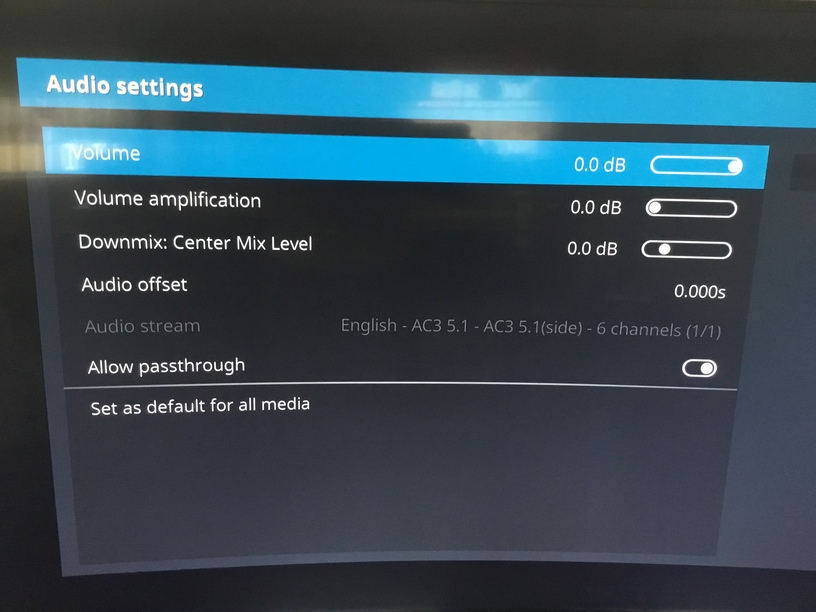
Kodi will not allow pass through on Xbox one on its own(the option is greyed out)
BUT…
Install Kodi, install Plex add on.set Plex add on to auto start when kodi launches.
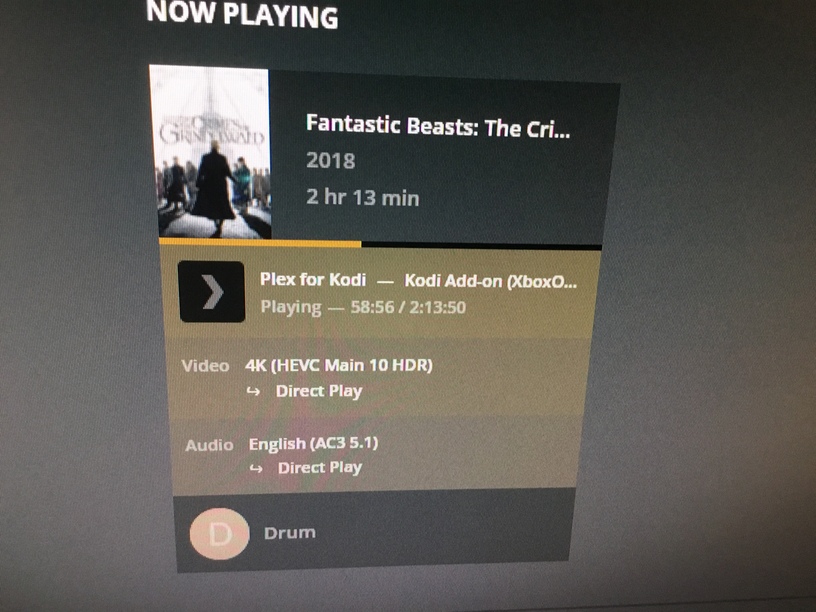
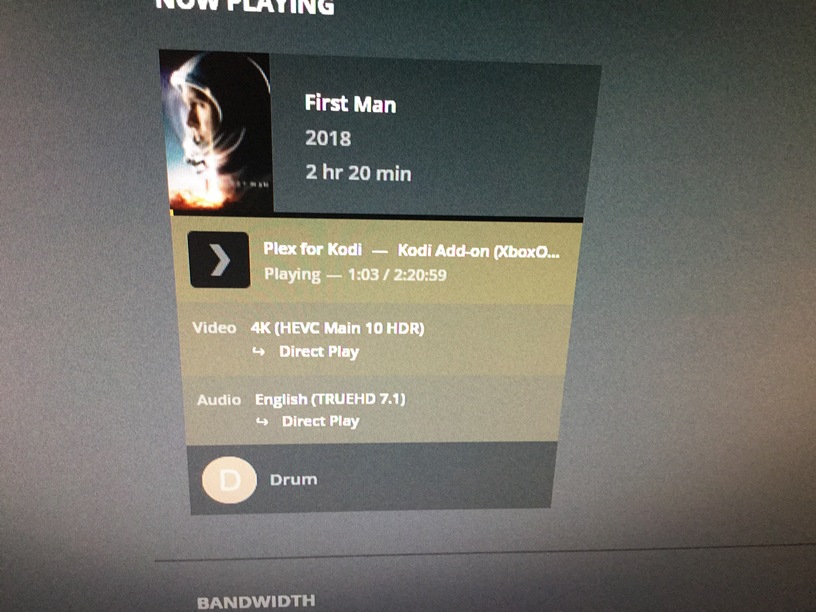
Start to play a 4K hdr movie within Plex add on . WHILE MOVIE IS PLAYING open options and you will see the pass through setting for Kodi under KODI audio tab.it is now selectable!!!allow pass through ,set as default for all media.
The plex add on for Kodi now plays all 4K HDR with any audio codec, direct play—- no buffering!!!
Kodi on its own has the settings greyed out.with the plex app the greyed out stettings are available,obviously an over sight in the program., but it defiantly works , I own 2 Xbox ones that both play hdr 100% with these settings
Unless something’s changed in the last few weeks on Kodi’s end, you are not getting HDR on their Xbox One app. I researched it, dug through their forums, and their staff confirmed as much.
Although that was just confirming what I could see with my own eyes, not to mention my TV’s and receiver’s notifications. Back then and right now.
Nice job on the audio workaround. But you’re not getting HDR on Kodi + Xbox.
I don’t know how many different ways to tell you the same thing: you’re not getting HDR output via Kodi on an XB1. Honestly, I’m kinda blown away that you cannot subjectively see it. Placebo effect I suppose.
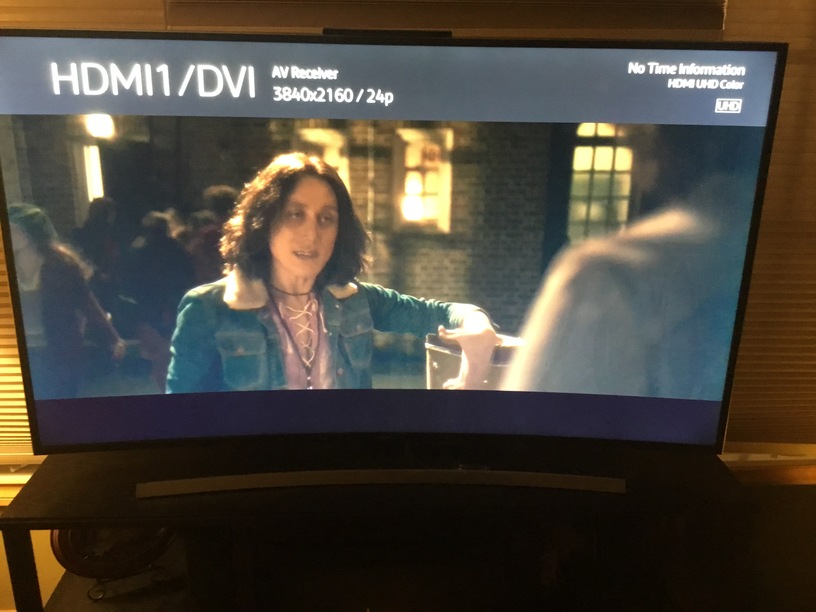
Your statement about UHD terminology is incorrect. I’m literally watching broadcast cable sports on my Samsung KS8000 and it says “UHD Color.” It’s not HDR.
My Nintendo Switch says the same thing. It’s not outputting HDR.
Finally, from the horse’s’ mouth, as I already told you:
Kodi can play HDR content but HDR-SDR conversion will be used. Kodi currently doesn’t support HDR passthrough mode.
I was having a problem with subtitles and stuttering. Turns out my PGS using MKV files were being transcoded to display the subtitles (as I found out it should be) while playing on the Xbox Ones in the house.
The problem I was getting is when I turned off the subtitles (which are distracting in the home theater), the video would jump every 5 seconds, like a stutter. Looking at my QNAP PlexMediaServer Activity page, I could see it was transcoding with subtitles turned on and direct streaming the video when subtitles were turned off. The audio was transcoded all the time.
My guess is the direct streaming of video combined with transcoding of audio was causing some sort of temporal sync anomaly between the two resulting in the stutter. Using your hack, both are now direct streamed and I can have my subtitles on and off without issue.
Have you actually confirmed there is true atmos audio and not the xbox just saying it’s atmos like it always does if that is the setting? If you try a DTS soundtrack, does your receiver switch to DTS?
Sorry to break the bad news mate, but pgharavi is right. You are NOT getting HDR on your TV. Plex Media Server simply will not pass on an HDR stream / metadata to the client (in your case: XBOX). Plex does tone mapping. The result on your TV may look fine, but IT IS NOT HDR. I have a 2018 Samsung 4K TV and ‘UHD’ is NOT equivalent to ‘HDR’. ‘UHD’ means you’re feeding the tv a 4K signal. If that also happens to be an HDR signal, you will get a SEPARATE HDR label next to the UHD one. In the tv’s External Device menu, you can define an HDMI IN connection as ‘HDMI Color’, but this only tells the tv that an HDR signal MAY be received through that connection. The connection is then always tagged ‘HDMI UHD Color’, but additionally ‘UHD’ and/or ‘HDR’ depending on the actual input signal.
Strange, I tried this last night and my receiver always kept showing atmos, even when playing a dts-hd ma movie. Plex server did show direct play but I do not think the kodi app actually passed the audio properly to the receiver. On top of that, the hdr does not work as others have already said with this method. All in all, it’s a no go.