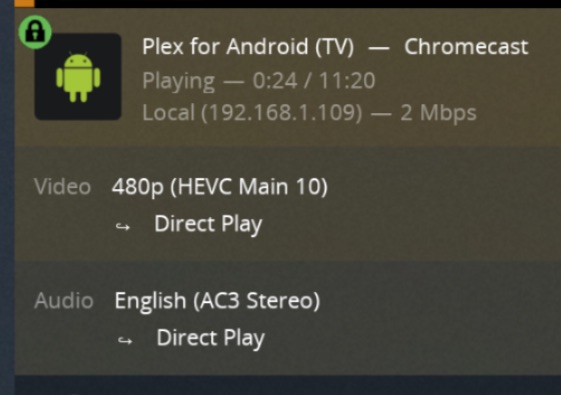
With a single audio track I’ve observed an error:
“An error occurred while attempting to play this video. Please check your connection and try again.”
With two mono AC-3 audio tracks, I’ve observed an error:
“The server is not powerful enough to convert video”
This error will occur, even if I disable transcoding of video streams.
In this case, I re-encoded the audio tracks into AAC and the video played with no problem.
To summarize .. latest chromecast isn’t supposed to play AC-3. It mostly DOES play AC-3 and I wish it fully played AC-3.
I don’t know if this is a problem with the Chromecast itself or the Plex app.
I should mention that these files will play in the Plex app for the Roku Ultra (though I notice a tiny glitch in the audio when the first start playing, like a spurt of noise)
‘uno’ is a single audio track. ‘duo’ has two audio tracks.
Rename them to include a year, so they show up in a Plex scan, e.g.
ac3ch1test-duo (2021).mkv
Here is a Bash script which traverses the current folder, searching for single channel AC-3 video files. It requires the ‘mediainfo’ utility, which you can get from Homebrew on macOS.
#!/bin/bash
find . -type f -iregex ‘.*.m[4kp][4v]’ > /tmp/ac3ch1seek_movielist
while read moviefile
do
One is unlikely to encounter this problem, unless he has some vintage video files with monaural audio encoded in AC-3. Movies from the 1950’s and earlier are more likely to have 1 channel audio.
I found a work-around by disabling Audio Passthrough, in the Plex app on Chromecast with Google TV.
You can either uninstall/reinstall the Plex app, and when you try to play a video, it will ask you about Audio Passthrough. Select ‘Disable’. Or you can go the Plex app’s Settings > Advanced > Audio Passthrough, and disable it there.
This does not interfere with ‘Direct Play’ capability to the Chromecast.