Unsure what causes this. They both are on the “Plex agent” in settings.
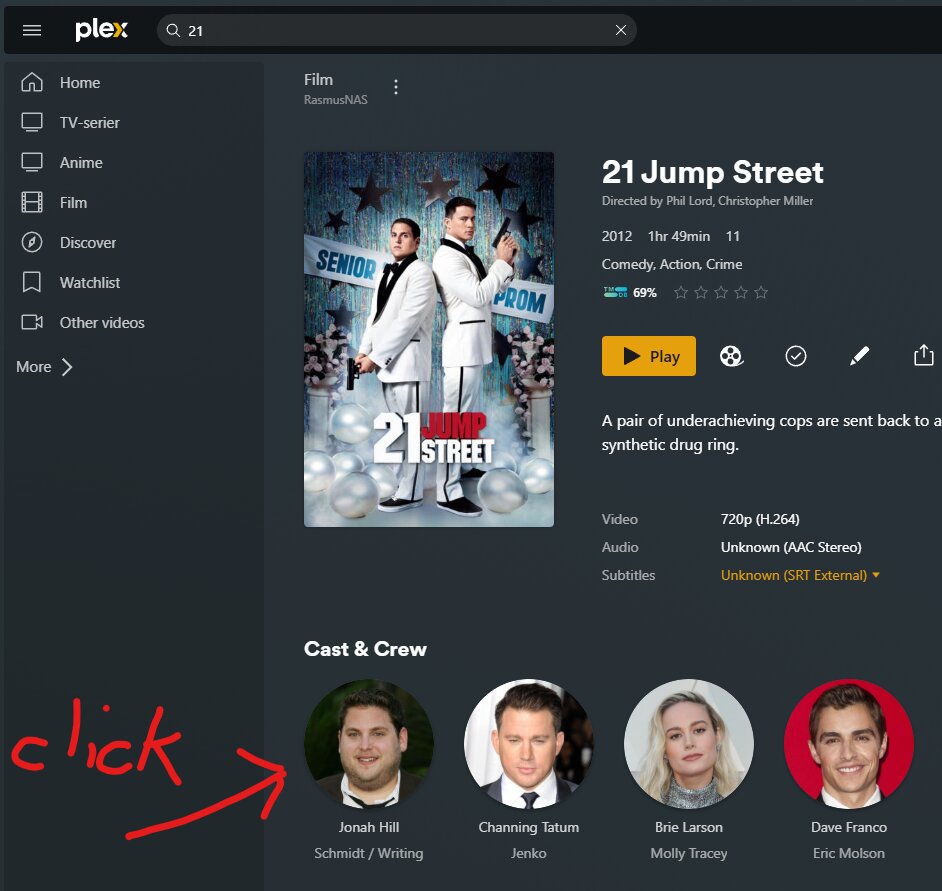
I click an actor under a movie:
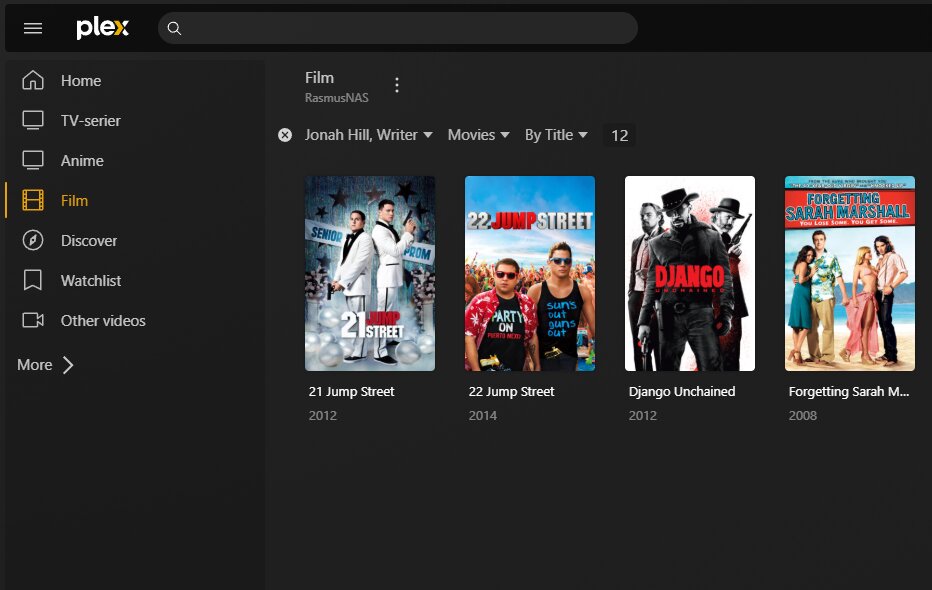
Now i just see his movies:
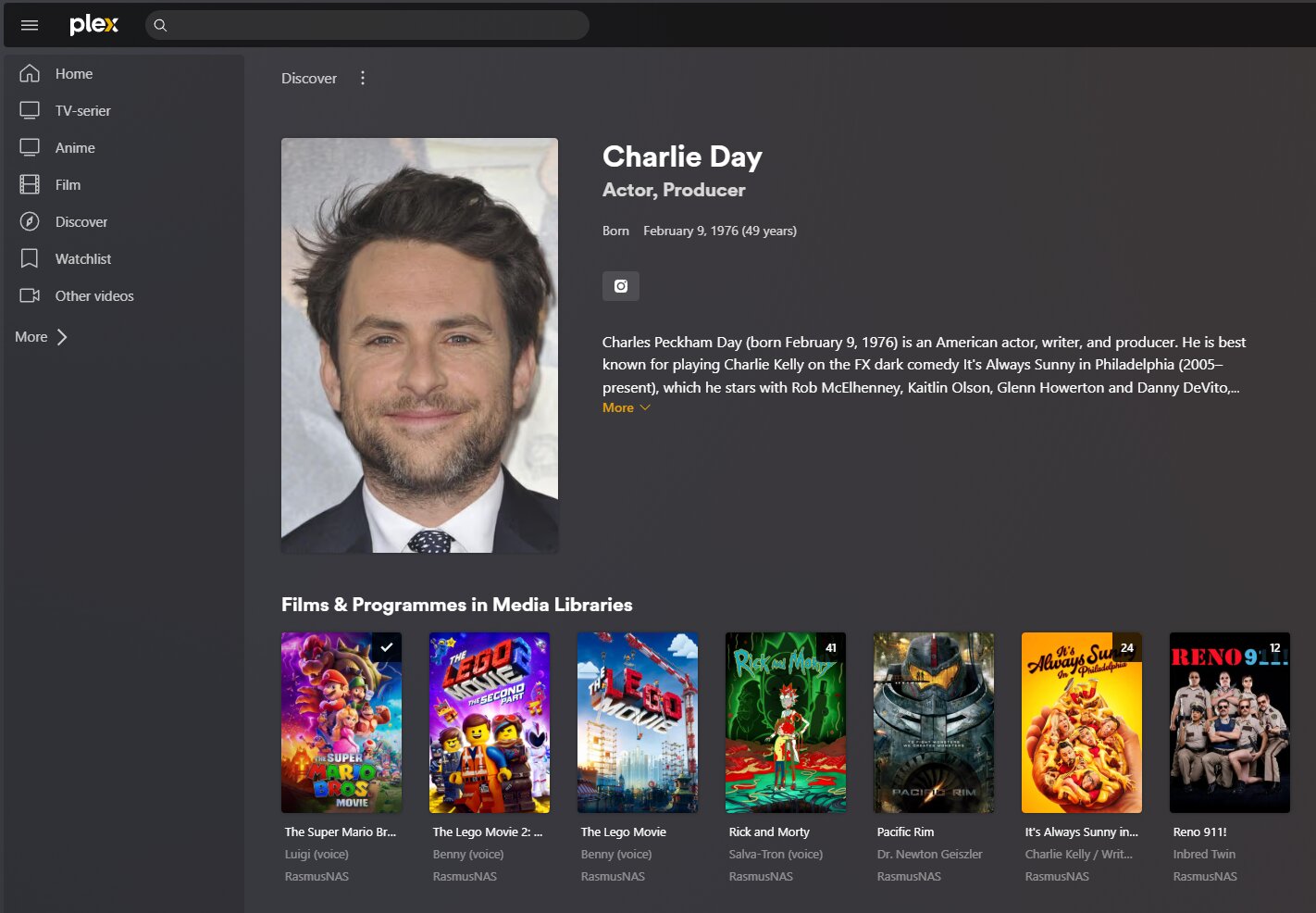
Here im in TV library under Charlie and i get details about him:
Can you confirm that’s the „Plex Movie“ agent for the movie library, not „Plex Movie (Legacy)“, and that the library metadata has been refreshed since it was changed?
Can you also verify that the library preference „Allow matching to explicit content“ is disabled?
That first image is filtering for Jonah Hill. That’s not the save as clicking on his link.
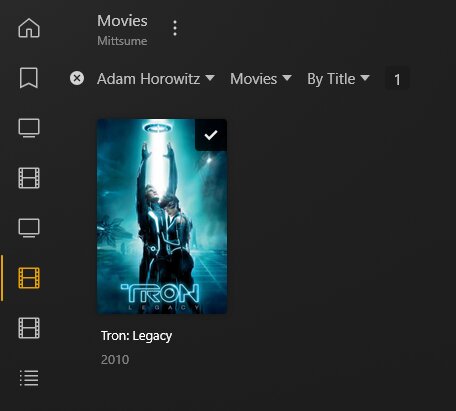
Also, interesting the filter says “Jonah Hill, Writer” – the credit type isn’t displayed when I use that filter. Like here where I used Adam Horowitz.
I also tried Clint Eastwood as a Director filter, since he also has acting credits, but the filter doesn’t say “Clint Eastwood, Director” then either.
This happens when you are a Managed User and use the search bar along the top. It gives you an entry lists the server-name and a (+X) to indicate that the search result is in multiple libraries. Clicking on the base image takes you to a -FILTER- for the actor in the first library it found (arbitrarily chose), not the user’s full/partial profile in “Discovery”:
As an admin, the exact same search yields the actor’s “Discovery” link instead:
This came up in another topic recently. No notice from Plex about whether this was intended or not. I believe it has to do with “Discovery” being disabled for Managed Users, which causes search results to bring up a filter instead of the profile.
What is most frustrating about this is that you CAN get to an actor’s profile on a Managed User account, you need to select their profile pic in any movie they are in. This isn’t the FULL profile that lists all movies not in your server, but with discovery disabled for Managed Users, you wouldn’t be able to do that anyway.
For the OP: Click on 21 Jump Street, then click on his portrait in the cast list to get his full filmography.
@Divideby0 I’m not sure which is the bug. Being able to get to an actor profile page with discover disabled, or not being able to get to the profile page normally.
With the first, if you look in the URL, it says it’s going to the Discover provider, which shouldn’t be possible. With the second, it’s silly to not be able to get all results for an actor.
Plex needs to figure this out and decide what should be correct.
There’s a good reason not to allow Discover for Managed users, though it’s odd they haven’t actually “solved” it yet. When they came out with it, people were able to play “5 degrees of” to go from movies an actor is in on a server, to movies an actor is outside the server, and saw some raunchy titles and posters. I thought Plex “solved” that by disallowing adult and/or unrated results, but I also thought they “solved” it by disabling browsing/displaying of ANY content not owned by the server.
The latter option works well, but the base UI of Discover is much more handy than the old UI that separated every library that a person is a part of into separate pages. This single - combined - UI I called “discover”, but is a kind that only shows locally-owned version sources, and no more. As much as I’d like to be able to see all non-owned media, I am not worried at the loss, as I have IMDB on my phone, which I can do mid-movie.
So for me, the bug is that Managed users can access this “Discover-lite” menu for an actor, but NOT in the same location as an Admin account can. Now, if I click on the search result for Jonah Hill on my admin account, I see a page that has my locally-owned media in all libraries, and FURTHER DOWN is a “Known for” panel that lists a further selection of his stuff, but in the “Discover” site. Links here take me to information about media I do not own. If I click one I DO own, it uses the default poster, not my own (an interesting way to tell you are in the “Discover” mode, no longer on your own server).
What it doesn’t explain is why a Managed User cannot get to ANY “Discover” page via the search bar. You must go to a movie, then click the portrait. Admin users get the portrait returned as a result, Managed Users do not. That - to me - is the bug.
It is the non-legacy one. Ive disabled the porn setting now, though unsure why that would fix it
Because that is how it works. It is mentioned in the first link that was given to you above.