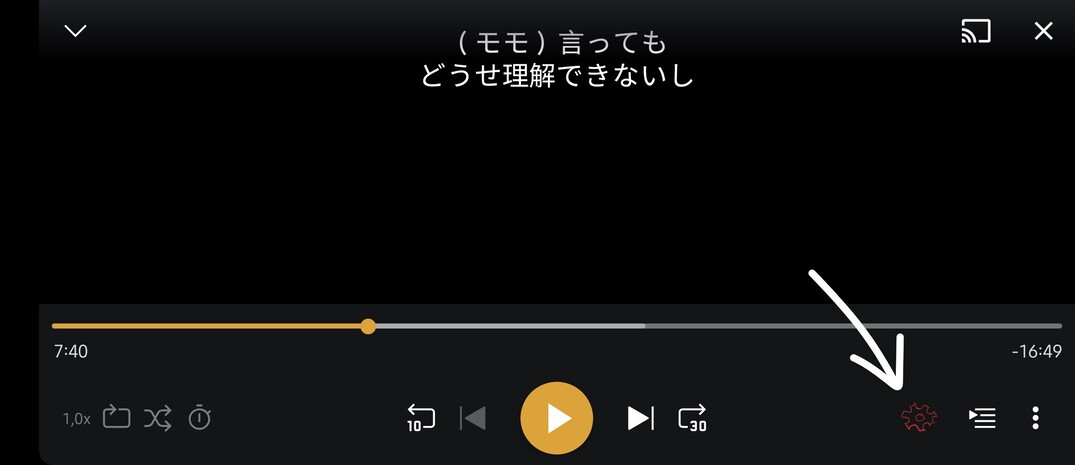
Hello, I often use Plex on my phone and I like to switch between different languages/subtitles and I also sometimes need to change the video quality but I wonder why there is still no settings button in the video player on Android. It would be easier than clicking on the 3 dots and then clicking on the settings. I think that a shortcut directly on the video player next to the 3 dots would be much appreciated and users will find the settings of the video player much quicker. I made a little drawing on the video player to show exactly what I mean.

 icon.
icon.Oh I don’t have the new player so that’s why I don’t see it. It’s a great news that they changed the video player! Do you know when this new version will launch on Android?
