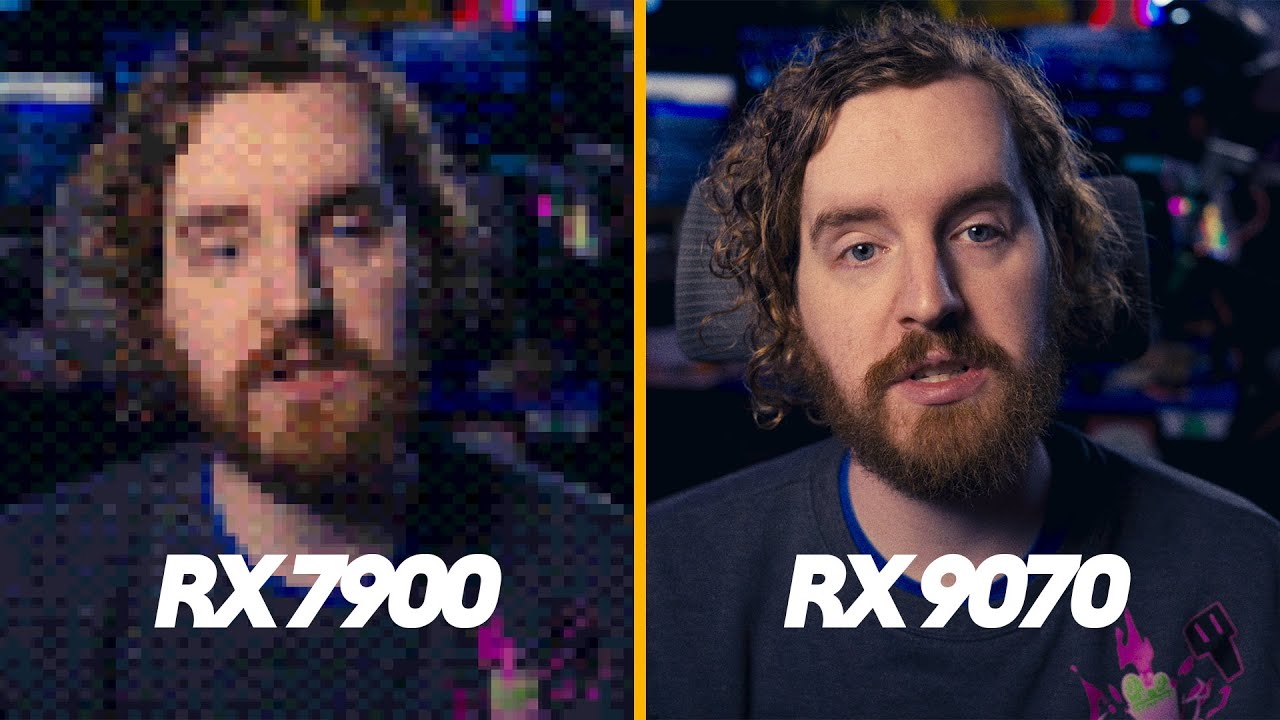
EposVox just posted an exciting video discussing the subject of AMD’s video encoders in their brand new RX 9000 series GPU’s. Plex has never really supported AMD GPU’s for hardware transcoding in PMS. Thanks to streaming platforms popularizing the use of hardware acceleration we’re finally seeing AMD’s video encoders reach a level that it would make sense for Plex to put forth the effort to support AMD hardware. The HEVC encoder specifically shows improvement.
Interested to hear the thoughts from users, and the Plex devs.
That is nice to hear. I’m sure that update will open up new features down the road. I agree that having more GPU options would be a good thing. Nvidia has too much control on the market. I was glad to see Intel get some support with their new cards, but the power efficiency of those Arc cards is pretty bad.
RDNA 2 and 3/3.5 aren’t very strong in encoding… From what I’ve been reading, it will be at least another 2 years (2027 at the earliest) before even RDNA, and its media engine arrives on APUs or as an eGPU.
So while I, like many people, want to have a powerful single socket CPU and Transcoding monster - I think we’ll have to be happy with a dual CPU and GPU combo for at least a couple more years.
Where it matters most for Plex - high quality at low bitrates, AMD is well in the bottom for h264 and while still at the bottom of the pack for x265, it is better, but still not great for streaming.
Just put in a GIGABYTE Aorus 9070 XT in my Plex server. As I’ve been running my server without a GPU for about 6 months now after I sold my 4090. Not sure how to read this but I only have one Hardware transcode (hw) showing on the bottom portion of the stream but not on the top. So it’s still using CPU as well as the gpu. Video quality looks great but I’m not sure if it’s because of the CPU or the GPU LOL. Wish I could figure out how to force it to use Hardware transcodes on both sides. Although not officially supported was hoping to get it to work haha. I’m just tired of Nvidia taking advantage of people, not caring about the gaming community and creating artificial supply shortages on gpus just to keep the prices high. Not to mention they Max you out at eight streams, which generally is plenty. I’m still paying $1,000 or more for a GPU. I shouldn’t have an artificial cap.
I’m not sure what you mean by this. Where are you looking? What page, what app/browser? Server? Player?
The screen capture from your phone shows that HW transcoding is functioning as intended.
Being that your transcoding 1080i (to 1080p) using something other than an Nvidia card and the quality looks good to you is a great sign.
What I am curious about is that it’s transcoding to H264 and not HEVC/x265 is interesting… Do you have this HEVC set to NEVER or enabled for HEVC sources only?
I think it would be a great idea if you included your server logs…
Hi! The 1080i is mpeg-2( hdhomerun cable card source). Is that most likely why the AMD GPU is not doing the hardware transcoding on that part? I know it’s not supported just asking your opinion:)
It means that the decoding is done by the CPU, and only the encoding by the GPU.
i.e. only one half of the transcoding workload is done with hardware support
Would be awesome if they got official support. I currently have a 1080 Ti that I’m using for transcoding, but I will be upgrading to a 9070 XT later this year.
Nah. Ended up building a ubuntu server with an Intel Arc A380. Prices of the 5070 Ti have also gone down where I am ($50 difference vs the 9070 XT), so right now I’m just waiting on the supers to release.
I see. I’m using Linux now, so for my needs Nvidia isn’t the right choice. They don’t offer open drivers like AMD, and Intel do. I haven’t decided which to go for though. I wish I had more info on the video quality of the AMD and Intel encoders. Which one produces better video? No review actually mentions this sort of info.