I have an iPhone 11 Pro, iPhone 12 Pro, and Samsung s10. All support HDR and the 12 Pro supports DV. I am direct playing the 4k HDR streams to my phone. I have hdr10, DV TS, and DV MKV formats to test. All those files work perfectly on all my clients.
The question is, how can I tell on my phones if its actually displaying in HDR or just tone mapping to SDR? There is no little pop up like on tvs to tell you what format you’re using. Is there some secret stats for nerds like page I can use?
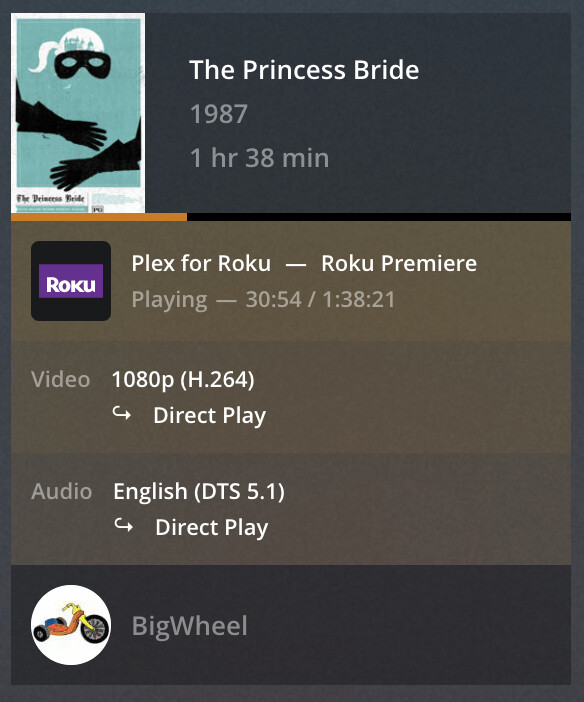
And Plex dashboard and Tautulli do not show this info, they just show it’s direct playing. It won’t tell you if its being tone mapped to SDR.
The dashboard is telling you all you’ve asked – except if it’s in DV or not.
If 4K HEVC 10 HDR is being direct played, your client is served the 4K HEVC HDR 10 in all its beauty.
If you’re getting 1080p h264 as a direct play, you’re getting exactly that.
If your 4K HEVC HDR 10 is transcoded to 1080p or a lower bitrate 4K, you should also see if it’s being tone-mapped or not.
If it shows as Direct Play in the Dashboard, the Plex Server isn’t performing any transcoding or tone mapping.
Is that your question?
Some clients can perform local tone mapping of Direct Play content. The SHIELD certainly can. I don’t know about phones! I don’t believe it’s possible to tell, from the server, if the client is performing local tone mapping. Client tone mapping is typically high quality and preferable to transcoding.
If the stream isn’t Direct Play, and the server is transcoding from HDR to SDR, then I believe it will now perform tone mapping. I don’t think there’s an indicator flag in the dashboard that tone mapping is hardware accelerated.
That was kinda what I was getting at. I know its direct playing to my iPhone and android phone. The question is, how do I know what the phone is doing with it. In the same way that PC Plex cannot playback HDR. For all I know, my iPhone is just tone mapping it down to SDR.
And then the second question is, how do you know what format the client is using, HDR10, HLG, DV, etc. I wasn’t really thinking this was something you could see on the server side, but more the client side. I was hoping for some kind of “stats for nerds” thing where I can see what’s happening on the client side.
I have the same question as well regarding Dolby Vision/HDR. I have an iPhone 12 Pro etc and I’ve had others ask me how they can tell if they are really getting DV/HDR on their device.
The answer appears to be that at this point there is really no way to tell and it would be helpful if Plex eventually instituted some way of indicating this. As DV/HDR etc. becomes more popular this question is going to become increasingly common.
It’s certainly a first world problem. But personally I spent 2 months ripping every single Dolby vision disk…and I am an audio/videophile. So it’s important as a hobby to me.
Also, let’s just say for simplicity sake. Playback on the iPhone 12 is currently just tonemapped, it would be nice to know so they could:
A: fix it
B: know that we aren’t even tapping a feature that will make our displays look a lot better.
Hdtvtest tested the iPhone 12 screen against a Sony oled reference monitor and found them to be on the same field. So if the iPhone 12 has one of the best displays you can get, it would be nice to see what it can really do.
The Plex media info should contain hints now if a given file has Dolby Vision data in it.
Use the newest server version and the hosted web app to check it out https://app.plex.tv
If the server shows Direct Play for the whole file, then the client is also getting all HDR and Dolby Vision data unchanged.
It is wholly up to the client what it does with it.
If the picture looks good on the client, then the client does either support at least HDR, or does perform tone mapping.
Whether it actually does Dolby Vision, or just the “basic” HDR is currently not visible to you – unless the client has some “nerd statistics” it could show during playback.