Ah gotcha.
Like you I have no issue with 8585 build. Sadly that doesn’t have the new audio engine(For Spatial Audio).
Tested mp4 hevc with DV and EAC3 Atmos track. At the beginning there is a black screen with white text, similar to Apple series. On my OLED I noticed:
8587 - white text appears dull/grey, as if there’s no DV/HDR enabled
8585 - white text displays correctly but the black background appears grey (can see the black letterbox bars at top and bottom of screen, the rest is grey)
8.36 - white text displays correctly and background appears deep black as expected
All builds show the ‘Dolby Vision’ popup on my LG OLED. No Atmos is detected on any build but it works in Infuse. Would be great if Atmos support could be added, as Infuse has done.
I see notable improvements to my prior tests! The fade in and color banding visual anomalies are gone!
60hz at first glance looks good.
Will continue to use and monitor.
I know this isn’t part of the immediate test purpose, but with the new API, and moving into the new age of IOS API. It sure would be swell to add both:
- EAC3 Atmos
- HDR10+
Neither are triggering here.
Testvids: Proton Drive
I cannot change audio sync in the drop down. I would need to add 75? 100ms of adjustment and it’s present, but cannot adjust.
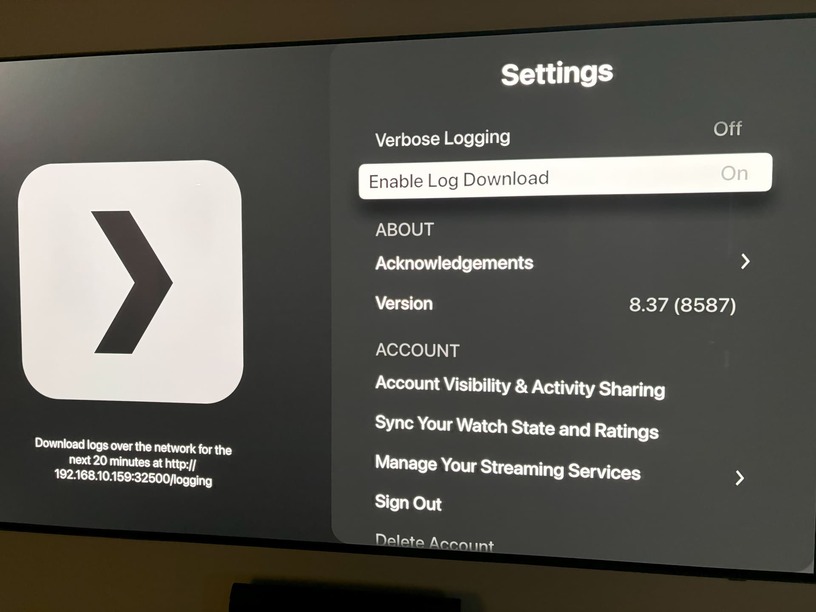
There are a few signs in the settings, and video behavior that make me conserved this version does not actually run on molten, the menu’s didn’t change like last time, and I don’t see molten references in the logs as before. Logs attached. Can you confirm everything looks as it should?
logging(4).zip (870.1 KB)
I second @dklein’s observation about the washed out look of DV P8 videos (it was the same on the previous build); also seeing the frame rate reverting to 59.97 Hz for some videos and switching from DV to SDR for all videos when pausing/fast forwarding (mentioned by @brockrohl).
The DV/HDR issues are also present in today’s iOS beta of 8.37(8587), not present in iOS 8.37(8585)
Well I will say, I installed the 8585 build and set the video to old player and played a 4K HDR 8 gig file perfectly with my paired HomePod Mini’s for sound, not a single issue… several pauses and resumes with no issues. No audio drop outs, no audio sync or video issues. Perhaps I got lucky on this video and will try some more, but I used to not even be able to play 4K content with these HomePod’s as my audio… sync or dropouts were real bad…
One thing I noticed in this build is that the playback speed functionality seems to be broken on my iPhone. It only plays in normal speed regardless of selection.
I’m guessing it’s some sort of regression from the rebase, but I figured I’d let you know.
I’d like to report the same washed out colouring issues with HDR content on the latest build. Looks like LOG format as previously mentioned.
https://forums.plex.tv/t/apple-player-update-beta-testing/872121/238
If I switch to AVPlayer by changing the quality to “Adjust automatically” then it looks better, but due to transcoding that looks a different (probably unrelated) kind of wrong.
I’m not seeing 8.37 in TestFlight, Latest is 8.36 (8457)
Also seeing this HDR/DV content. Although it’s not clear, was work even done on that in this new release? Not sure what to expect since the last beta a few months ago.
Yes, after restarting, how do I DM you again?
Click on his profile Picture
Tap his avatar on any of his posts and it will give the option to message
Thanks guys
What’s the purpose of the 8.36.1 (8602) build that has appeared among the other builds in Test Flight?
I think it’s related to this thread about Autoplay Autoplay
- When playing TV shows, Skip Intro and Skip Credits do not show up as options to click.
- SRT subtitles wont even show up when selected.
- When starting playback and bringing down the Info/Playback Setting/Technical Details, before media starts playing (buffering for a few seconds), the menu will disappear when playback starts. Kinda annoying when trying to select subtitles as I almost get there, but then get booted from the menu.
Could I also get added to the beta please.
My issue re: playback not starting appears to be resolved in 8650.
Feature request: I would love it if there were a Contra code to toggle that enhanced video player debug overlay during actual playback
Yep same here  .
.
I still really have issues with release notes generally though. The issue is fixed but there’s nothing saying it’s been addressed in the build.
