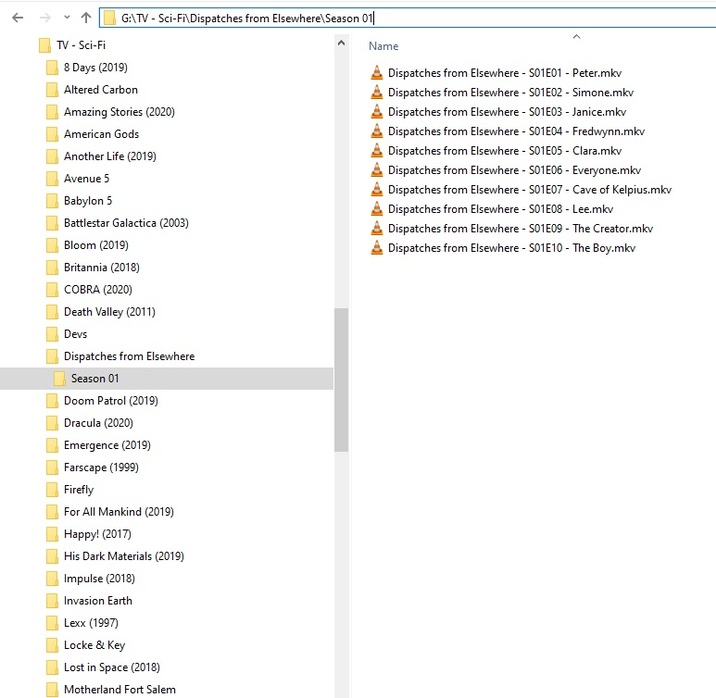
At the moment I have all the films scattered in a single “Film” folder. Although it is not the recommended structure, Plex recognizes them correctly and so far I have never had any problems.
I have seen, however, that for indexing reasons it would be better to organize them in subfolders.
I wouldn’t do it by-categories, whose definition is not univocal, I thought I would do it by-year.
What I don’t want is to do it manually or having to worry, every time I add a movie in the folder to put it in the right folder.
Here is my question: is there a Plex plugin, or a function, or a third party that allows me to do all this automatically (not starting from the name of the file system)?
Ideally, I would put the newcomers in the “Film” folder and it would automatically move them to the appropriate subfolder.
Plex will display your folders - as an afterthought and popular demand, but Plex isn’t really designed that way. It’s best to abandon the idea.
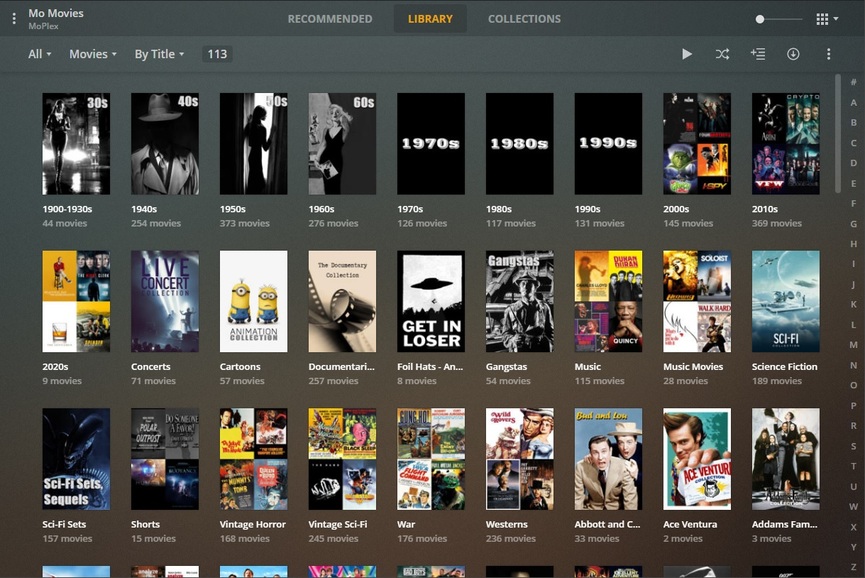
Since I was forced to move 28+ Genre/Other ‘Libraries’ into one magnum Library -so Plex will work as it’s designed - I kept my Genre/Other separations alive with ‘Collections’ instead:
The place is under construction, graphics upgrades pending (as I have time to make/gather), but that might give you an idea how to do something for yourself.
I do store items in a wild Organizational Folder System that makes sense to me, spread out over 6 HDDs, but I don’t have any illusions Plex could ever work properly with my folder system - apart from me telling Plex where they are in ‘Add Folders’. That’s really all Plex needs to know - I got it from there with Collection Abuse.
All manual in nature.
No Auto-Magical-Aim-Shoot mechanism.
Simple manual labor.
I assume you mean organising your media files as opposed to organising the display of your movies inside Plex.
Check out Filebot. It can do that and a lot more. Invaluable for tv shows. https://www.filebot.net/forums/viewtopic.php?t=1929
$6 USD / one year license
$48 USD / lifetime license.
Buy the one year license and see how you like it. If it works, great! If not, your out $6 USD. Also, depending on how fast your library expands, you may not need it after renaming your existing media (I don’t use Filebot, but I add 2 - 3 movies/month, so easy to name things manually).