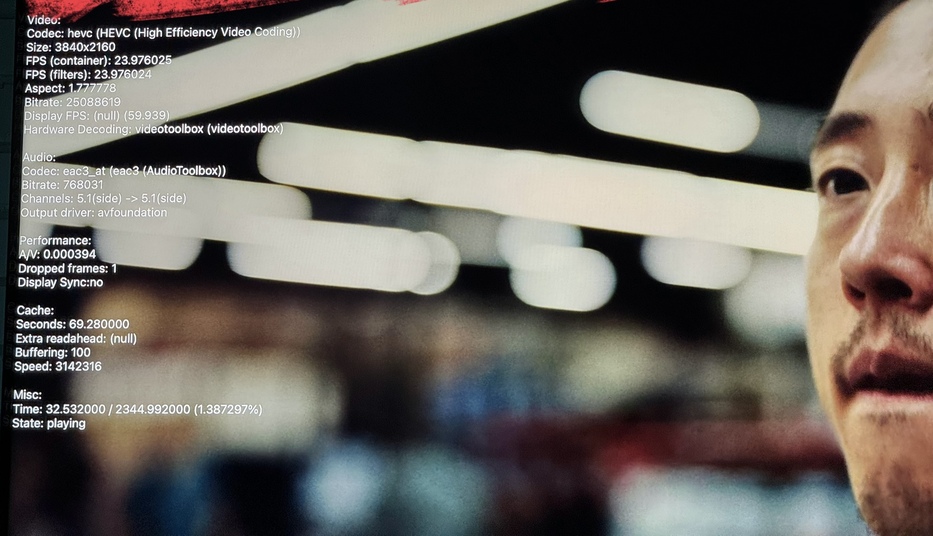
Server Version#: 1.32.7.7571
Player Version#: 8.29
This is reproducible for me.
The whole reason I’m messing around with this at all is my server isn’t powerful enough to transcode. So I shut all the automatic stuff off and it’ll stream fine, which tells me Plex isn’t accurately ascertaining the need to adjust or not, but when I shut the Automatic setting off all this debug output comes up.
This happens across all video files.
This issue survives reboots and is reproducible 100% of the time.
Check Settings → (Debugging) Show Enhanced Video Player Debug Overlay
Thanks. That did it. I never turned this on?
Any idea why Plex just won’t automatically detect quality to where those settings are so detrimental to me?
Plex adjusts quality by transcoding.
If the AppleTV is local to the server, turn off any settings to auto adjust quality.
It is not local, it’s a seed box hosted
If your server cannot transcode, you’ll still want to leave auto adjust quality disabled (to avoid transcoding).
On the Plex client, also set remote streaming bandwidth to Original/Maximum, to avoid any bandwidth limits.
You may still see the “server not powerful enough” message. That is the Plex server telling you, “I need to transcode the video, but transcoding is disabled.”