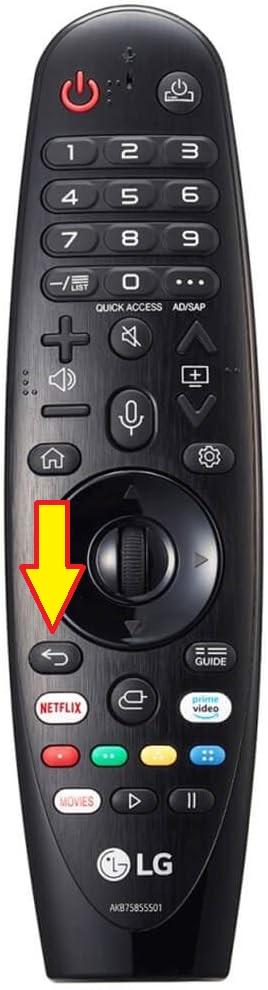
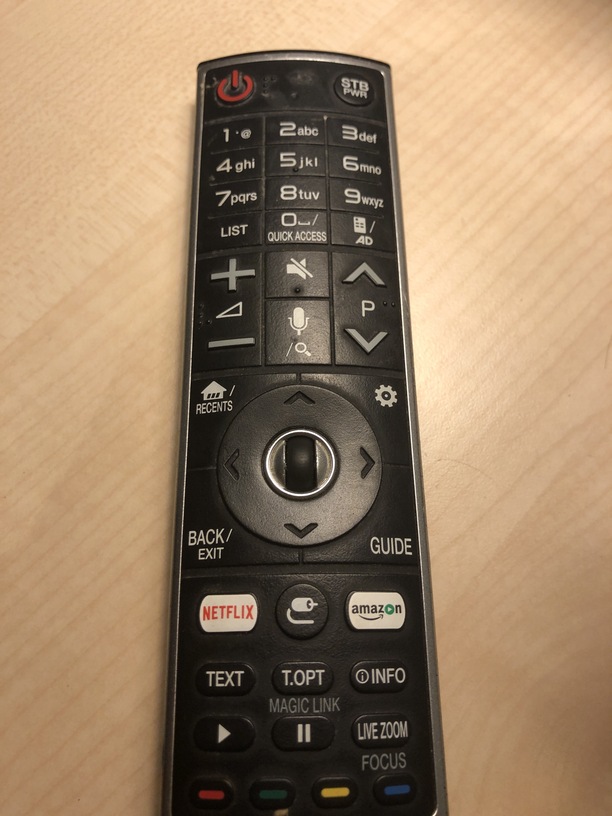
I am using the Plex Media Server on a NAS and the Plex app on my LG smartTV and it works fairly well. However, the SmartTV app does not have ‘go back’ buttons in its menu’s and the remote control of my TV does not have a return/back button either.
As a result, I constantly get stuck in menu’s in the Plex SmartTV app as there is no option to go back to the previous screen (unless I’m missing something). After changing subtitles, for example, the only solution is to turn off the TV and restart the app…
So my feature request is to add ‘back’ buttons in the menu’s on the Plex app for SmartTV
Well.., You’re actually right! My remote apparently has a back/exit button in that place. Only thing is that this button does NOT bring me back to the previous screen in the PLEX SmartTV app. It does not do anything. Can’t exit the settings menu, for example. It is not broken either, because it works on my television.
I just faced a similar problem. I just setup a universal remote & the back button only brings me out of the currently playing video, back to the media page. It doesn’t bring me back further than that. But if I use the Rewind back button, it actually does bring me back to upper menus with each click. With my proper Sony TV remote, the back button works like normal - it both brings me out of the video & takes me back up the menus. This doesn’t seem to happen with any of the other apps on Google TV - Netflix, Apple etc., so this probably needs to be fixed by Plex TV.