When you say upgrade the RAM you mean more RAM ? I have already 8GB in there ? Can you help me understand ?
Ok I will get rid of Avira.
When you say “it looks like the NUC is a very small and under-clocked machine.”, do you think I should change the machine ? Do you recommend one ?
If I summerize now:
I need to change the machine (NUC) I host plexserver and maybe put it in another room
I have t change the NAS for better machine. Any recommendation 918+ 920+ ? I thought I could create one but since Synology is very easy to use not sur it’s the best solution…
By the way, should I keep the NAS option ? Maybe I could have a computer and disks inside with some backups implemented regularly ? Would that improve reading speed ?
Anyway I also need to change the disks in the NAS (I lack of space now)
In the meanwhile I will try and clean the NAS as you recommend
Z.
Edit: I also found this video
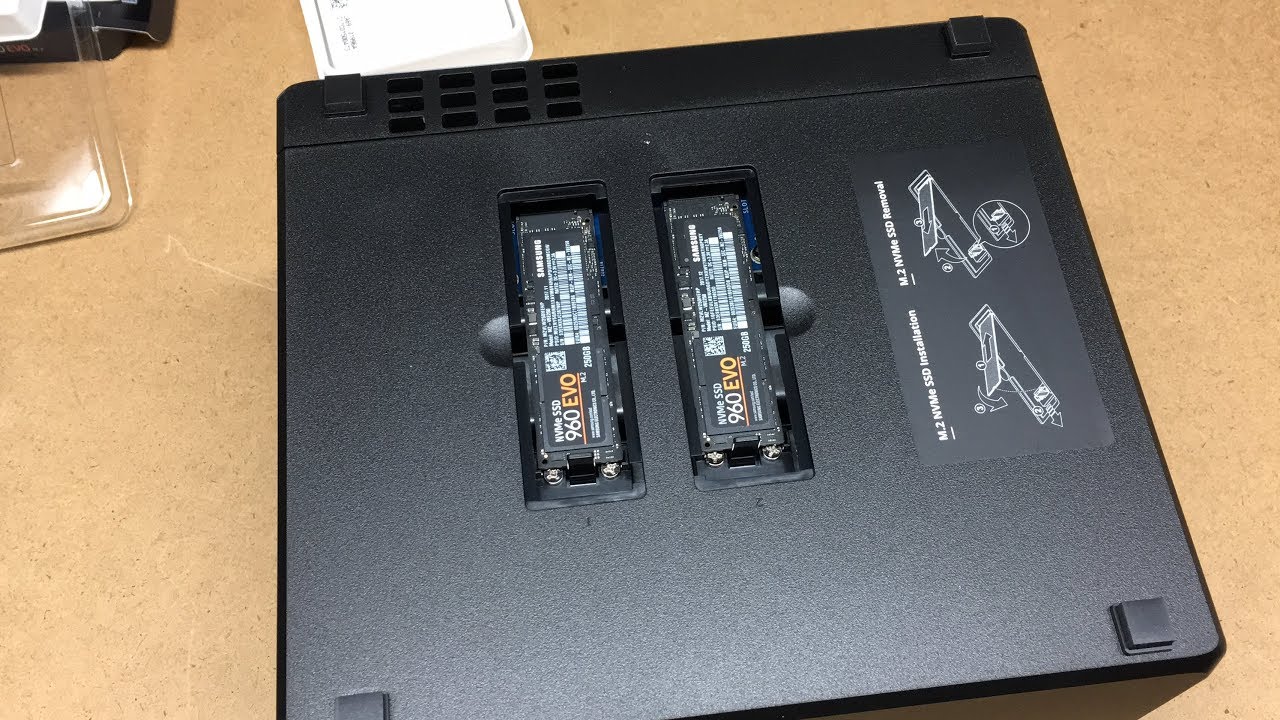
At 3’ he explains how to insert 2 SDDs in the 918+ for improving caching, is that something you recommend also ?
8GB should be enough, you can go a bit higher but I was speaking from my own experience whereby I got the Synology with only 2GB of RAM and found that I needed to add more.
It mainly depends on the amount of total storage in the device and whether you have configured it for a more complex RAID level or are just using mirroring or JBOD.
A higher RAID level will require more RAM.
Larger hard drives will require more RAM.
A higher number of hard drives will require more RAM.
Right now I only have 2Gb of Ram but I am thinking of upgrading my 415+ to a 420+ which has SSD slots for cache usage, I was wondering if it was a good move ?
Otherwise I can maybe upgrade my memory on the 415+ and put new disks inside
Do you think then that my 415+ is enough for my need. What makes Plexserver slow (or freezes) with large files is due to problems on my CPU NUC and not on my NAS capabilities ?
Thanks again to you and everyone for your help !
Thanks to you I will make the right upgrades for a better experience.
Hello,
Just a quick question: for my new drives inside the NAS should I take 7200RPM or 5400RPM disks ? What will be the main difference ?
was about changing MY NUC to a better device for hosting plexserver.
Do you recommend any setup ? Should I build a PC just for that ? What kind ? Sorry I am a bit lost here. Right now my NUC is an INTEL NUC 5I3RYH Intel Core i3 5010 U CPU, 8Go Ram, with W 10 64 Bits
Sorry, I can’t tell you that. I don’t know the product.
Does it behave fluidly if you play a movie in a desktop video player (e.g. VLC, MPC-HC) and jump around to different playback positions? (with the video file stored on the NAS, of course)
Thanks again for your reply Otto.
Yes the file plays ok with VLC.
When you say you “build a custom machine”, do you mean like you would build a PC, with a big desktop tower and all that, or something else ?
What I personnaly liked about the NUC was that is Small so don’t take too much space.
The main problem comes with the noise of the fan.
So maybe I should get an i7 and a bigger case with a bigger fan ahaha
As for the disks to buy I found 2 disks that says “NAS” on it but one is 7200RPM the other 5400RPM disks. Usually 5400RPM are more silent, so I am thinking to choose those, but not sure after what would be the main difference between them in a plex usage.
60 fps is not compatible with many client devices,
which leads to transcoding.
Which is probably not possible on your little server NUC.
Try compressing the video with e.g. Handbrake to 30 fps and a lower bitrate.
Archive the original file somewhere else and only put the recompressed version on your Plex server.
Thanks Otto for this feedback.
I wanted to do a test so here is what I did
I downloaded last build of handbrake
converted a 1Gb file with h264 codec to 313 Mb
copied the file on my NAS…
The problem is it’s displaying 40 min for the copy…
something is wrong
maybe I am off topic now but I don’t get why the copy is taking so long
Will reboot and try again and let you know if I can test it…
Edit: I found the problem, Acronis Backup was working at the same time and slowing my computer and the bandwith, will look if I can do something about it…