Took me a while to figure out but my friends and I love it.
TO SHARE PLAYLISTS PLEASE FOLLOW THE STEPS:
- Create Playlist
- Add Tracks
- Go to playlists in your Music Collection
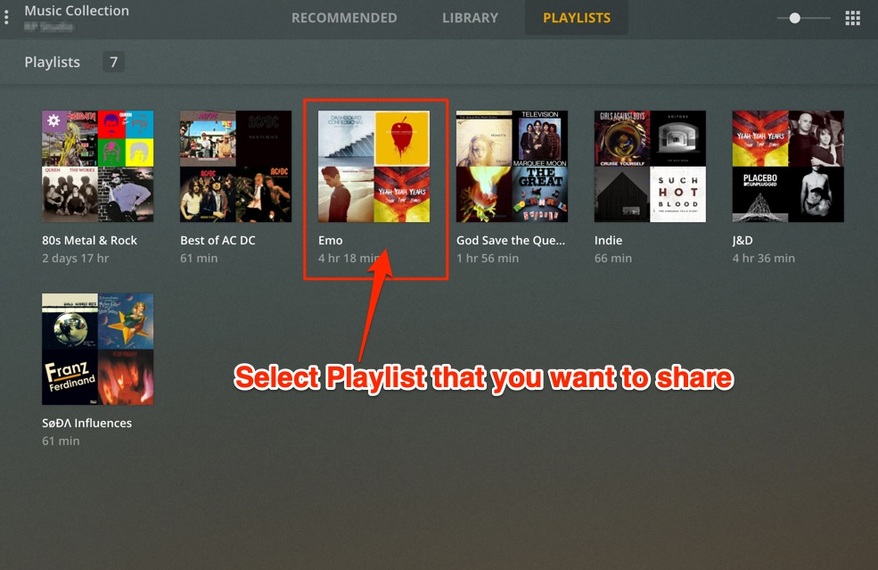
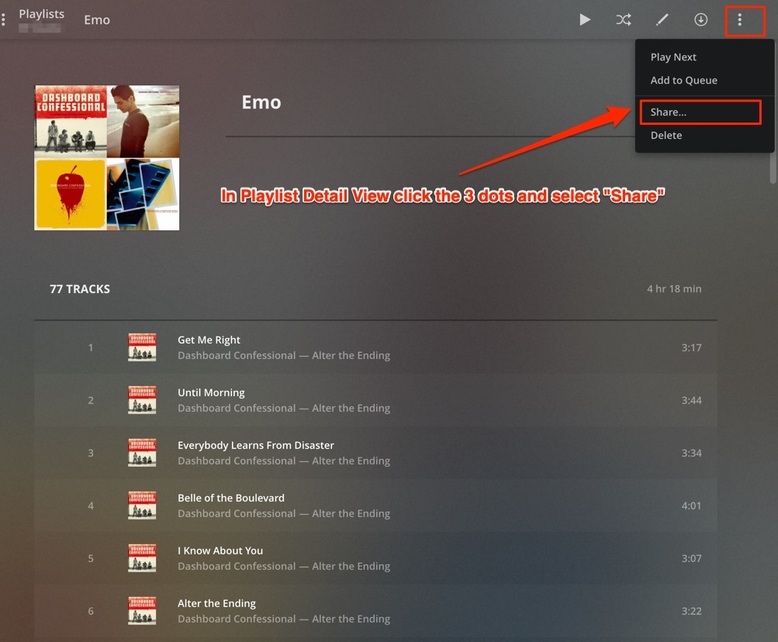
- In Playlist Detail - Click the 3 Dots (Kabob menu) and select “Share”
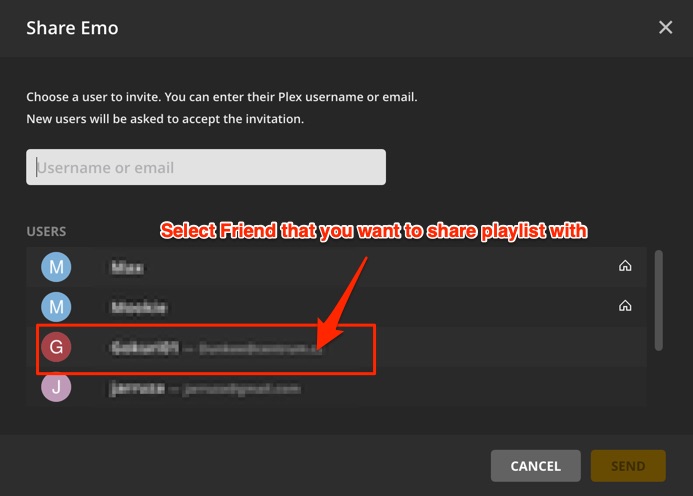
- Select the friend you want to share the playlist with
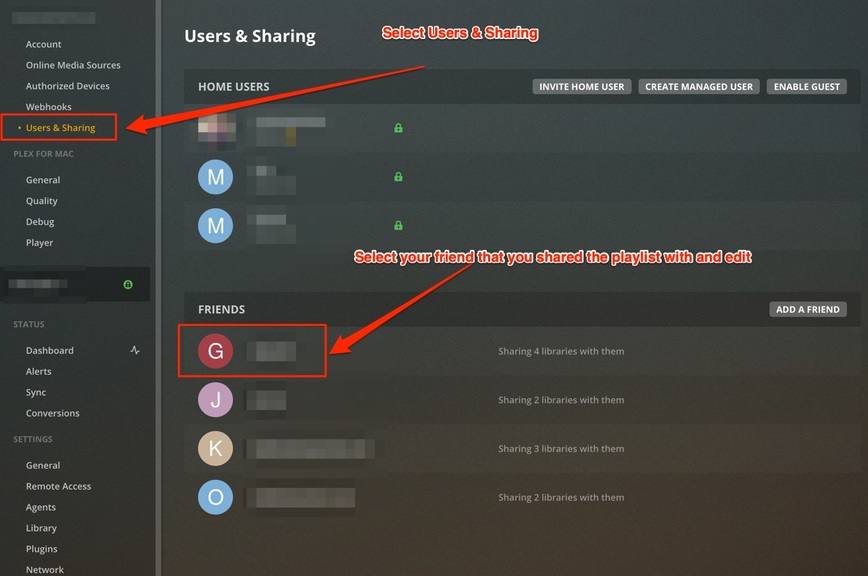
- Go to [ Settings ] (toolkit icon) and then select the Users & Sharing
- Select your Friend that you shared the Playlist with
- Select the [ Shared Media ] tab to verify that you shared the playlist
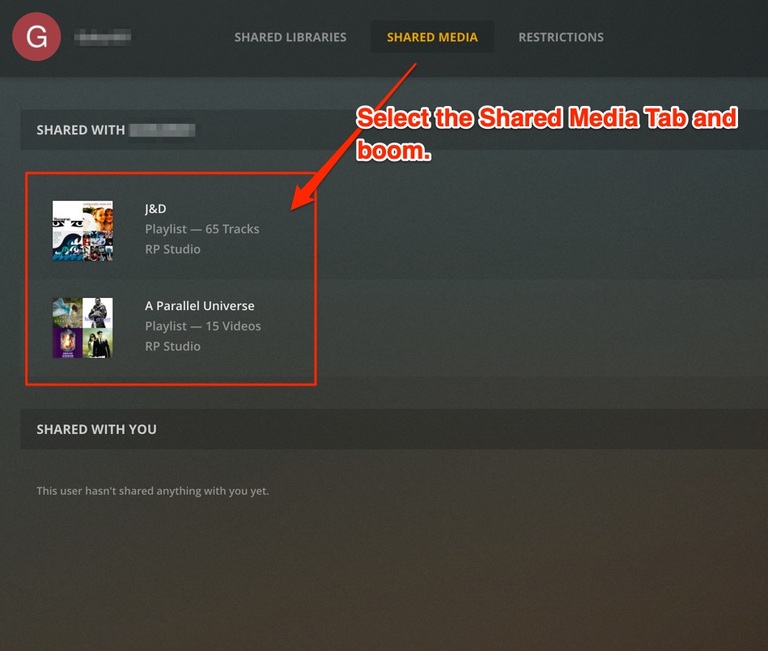
Ask your friend to verify they can play the songs and see the playlist. It might take a minute until the server updates.
Please Note: This will not apply to Tidal songs (they won’t be shared). Also I would allow your friend to sync so they can play when they want on their device.
enjoy.
