Apologies for double posting this, but I now realize that this is the correct place to report bugs in the beta. It was previously posted at Android Auto missing Plex tile on Home screen.
Server Version#: 1.17.0.1709
Player Version#: 7.22.0.12686
Reviewing other threads, this issue has been around for quite some time. However, I could not find a thread devoted to it. I am using the Android Auto app since my car does not have AA, but other threads reveal the same issue with AA built-in, and the AA app.
The issue is that a track paused in the Plex app does not present as a tile in the AA home screen, or the music screen. AA seems to me completely unaware of the paused track in Plex. Using the phone, pulling down the message bar, and un-pausing the song from there, works, but still does not show in AA. Then, when Plex advances to the track, the tile appears.
You can even leave the song playing, close and immediately reopen AA, and the tile is gone again.
I really concentrated on this issue this morning. It seems that Android Auto only gets to “see” the media session once. Close AA and restart it, and the session that was previously displayed session is gone. It doesn’t matter is that session is still playing or not.
Do anything, while in AA or not, to start a new media session and it will appear in AA. Creating a new media session appears to come from moving from one track to another. Whether this move from track to track is manually triggered, or automatically by reaching the end of one track and moving on to the next, the media session is refreshed.
It should also be noted that changing state from playing to paused is not enough to refresh the session. What I cannot tell is if the session is being released for some reason, or if it is going into some state that Android Auto ignores.
It should also be noted that while in Android Auto, successfully displaying the Plex media session, or not, navigating to a different media provider in AA causes Android to change focus from the AA app to the Plex app. That is certainly not right, and perhaps provides a clue.
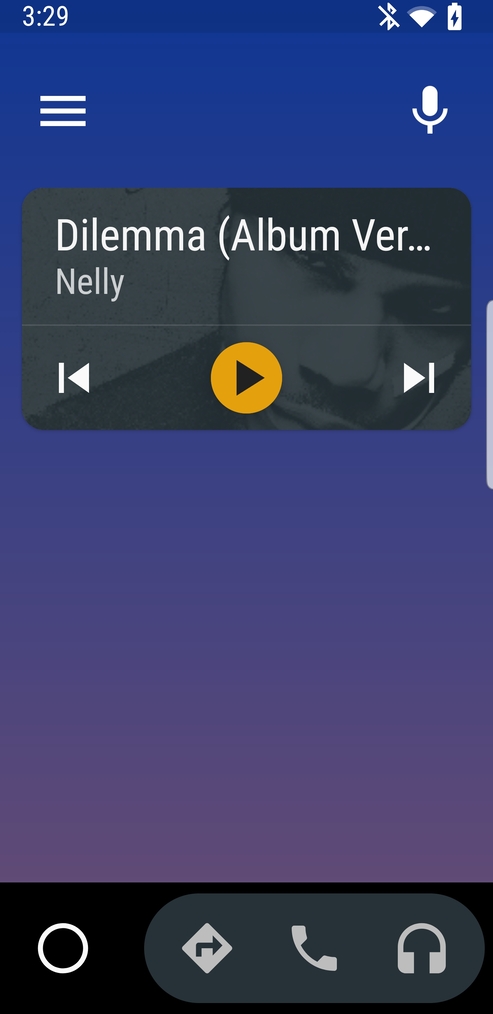
 but it has also disappeared a function I would say essential …