This weekend Plex spoiled both the sprint qualifying AND the race qualifying by showing a still from the end of the session revealing who’d gotten pole position in the thumbnail.
Can I somehow direct it to not take the still image from the END of the video, but choose to take a still from the beginning?
May I ask where your episode titles are coming from, and if you bother changing them? Getting frustrated at having to rename each session as it just lists the sponsors rather than giving the number of the round. Makes quick browsing for a specific course impossible.
I organise the library as:
F1/YEAR/Race# Place/ F1/2025/23 Qatar for this particular weekend.
Then I put all video files from Qatar in that folder and the viewer get to choose what file to watch…
And on the thumbnail from the Qualifying session you can clearly see that Oscar Piastri (#81) is the center of attention - hence spoiling the watch of the session before even starting to watch it…
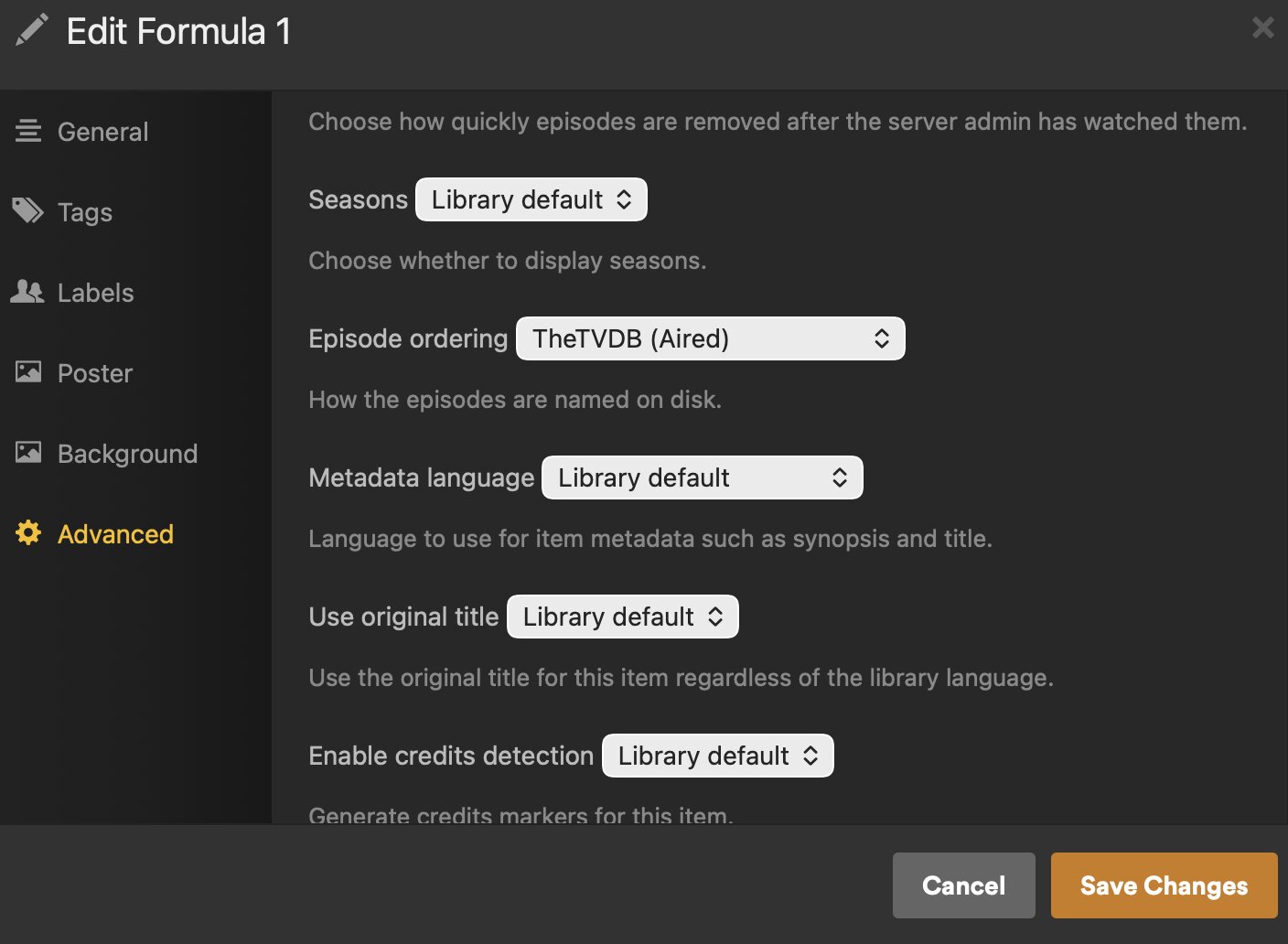
I use TVDB matching but there’s no thumbnails to help with that but could give you cleaner titles: Formula 1 - TheTVDB.com
You might try to use local assets to set your own thumbs? Like just create generic “Qualifier” “Race” “Sprint” images (or find some) and then when you add new F1 episodes, add new local image files for those matching items and you’ll get those instead of the generated thumbnail. Just reuse them for the different races. Just a thought.
It looks like that Qualifying episode is partially watched though so is that the regular “poster” image for that episode or is that “where I’m at in the episode” image? I’m not sure how the thumbs pick that up in that view. It’s weird for Plex to pull an image capture from late in an episode too.
Emby\Jellyfin have a neat feature that blurs images and hides text for unwatched episodes to help prevent spoilers - usually not an issue, but like you said it can happen.
TVDB is pretty complete with qualifiers, sprints, after race, etc….
It doesn’t help with thumbnails because I don’t think anybody is putting any up there (mine are always captures), but you get metadata and show\season artwork so it looks a bit nicer compared to unmatched files.
Sorry for the delay in response, real life got in the way. As has been mentioned, TVDB was where my metadata was being pulled from, but the titles for each event this season are pretty awful and I’ve had to manually change them all to be more useful while browsing. Similar to how yours are titled, using the round number rather than just the sponsors it brings up. I’d edit it on TVDB directly, but it would likely be changed back by some over zealous mod.