Server Version#:
Player Version#:
<If providing server logs please do NOT turn on verbose logging, only debug logging should be enabled>
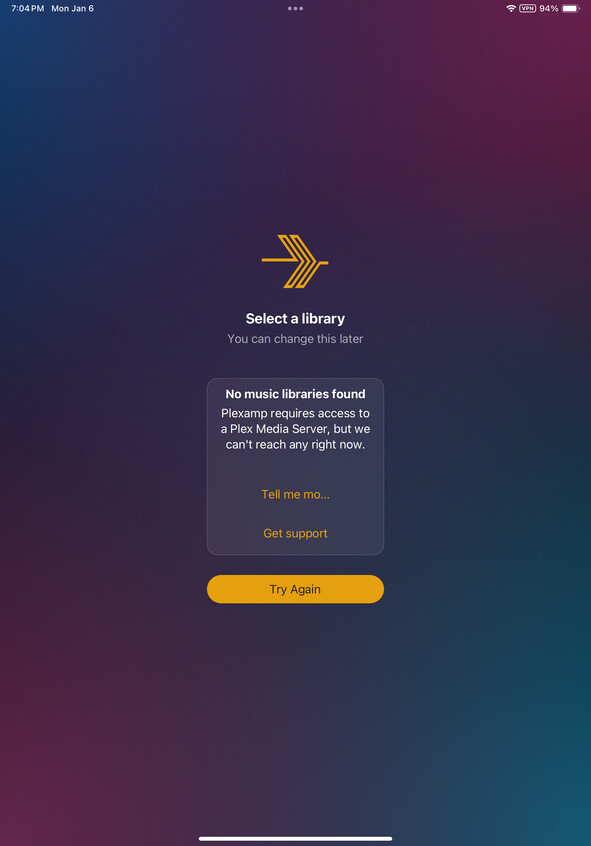
Sorry. I’m unable to attach my logs to my server as I am away from it. But, as of this am, I am unable to access my server. My gf can listen to music from it and works on her app and phone. We can’t access the web browser so I can adjust the secure connection settings though. It’s the only thing I’ve changed recently. I see a certificate reset often works. Is it possible to get this done?
Thanks. It’s the Chezplex server. I changed the Secure Connections portion and I need to get it back to ‘preferred’. Unfortunately, I can’t do that as it won’t load the webpage.
I have tried https, app.plex.tv and the local address. None of them will allow access from within the local network or remote.
Thanks. That allowed me to access it internally via https. I changed to ‘Preferred’ but I still can’t access remotely but it’s available in network. I’m gonna have to troubleshoot it or just transfer over to my Unraid server and get things set up there.
Which log would you need? I’m able to access the port using Tailscale but still can’t get it to share the server and Plexamp and Plex apps aren’t finding the server now.
Network: 192-168-4-201.abcdefghijklmnopqrstuvwxyz012345.plex.direct failed to resolve to 192.168.4.201 but instead yielded (null)
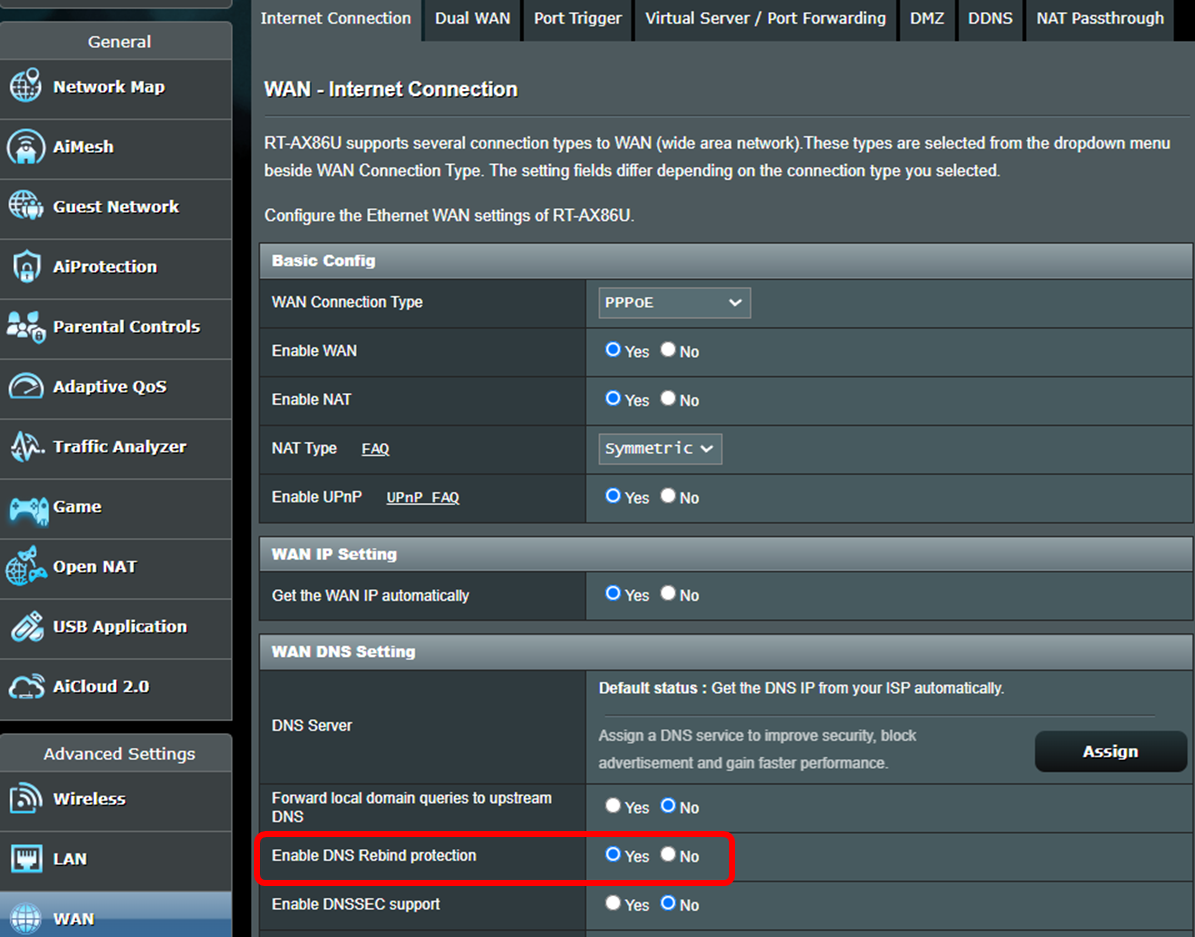
This connection test failed which afaik usually means DNS rebinding protection is causing issue. If your router does not have an option for this then it can usually be solved by changing DNS to a public one like GooglesDNS or CloudflareDNS
Looks like due to this it is trying to use a cached cert which will not work because I reset it. You should be able to delete the cache file cert-v2.p12 which should be in the Plex Media Server/Caches folder
Thanks BigWheel. I’ll have to see if Asus Merlin has rebinding protection and where it resides. Otherwise I’ll have to hunt down where the cert-v2.p12 file resides in Ubuntu.
I have changed the DNS to Google and know that the IP for the Plex server is at a bound address. When I run the apply for remote connection on 32400 it allows it for a little bit but then is no longer available. The firewall is open at those ports. I’m at a loss at this point. Any ideas?
Okay. I have deleted the cert-v2.p12 file, changed the DNS, ensured the IP is bound to the address. It still won’t hold the remote connection. Is there anything else I can do? I can’t change the DNS bind protection remotely. Asus does have an AIProtection feature. Should that be turned off? I’m not sure what changed suddenly that disconnected everything. Are there settings in the Secure Connections settings that need to be changed? Should I turn the relay off? I’m really at a loss.
Jan 12 09:51:23 dnsmasq[2885]: possible DNS-rebind attack detected: 192-168-x-x.abcdefghijklmnopqrstuvwxyz012345.plex.direct
Jan 12 09:51:27 dnsmasq[2885]: possible DNS-rebind attack detected: 192-168-x-x.abcdefghijklmnopqrstuvwxyz012345.plex.direct
So, I’m seeing DNS-rebind attacks in my log for the router. I have whitelisted this but it’s still not working. Any ideas as to where to try next to get the router to allow Plex. It’s strange that all of a sudden it’s blocking it when it worked fine for years.
Sorry I’m not sure. If it is in your routers logs then I would assume the router is doing it. When you go to canyouseeme.org does it show the port you used for external as open? Did you reboot router after disabling rebind protection? possibly that is needed
I ended up just starting back over with my router from scratch. It ended up solving the issue for now. Something may have gone corrupt? I don’t know. I appreciate the help though.