Server Version#: 1.20.3.3437
Player Version#: 4.45.0
Tuner Make/Model: HDHomeRun CONNECT DUO
Guide/Lineup name: DVR—Broadcast TV Cincinnati-Dayton OTA Broadcast
Using XMLTV?: Not sure?
Channel number/Name: All
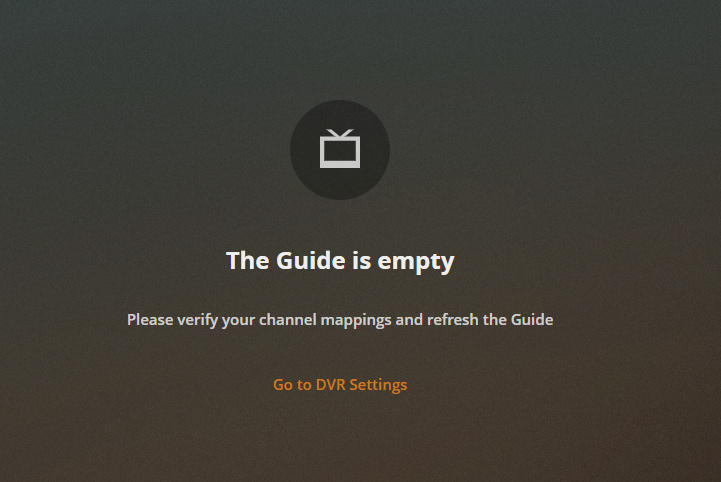
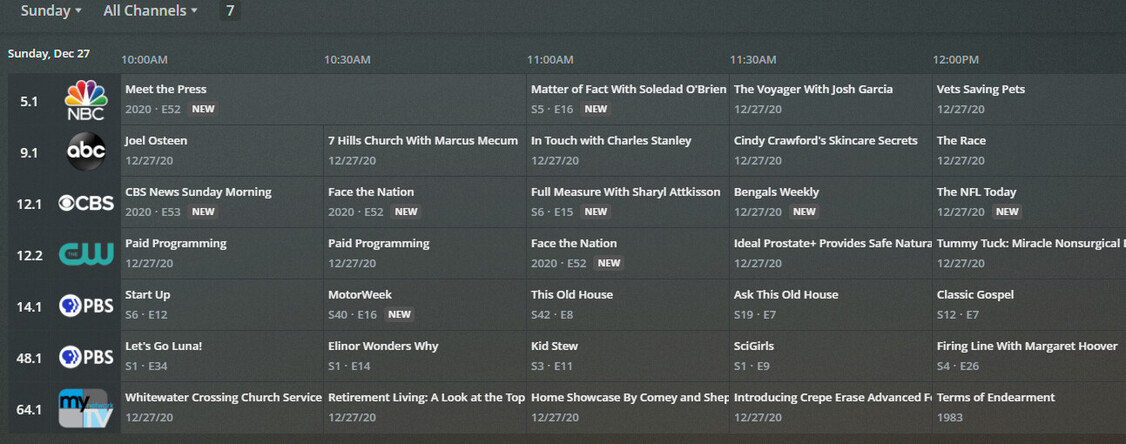
New QNAP server install, and set up live TV. For a while the guide was working on web player, but on Nvidia shield it would never load the guide, only one channel with no data. So then I decided to delete the DVR from the server settings and add it again. Now I don’t get guide data at all:
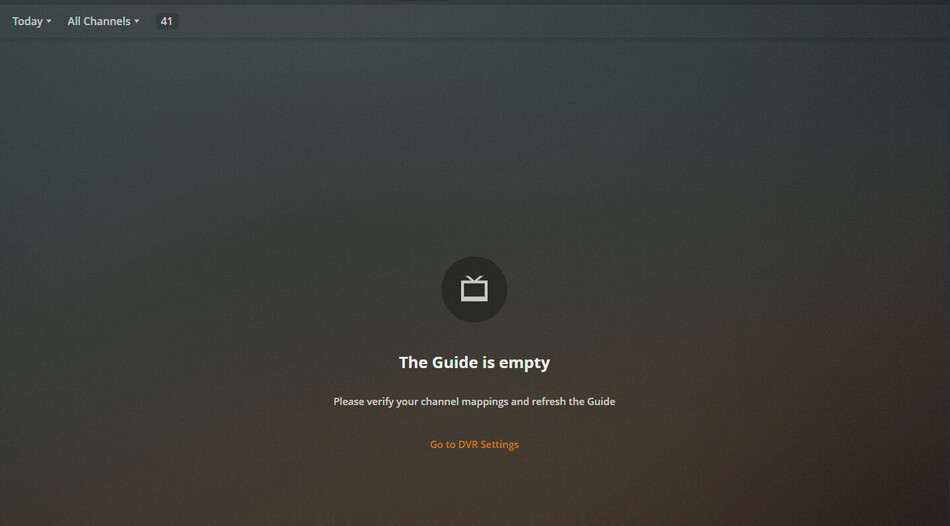
Additionally, “whats on” only shows things for TOMORROW and not TODAY. I can’t even tune to a channel at this stage because there’s no way to go to anything live:
This is still continuing with the latest server release. Doesn’t work on any platform anymore by default on “guide.” For some reason, it does show up if I pick a date in the future. Nobody else is experiencing this?
At this point I’m looking for how to completely delete the DVR and start it over, seems something is screwed up either in cache or TV/EPG settings DB somewhere. I have tried manually deleting everything in the cache folder, optimizing bundles, emptying trash, restarting server each time, changing IP of the HDHR and readding it, nothing seems to work. I can’t find a TV-Data specific database, but if anyone knows where to find it and how to remove it completely and start over i’m all ears.
Still experiencing issues, same as always. I have updated to the latest version of plex server; 1.21.1.3830.
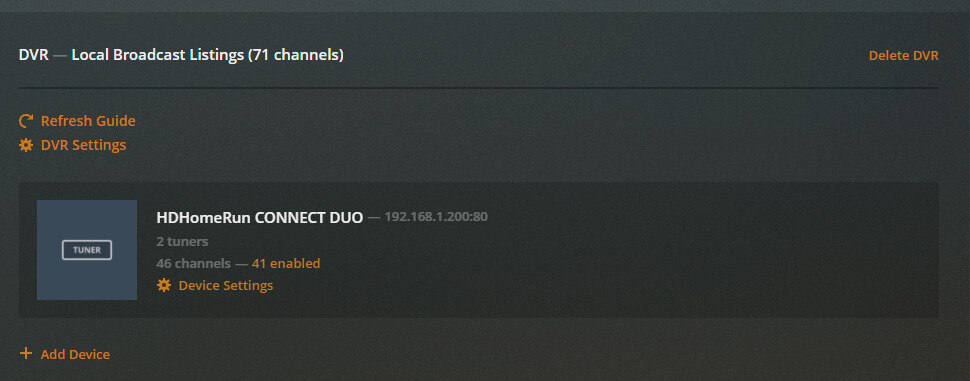
It told me to delete my DVR as it wouldn’t update any longer in 2021. I thought this was perfect and would finally be the fix. I deleted it. I added a new one. Picked a new EPG provider (local). It found everything and started scanning.
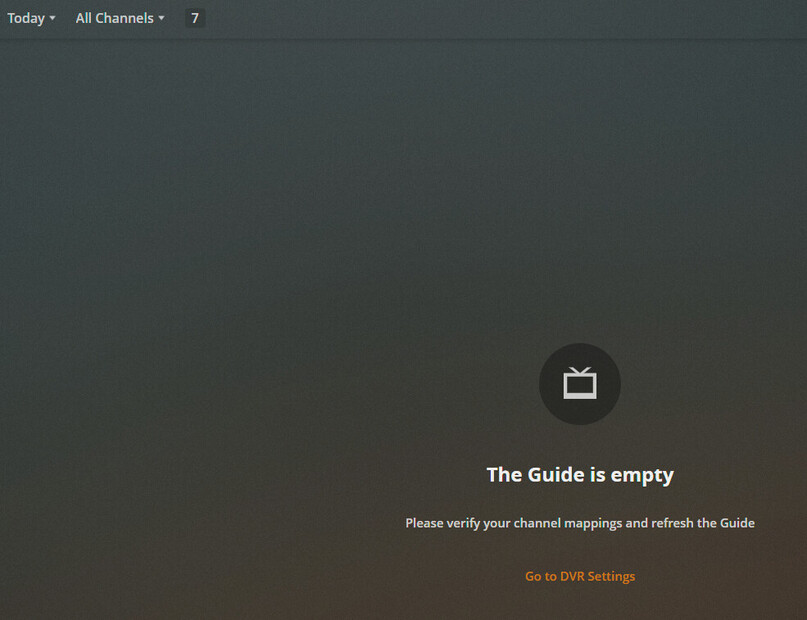
Playing more, I have reduced the selected channels only to 7 that are HD, and removed Everything else in case it was a guide issue. Still no luck, however, I am finding that the guide works if I select a day that is not “today.”
What’s more, everything on the “What’s On” tab just shows “TOMORROW” items. nothing “now”
AND, I have some old DVR SCHEDULE shows still showing. These actually record content from the channel, but at the wrong times. So it’s never actually the show, usually it’s just news or something random.
This makes me think now that this is a clock/timing issue that is literally just causing things not to display… which would be ridiculous. Anyone else?
Are you positive your date and time are set correctly on the server? In particular, is your time zone configured to your local one and not UTC, or something else? This really feels like a date/time mis-match.
Have a look in the tv.plex.providers.epg-cloud-*.db file on your system, in the media_items table. Specifically, the begins_at column shows the date and time an item starts. Does this look correct? I don’t believe these values are normalized to your local system time so they should reflect “real” start time, according to the guide provider; though, I could be mistaken.
If you’re certain your system date/time configuration is correct and the guide data is just wrong, you could try (just as a test) using guide data from another area. Delete your DVR and re-create it, this time entering a zip code from some other location in the same time zone. Just manually map a few channels and then see if the grid guide shows programming for “today.”
Well, your instructions had me digging in more than I thought I would ever need, and I found the culprit. It’s leaving me feeling stupid that this wasn’t really a plex issue, although some error messages around it would go along way for folks in the future!
QNAP Settings -> General Settings -> Time -> Time Zone. There are different options for EST. Even though the time was the same right now, it seemed to do the trick (likely due to some DST issues during a portion of the year). I assume anything different here than the zip code you’re using for your EPG data will cause this error.
Thank you @pshanew for the suggestions and making me look!