I’m trying to create a smart playlist to filter out several genres from my library. The end goal is a smart playlist containing every album that is not in the Soundtrack genre and not in the Children’s genre.
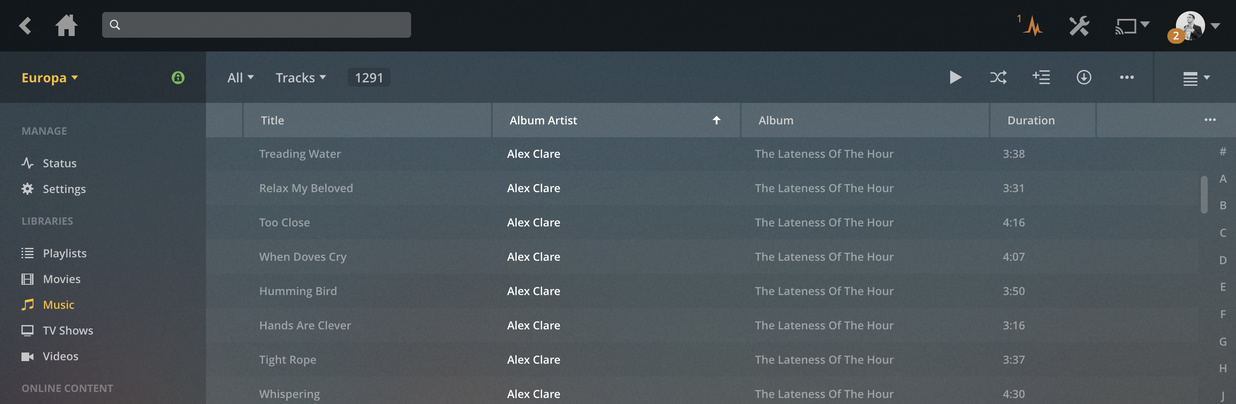
When I create the filter, the listed results are correctly filtered:
After some digging, I realized the smart playlist is only applying the “Album Genre is not Children’s” filter. There are 79 tracks in my library where the Album Genre is Children’s.
If I flip the filters around (so that “is not Soundtrack” is last), the resulting smart playlist is 873 tracks long, filtering out 418 tracks from my library. I have 418 tracks that have the album genre soundtrack, so this makes sense.
In summary, creating a smart playlist with two “is not” filters correctly shows the result set on the filter page, but only applies the second filter when viewing on the playlist page.
I am seeing that the filters is properly applied in the filter view, but after I create the playlist from the criteria, the playlist is not updating. Example: I created an album collection called “Explicit” so I can create a playlist of music that is kid appropriate. The filter has a start rating and “is not” Explicit. The filter works perfectly, but then when I add a new album to the collection, it is not being excluded from the playlist.
@elan, you said in a comment here, on Reddit, that smart playlists were going to be improved, but this seems to be a year or 2-year-old issue (link 1, link 2, link 3). What’s going on here? I am seeing the same behavior as everyone else in the forum.
I am doing the inverse, with IS. The expected result is accurate from search (only movies with both action AND comedy genres associated with the film). However, smart playlists seems to use an OR filter, and so it globs anything with action/comedy associated with it:
Applying filters I want for smart playlist. 101 items.
@elan not quite sure how this forum works, so I’m not sure if replying to your post gives you a notification or not versus tagging you directly. Have you had a chance to see my reply?
Actually, I had a spare moment, so I reproduced and fixed. Will take a little while to make it through review/QA and such, but should be in one of the upcoming releases.