Well you have excelled yourself, after that Terminal Command it talks to me. STOP, AUTO, START, EXIT. I near fell off my chair. 
Pobody’s Nerfect

I’m putting it down to Apple Intelligence more rubbish. 
ok, so really, wth did I do wrong?
An update on MacOS with Apple Intelligence introduction. It’s optional so I will check out by disabling later. If the sound not up you would never know.
Maybe you should record what it says and share it?
It’s been there for almost a year. In AppleScript say means “speak out loud”.
sayStarted() { [ $HapticOkay -eq 1 ] && osascript -e 'say "started"'; }
sayStopped() { [ $HapticOkay -eq 1 ] && osascript -e 'say "Its stopped"'; }
Never noticed as i have the Sound turned down mostly. Thanks for the insight Volts
your tool is amazing chuckpa. ty very much for your work.
on a new plex server with a lot of files and 1gb database cache size, it took >6 seconds to load a movie page when it is part of a movie collection. now it takes 3 seconds
Not sure if it was already discussed, but does the “auto” completely do all the things that “Optimize Database” in Plex does? So, after running this, it would be pointless to run “Optimize Database”?
Yup. Auto takes care of that part too.
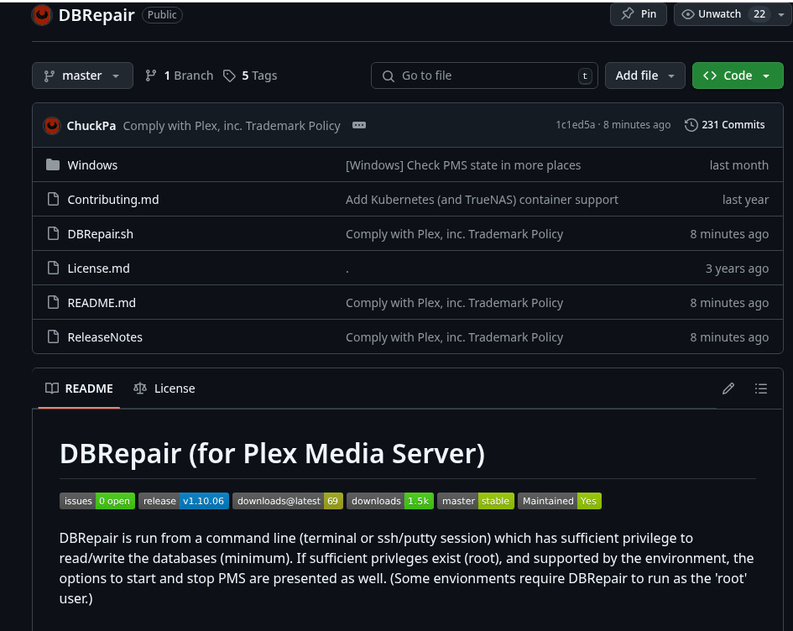
I keep this marked as it does a good job covering things a bit better than digging through this particular thread sometimes: GitHub - ChuckPa/PlexDBRepair: Database repair utility for Plex Media Server databases
I don’t use the tool that often and ChuckPa maintains that really well so I always go back to it when I need to update and run it again to make sure I’m doing the right stuff. 
I recently started getting Plex crashes with an error in the container of:
Sqlite3: Sleeping for 200ms to retry busy DB.
Did some searching and came across this script. Awesome! Executed ‘automatic’ within the container (LSIO on unraid) and it just sits there. I’ve let it run for 5+ minutes before control-c.
Enter command # -or- command name (4 char min) : automatic

Automatic Check,Repair,Index started.

Checking the PMS databases
In looking at some people’s screenshots with timestamps, it looks like that first part should take a couple of seconds. Am I just impatient and I need to let this run for tens of minutes, or am I running into some strange issue?
Thanks!
Edited: After about 20 minutes of waiting it seems to have progressed (with OKs)! I guess I’m just impatient!
I just rain this on my Windows complete last night and it took exactly 59 minutes to complete on a gen4 SSD.
I just deleted nearly 1,000 bif.tmp files in the \Media\localhost\ folders totaling nearly 1TB in size which got me thinking.
Can you create a function similar to Purge that would remove unused/orphaned bif files?
If over the years I’ve accumulated this many tmp files, potentially, how many bif files remain for videos that have been deleted or moved?
that was a lot of space I recovered and the only reason I noticed was because my backup was so much less than the original (only files excluded were .tmp)
For the past 2 updates, entering only 88 to check for updates on Ubuntu prints a long list of (all?) prior versions.
Also, entering only 88 when there is no updates available will ask Ok to remove temporary databases/workfiles for this session? Not sure if this is intended.
That’s not a crash. That’s your database being overloaded currently. You can wait until it eases up, or you can terminate PMS (should be your last choice).
Fixed in latest version, .06.
You should be able to answer Y after the entering 88 and the extra info is displayed.
I hope it’s not Chucks Tool.
Thank goodness: GitHub - ChuckPa/DBRepair: Database repair utility for Plex Media Server databases