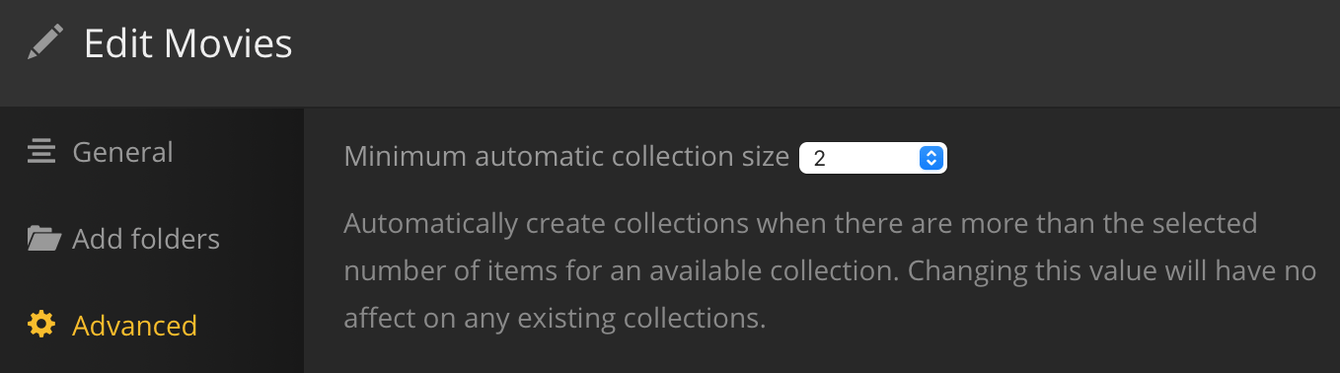
With the new “Plex Movies” agent. I would like to create collections using this agent. It currently does not do anything with existing collections. I do not want to delete my whole library and have to start fresh with plex having to gather preview thumbs, chapter, etc. those take a lot of resources and time that isn’t worth it for collections. Is there a way to just delete all the existing collections? Instead of one by one?
In Plex Web, on the Collections tab, select the first desired collection, shift click to select last desired collection. It will auto-select all collections in-between.
Use Control-click to select multiple, individual collections.
I just posted a topic looking for exactly the same information. Didn’t see this one before hand.
My concern is that I thought once you delete the collections it is stuck like and the only way you can form the collection again is to either do it manually or dump and rescan your entire library. Is that not the case?
Okay, so I upgraded to the new movie agent, deleted my collections, unlocked all collection tags, restarted plex server multiple times, scanned library, and refreshed meta but I still have no collections. Does anyone have a clue what is wrong?