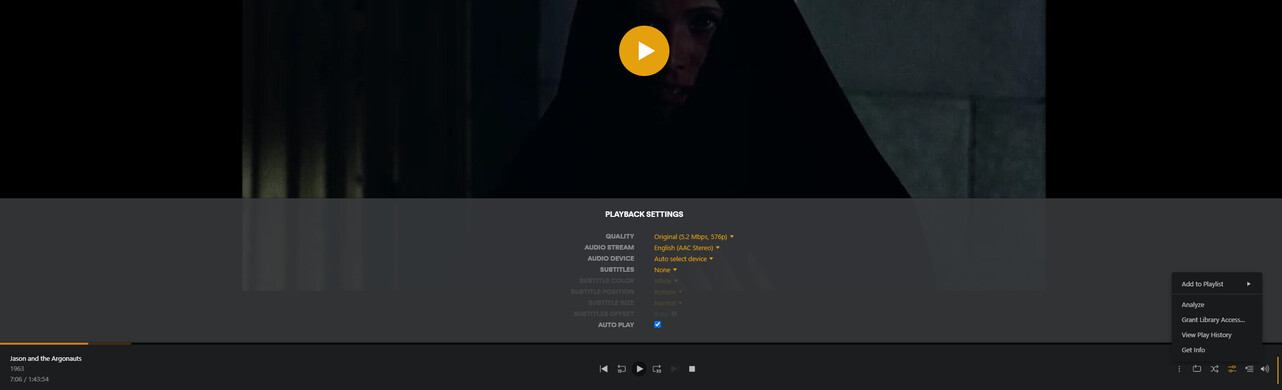
Server Version#: 1.30.2.6563
Player Version#: 1.66.1.3632-4d9c7716
There is no Aspect Ratio button in settings nor the player. According to the internet, there used to be a key bind for it “Z”.
https://www.maketecheasier.com/cheatsheet/plex-keyboard-shortcuts/
Is there a fix for this in an upcoming update or an already known issue?
That did it. So strange it’s not baked into the software and requires a custom script file by users. The Zoom out doesn’t work but an easy workaround is just rest aspect and Zoom in slower.
Zoom out works for me, so you might have made a typo somewhere.
I also ran into the same issue yesterday, the problem is that the there is a typo in the linked script (at least the LUA version). It uses an underscore (_) instead of a dash (-):
mp.add_forced_key_binding("_", "zoomSub", zoomSub)
You just need to change that so that zooming out works as it should.
Thank you for pointing this out!
I’ve edited the linked post accordingly.