Server Version#:
Player Version#:
<If providing server logs please do NOT turn on verbose logging, only debug logging should be enabled>
Not sure if this is server or player. Being that I want to adjust settings that would be reflected on any playback device, that might suggest server, but being that it’s display and navigation in players, that might be player.
Move the thread to a more appropriate place if necessary.
I’ve finally managed to add a music library to my server. And now I see all my artists coming in, sorted alphabetically…by first name.
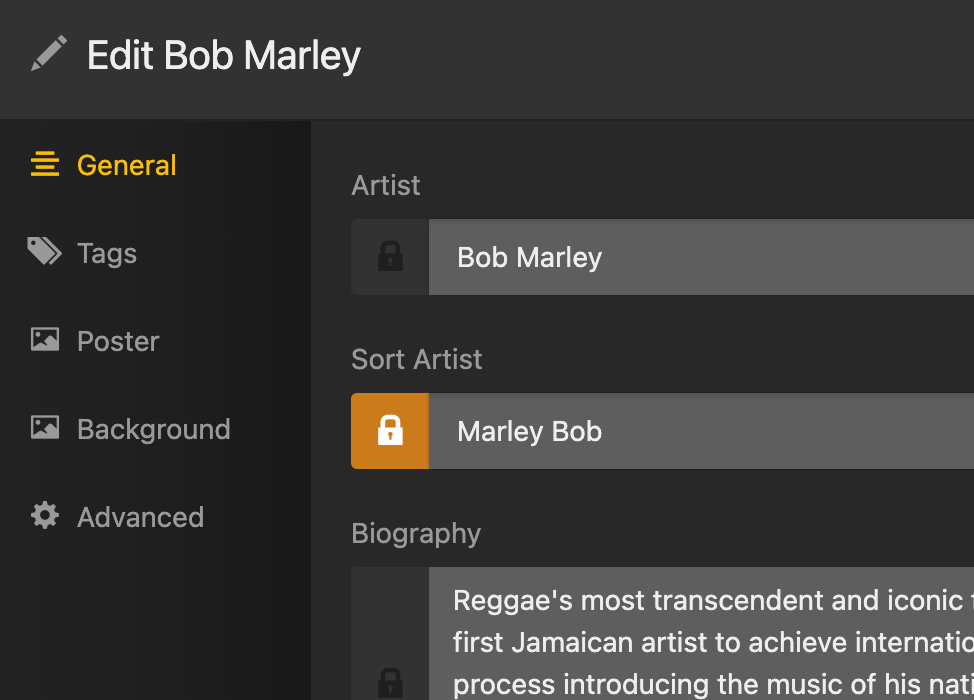
How do I fix this to the more logical standard of last name? All my tags are created last, first, so it seems plex is doing some sort of match up as it automatically grabs artist pictures for a nice looking navigation menu, but is also automatically taking it upon itself to display and sort by first name, which doesn’t work for me.
Also, is plex using the artist tag, or the album artist tag, when sorting by artist? I’ve devoted hours of time ensuring my album artist tags are all current and correct, so that complications will show up as compilations, and not with individual tracks haphazardly strewn about different artist folders. So it is rather important that I be able to display by album artist.
There are meta tags for this.
SortAlbumArtist and SortAlbumTitle
if all your files have these tags in them, filled with how you prefer it, Plex will read them when the Artist and Album is being added to the Plex database the first time.
Which means, it is probably easier to scrap your music library completely, optimize your Plex database, then re-create the music library again.
But each track on every album attributed a to certain AlbumArtist must have indentical content in the SortAlbumArtist tag. Otherwise it is a game of chance which content of the SortAlbumArtist tag will actually be used by Plex.
You will need to activate “Prefer local metatags” in the properties of the library.