Server Version#: 1.22.1.4228
Player Version#: 4.53.0
As part of the process of adding movies/tv episodes to my Plex server, considering that EAC3 playback causes some issues with Android TV (I have an NVIDIA Shield), I have made it a point of converting all movies with EAC3 sound to AAC via the following ffmpeg command:
ffmpeg -i input.mkv -map 0:v -c:v copy -map 0:a -c:a aac -b:a 384k -strict -2 -map 0:s -c:s copy output.mkv
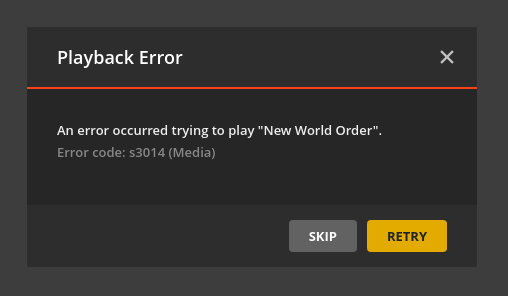
I’ve see that this process sometimes works (I converted a whole TV show like this with no issues), but some files wind up causing the following playback error:
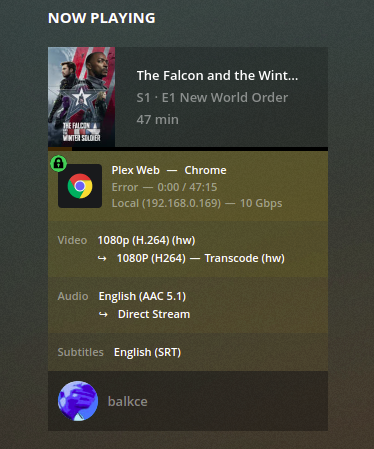
Even the server seems to be attempt to transcode it:
Interestingly, the resulting movie file is able to be played by other programs (like VLC).
Any recommendations of what to modify in the ffmpeg command so that the file is able to processed by Plex appropriately?
I’m also attaching the log file (with debugging option enabled) when trying to play the movie and that it throws the playback error.
Thanks in advance.
log.txt (120.5 KB)
